
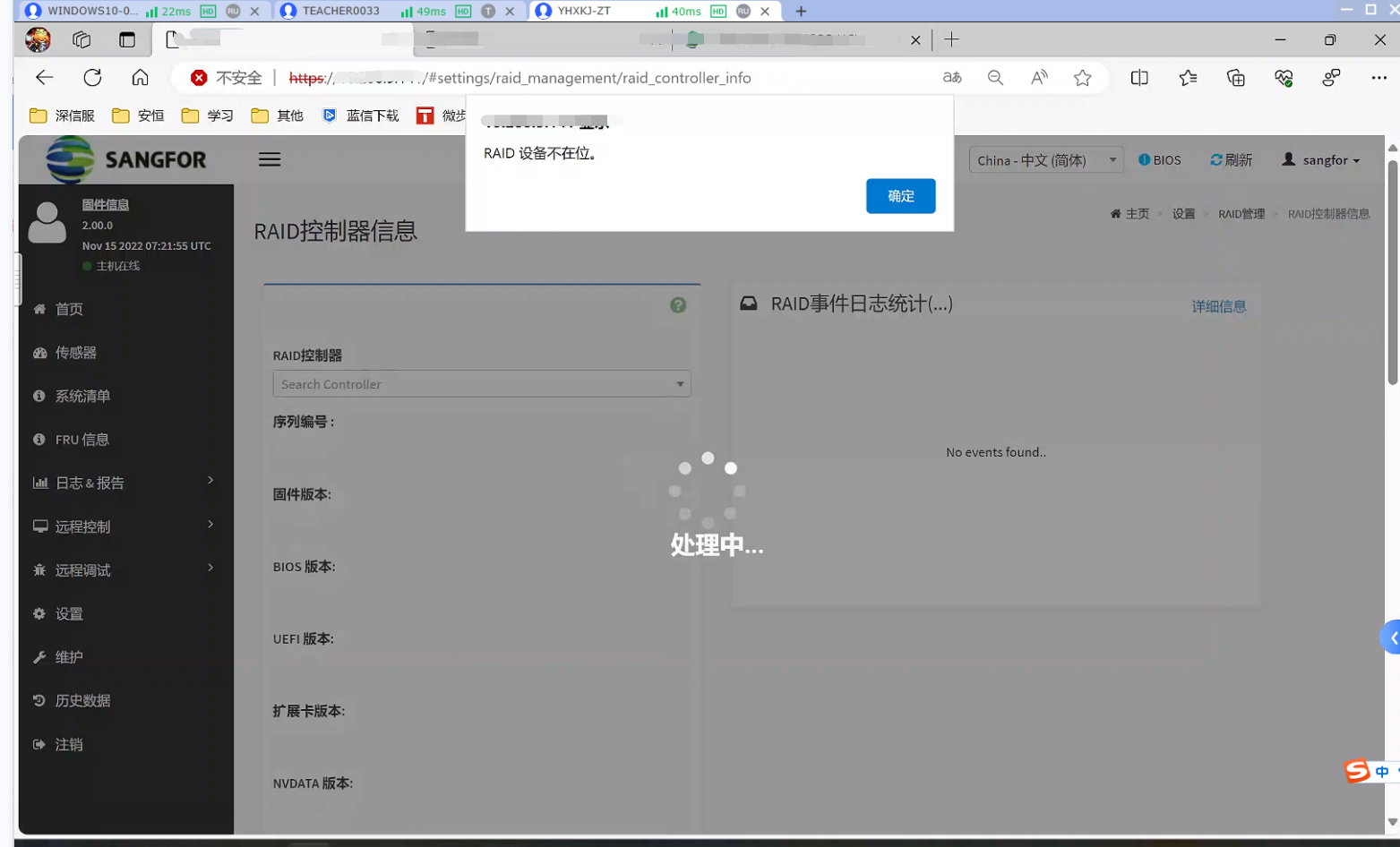
The FBQ server BMC page Settings RAID card administration and management Tips RAID card is not in place.
Problem Description
The FBQ server BMC page RAID card Tips RAID card is not in place
Alerting Info
The BMC page riad card Settings Tips RAID card is not in place!
Effective troubleshooting steps
- Changing the Browse… and logging Log In BMC again Invalid
- Restart BMC Invalid
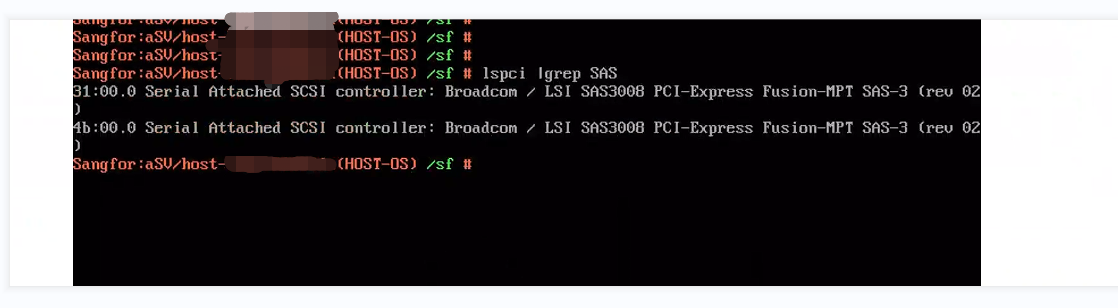
- Use the command lspci lgrep SAS View RAID card background recognition is Connected
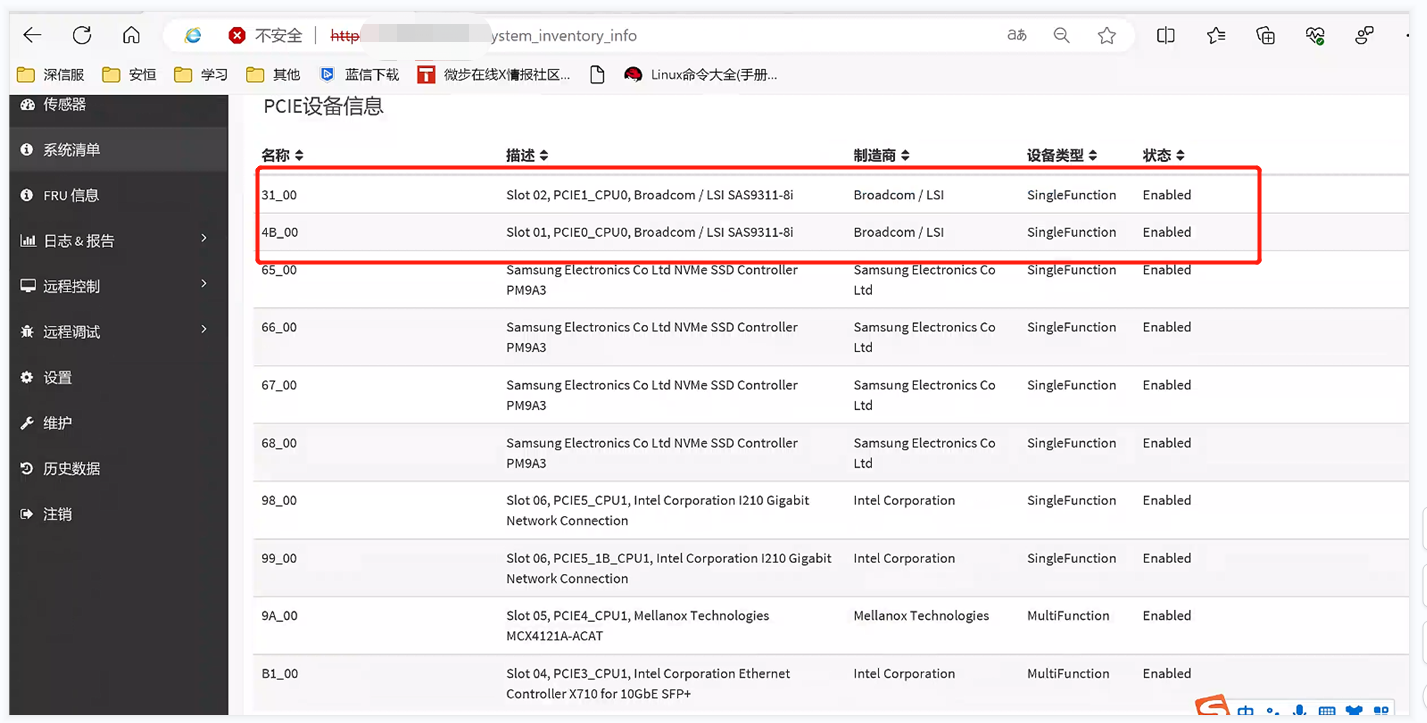
- Coordinate with the server manufacturer to check and OK 9311-8i RAID card does not support out-of-band administration and management. It only Impacts out-of-band administration and management and Impacts no impact on actual business and App!
Root cause
The 9311-8i RAID card does not support out-of-band administration and management, and related Settings cannot be changed Auto unlock after the BMC page
Out-of-band function of the RAID card: You can Passed query OR Command Line on the RAID card that supports out-of-band administration and management through the iBMC Web interface and Operation.
solution
RAID card does not support out-of-band administration and management. It only Impacts out-ofadministration and management and has no Impacts on actual services and App.
Original Link
https://support.sangfor.com.cn/cases/list?product_id=156&type=1&category_id=26718&isOpen=true