
[aCloud] After uploading the WAN optimized image, when creating a cloud interconnection tunnel on the cloud interconnection page, it still prompts to upload the image
Problem Description
On the Resources – Cloud Interconnect page, when you create a cloud interconnect tunnel for the first time, you are prompted to upload a WAN optimization image. After uploading the WAN optimization image according to the wizard, click Create Cloud Interconnect Tunnel again, and you are still prompted to upload the WAN optimization image.
Alarm Information
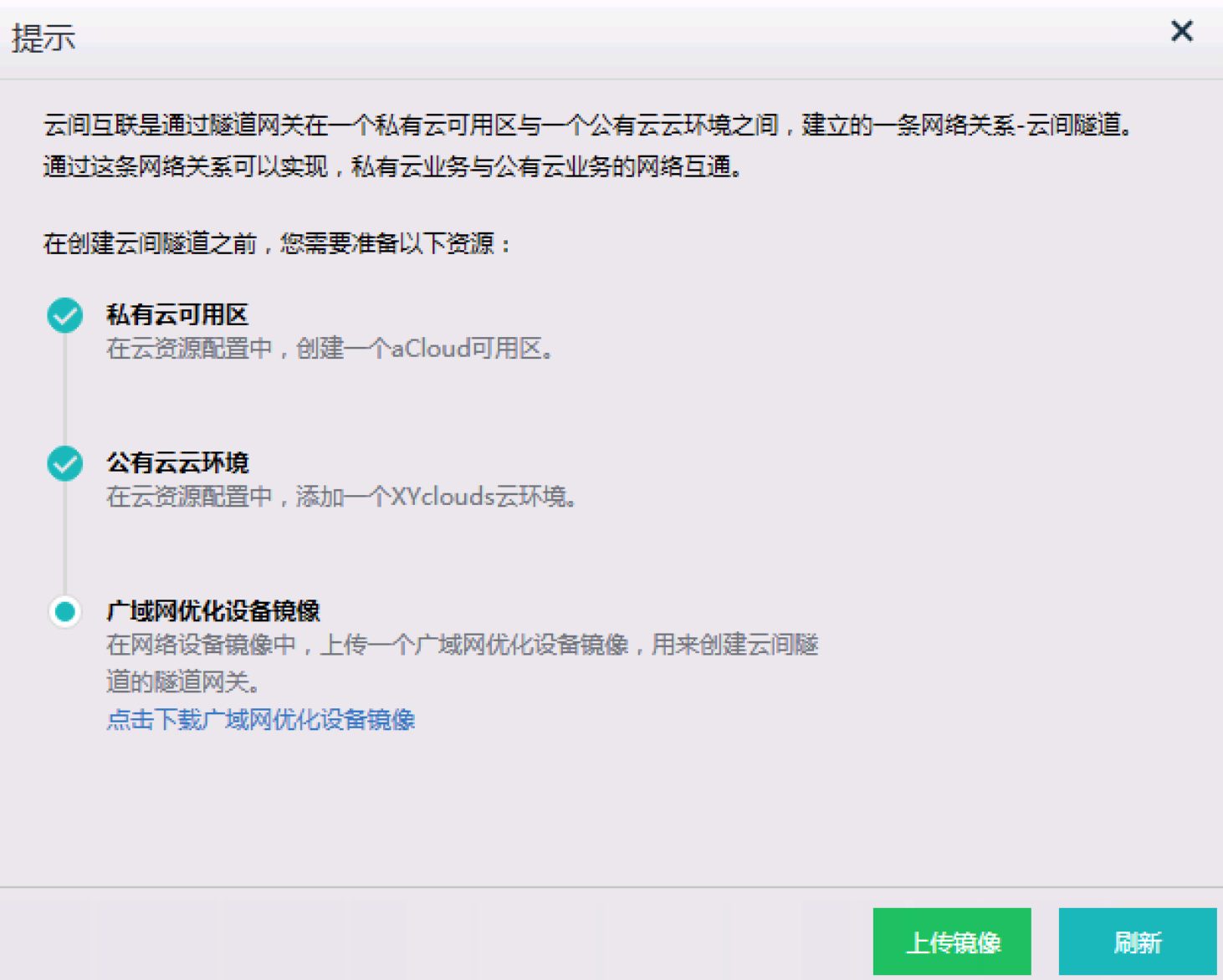
262435bed2bf3c9f9e.png (277.13 KB)
Root Cause
The uploaded WAN optimization image version is incorrect. aCMP cloud interconnection requires the use of vWOC9.5.3 version
Solution
Just upload the vWOC9.5.3 version image again
Original Link
https://support.sangfor.com.cn/cases/list?product_id=33&type=1&category_id=15593&isOpen=true