
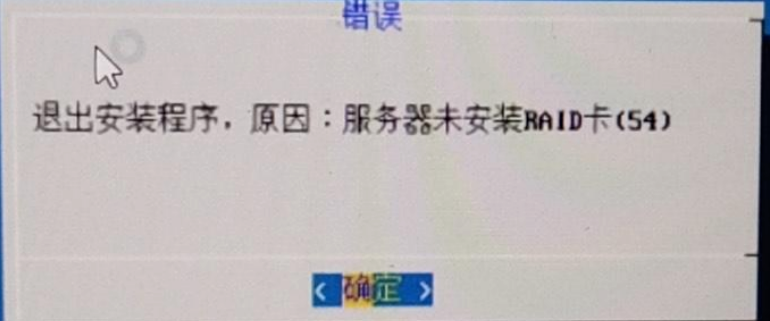
[HCI-ARM] ARM installation failed with the prompt: Exit the installation program, reason: The server is not equipped with a RAID card (54).
Problem Description
ARM installation failed prompt: Exit the installation program, reason: Server is not installed with RAID card (54)
Solution
- First, make sure that the server does not have a RAID card installed. Usually, we require third-party servers to be equipped with System Disk RAID, but during testing, some machines were not equipped, so the backend code needs to be modified to bypass Entity.
- Install and unzip ./sCloud6.2.0_[color=rgb(0, 104, 189) !important]ARM.run –target /acloud and exit if there is an error.
cd /acloud/scripts
vim hardware_[color=rgb(0, 104, 189) !important]check.sh
Line 101 and line 114, add # at the beginning to comment out, respectively, are error messages for detecting no RAID card and not enabling Passthrough mode.
Then execute ./anke_install_[color=rgb(0, 104, 189) !important]main.sh to continue the installation.
Original Link
https://support.sangfor.com.cn/cases/list?product_id=33&type=1&category_id=16230&isOpen=true