
[HCI-VN] 630R2 edit Management Interface mask prompts service unavailable
Problem Description
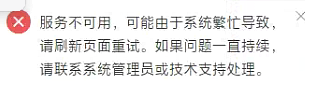
The front-end edits Management Interface mask and prompts that the service is unavailable
Effective Troubleshooting Steps
- Check if the network port editing is unavailable. First check if there is a gray port and whether it is continuous.
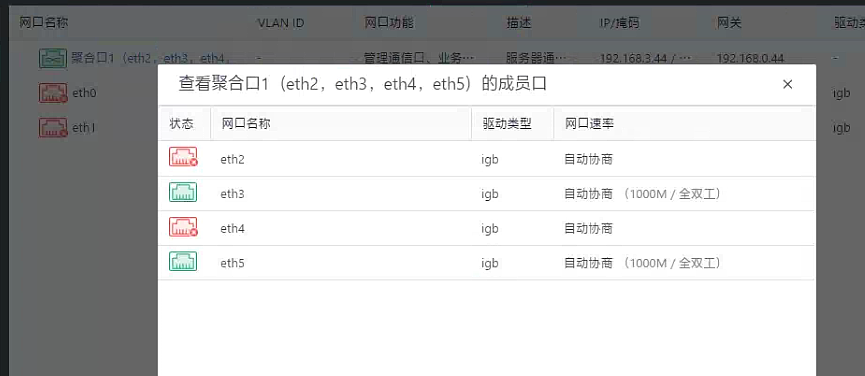
After checking, if there is no gray screen and no discontinuity or unloaded content, then you need to look at the log.
2. Check /sf/log/today/mgmt-node-agent-rpc.log and find an error
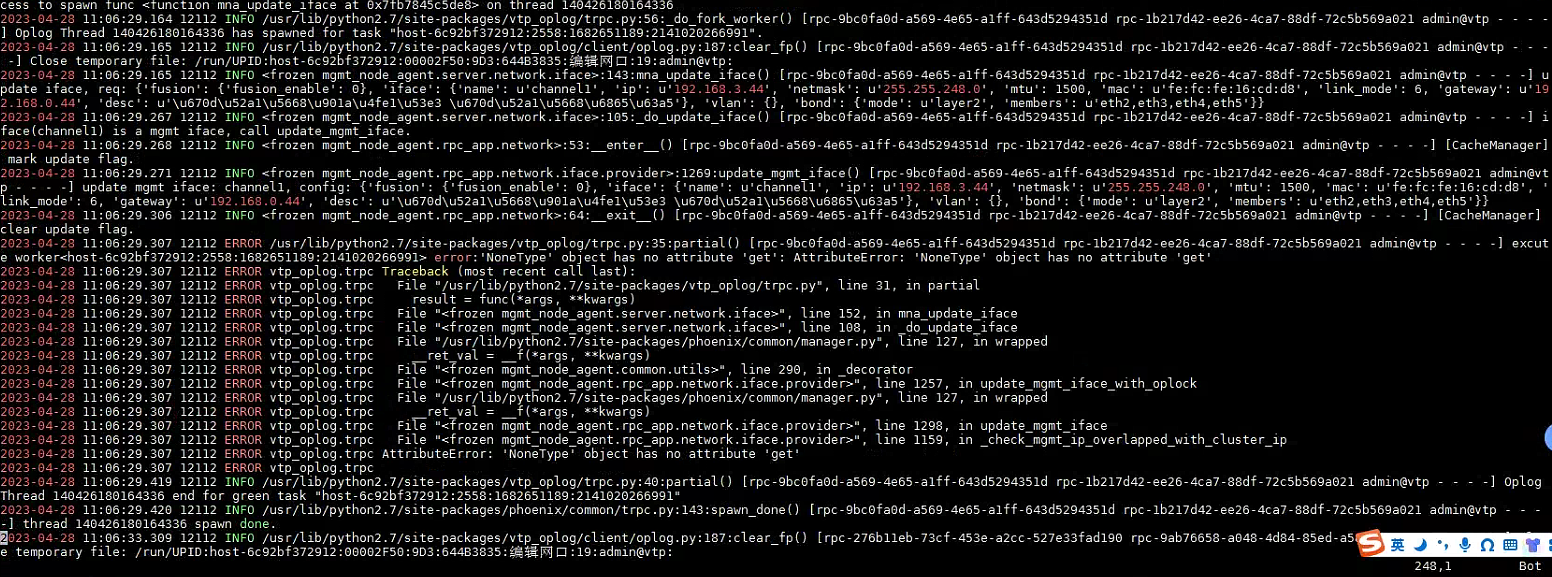
According to the content of this call stack, it seems that Cluster IP is checked, and then Cluster IP takes out a None and calls the get method on it, causing the problem. Then check whether Cluster IP is configured, it is found that the Cluster IP is not configured
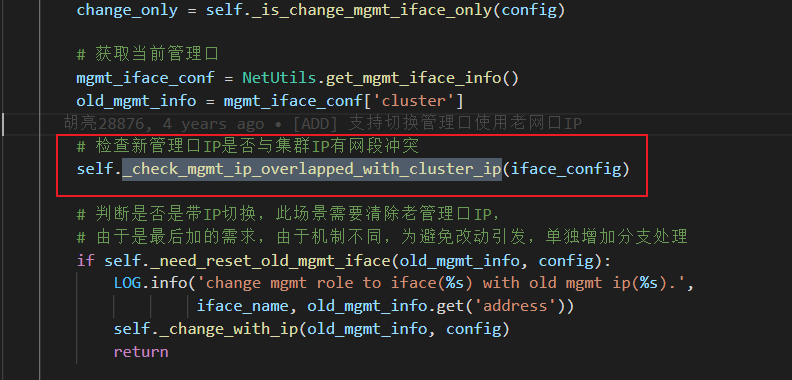
3. Check the code logic. When modifying the Management Interface configuration, it will detect whether there is an IP conflict between Management Interface and Cluster IP. There is a bug in the code here. It does not determine whether Cluster IP exists, which causes the problem.
Solution
First configure a Cluster ip, then configure the Management Interface
Original Link
https://support.sangfor.com.cn/cases/list?product_id=33&type=1&category_id=19339&isOpen=true