
[HCI-VN] 680 front-end alarm virtual router operation failure
Problem Description
Front-end alarm virtual router operation failure

Effective Troubleshooting Steps
- Query the data in the VRRP table in the database and find that both instances of the alarm router are slaves
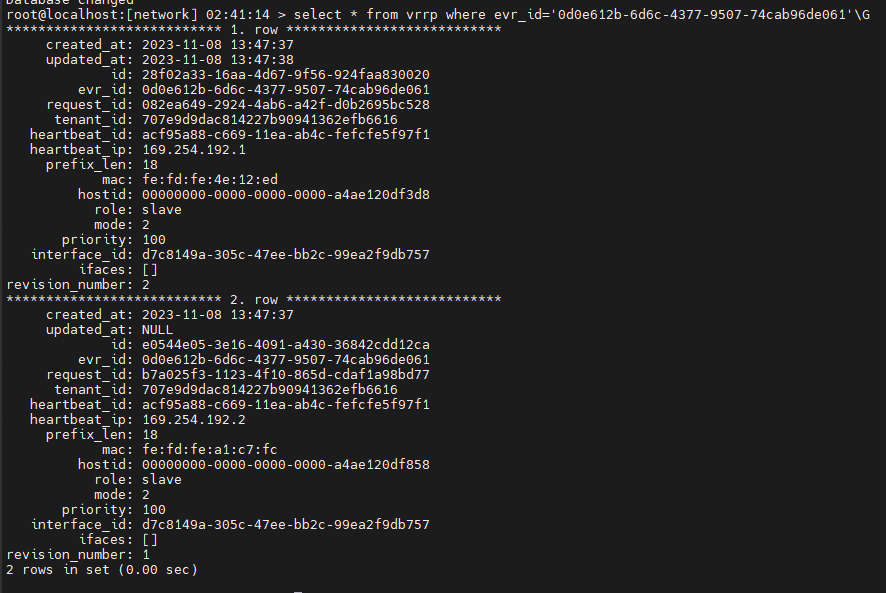
- When checking the data plane status on Node where data plane (DP) is located, it is normal and is in the master state.

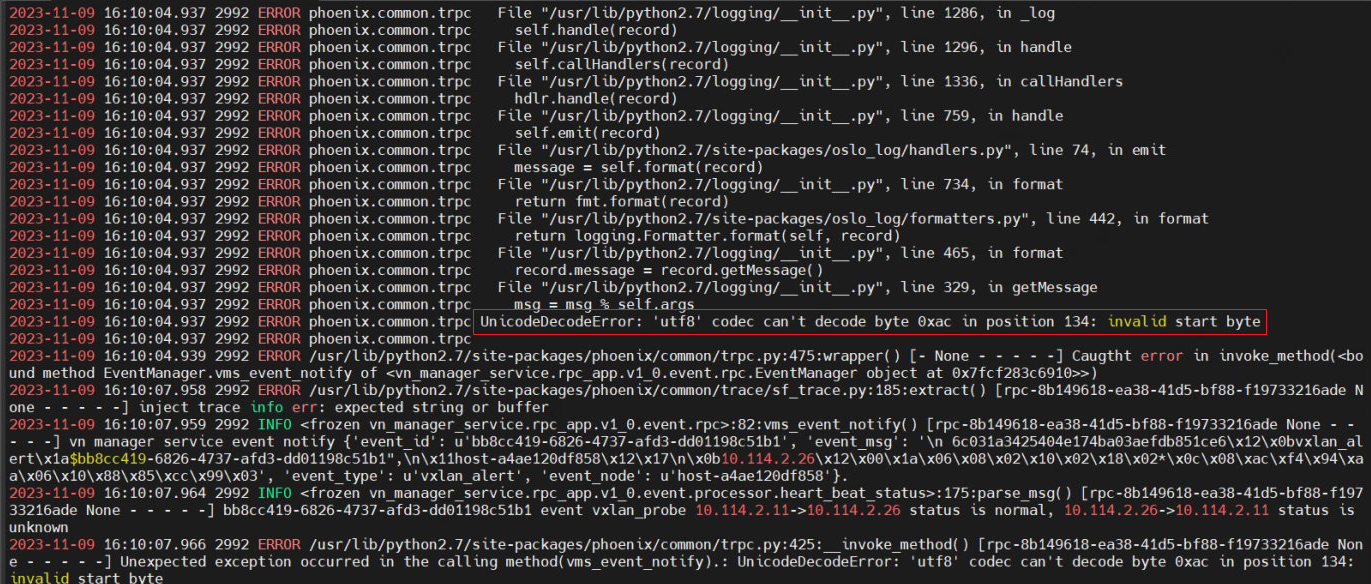
- Check the mp log (/sf/log/today/vn/vn-manager-service-rpc.log) and find that the error log is a known problem
- Check whether the Node is generated in the /tmp/vnet_event/vn-reporter/vxlan_alert directory of all hosts, and delete it manually if there is any.
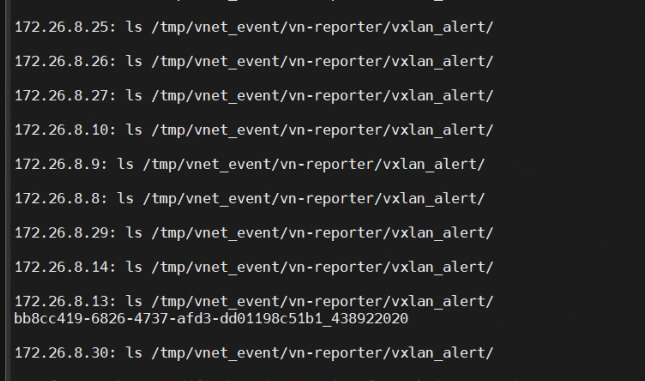
- Then restart the vn-report service to return to normal

Solution
Check whether alarm files are generated in the /tmp/vnet_event/vn-reporter/vxlan_alert directory of all hosts. If yes, delete them manually.
Then restart the vn-report service
680R2 and later versions have been resolved
Original Link
https://support.sangfor.com.cn/cases/list?product_id=33&type=1&category_id=25165&isOpen=true