
[HCI-VN] ANI virtual machine error: Failed to establish authentication, please try again later or contact technical support
Problem Description
When implementing ANI authentication, an error message appears stating that authentication failed.
Alarm Information
ANI authentication failed
Effective Troubleshooting Steps
1. Enter the ani virtual machine background (alt+F2) and check the background log error (/sf/log/today/ani-service.log)
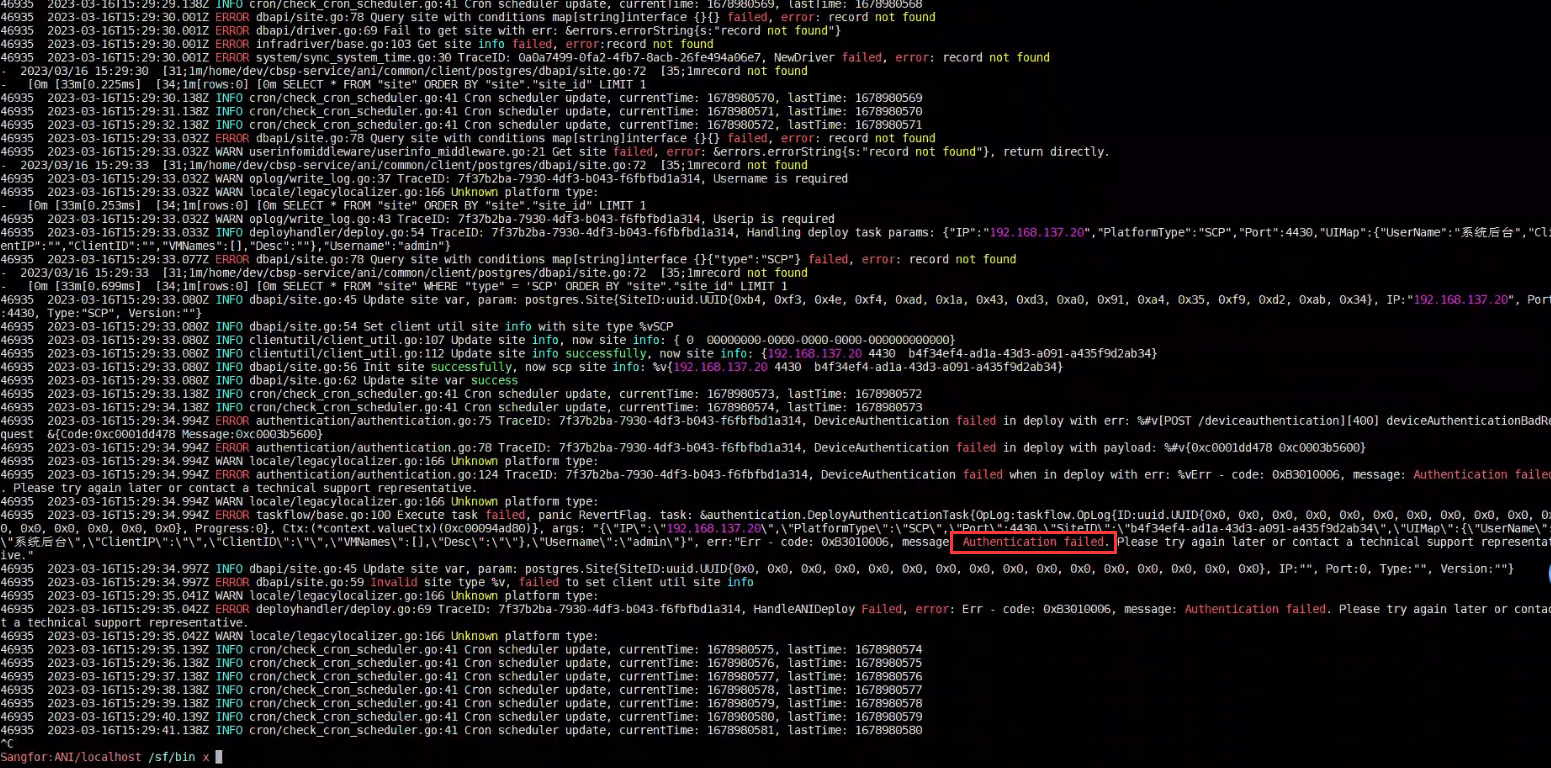
Authentication failed is found in the log.
2. After seeing the above words, you need to check /sf/log/today/auth-service.log and find that there is an error
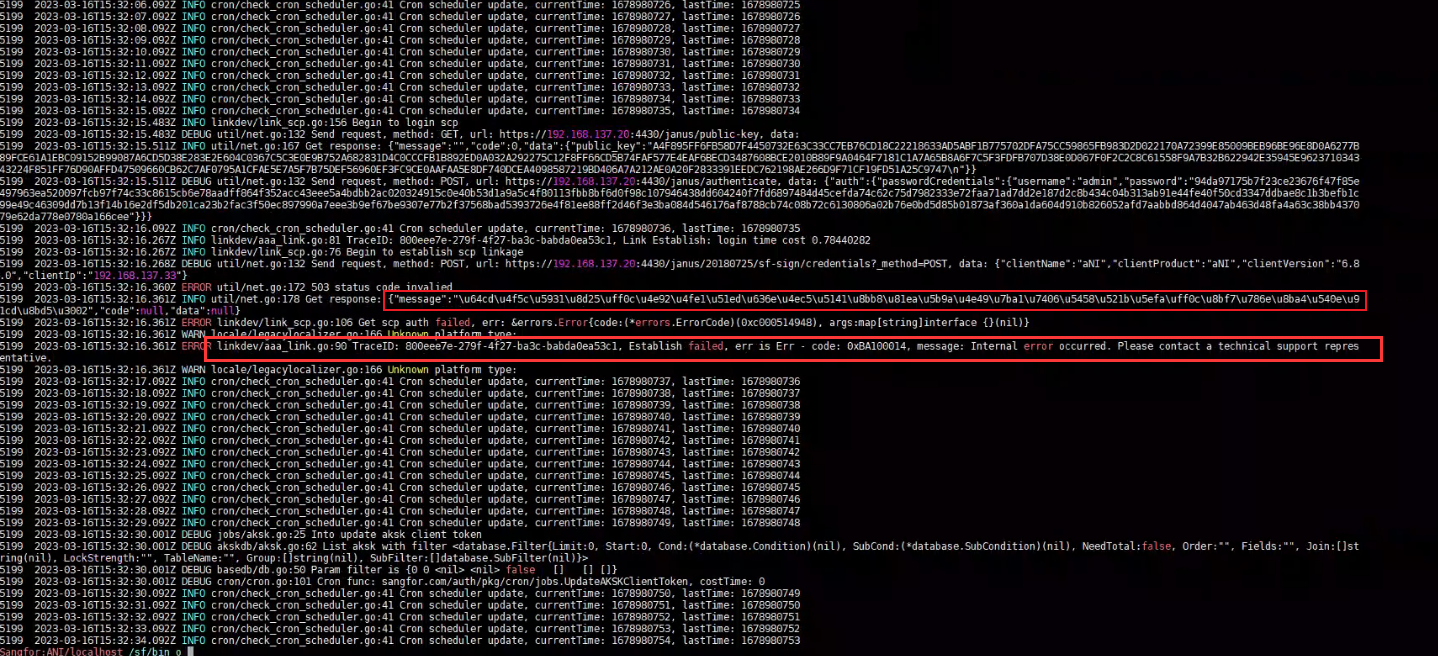
\u64cd\u4f5c\u5931\u8d25\uff0c\u4e92\u4fe1\u51ed\u636e\u4ec5\u5141\u8bb8\u81ea\u5b9a\u4e49\u7ba1\u7406\u5458\u521b\u5efa\uff0c\u8bf7\u786e\u8ba4\u540e\u91cd\u8bd5\u3002
You need to convert this information into 英文 to see what the specific error is.
3. Conversion method: Search "Unicode to Chinese characters" on Baidu, or directly use the following website (external network) https://www.bejson.com/convert/unicode_chinese/
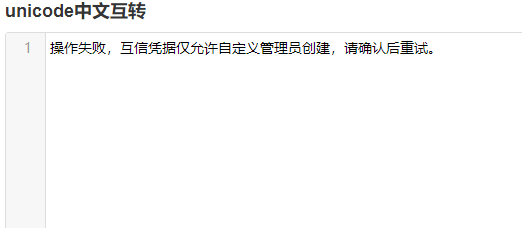
The specific error message obtained after conversion is: ANI authentication requires the use of ani administrators, and Super Admin cannot be used
Root Cause
ANI authentication requires the use of an ani administrator, not a Super Admin
Solution
Reauthenticate using ani admin
Original Link
https://support.sangfor.com.cn/cases/list?product_id=33&type=1&category_id=19237&isOpen=true