
[HCI-VN] External network loop causes latency and packet loss in virtual machines
Problem Description
When a virtual machine is directly connected to Port Group and a PC is directly connected to Node service port, a high latency will occur when the virtual machine pings the PC.
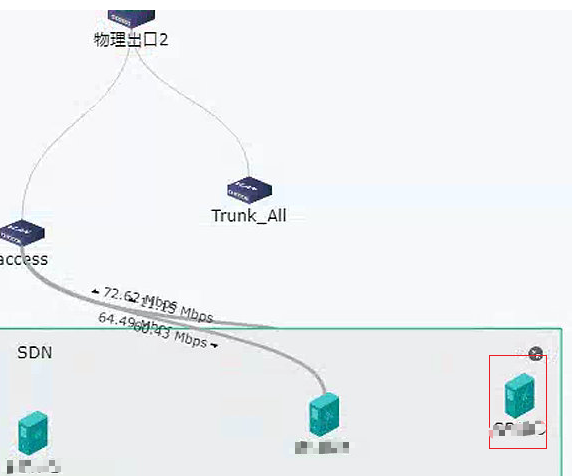
Effective Troubleshooting Steps
- Ping test and packet capture on vlink and service port show that the delay is caused by vlink, so it is judged that it is the delay of platform forwarding.
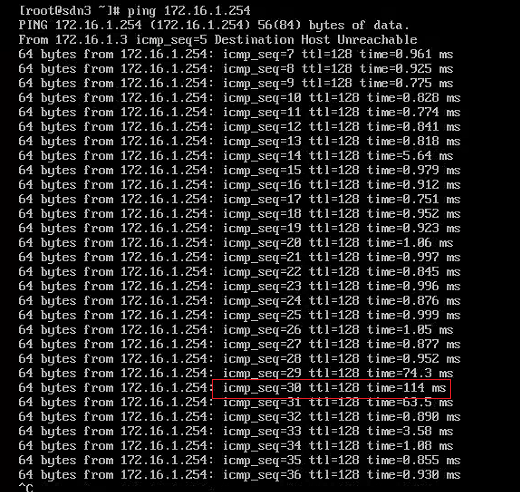
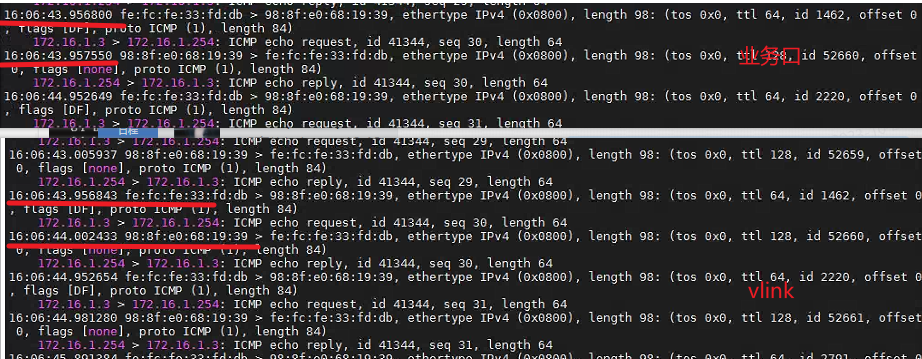
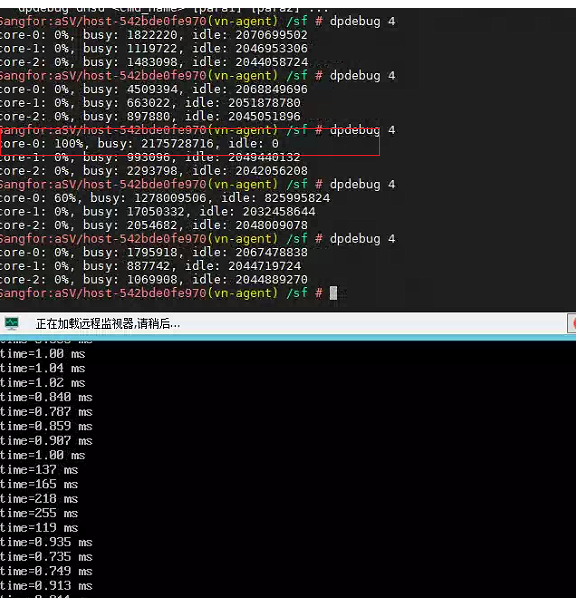
- Check the usage of the platform forwarding core and find that core 0 is sometimes fully utilized. Tests show that latency increases when the forwarding core is fully utilized.
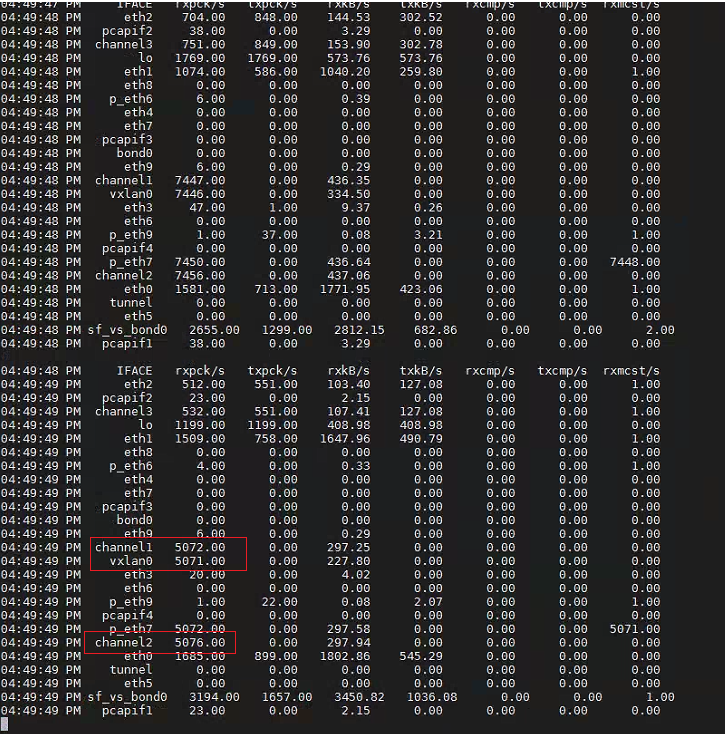
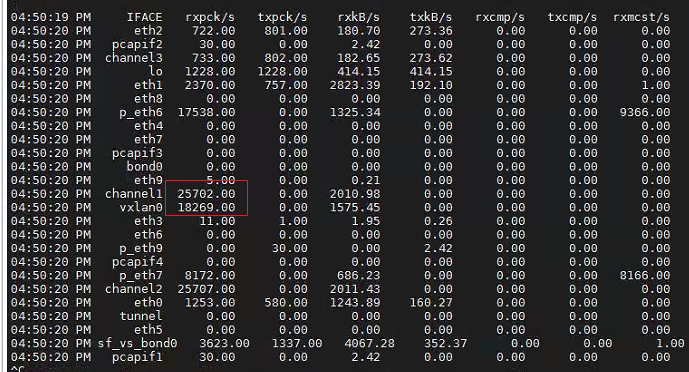
- Check the network port traffic through sar -n DEV 1 and find that vxlan0 and the business port have burst traffic. The customer host has no other virtual machines, only one test virtual machine, and there should not be a lot of traffic.
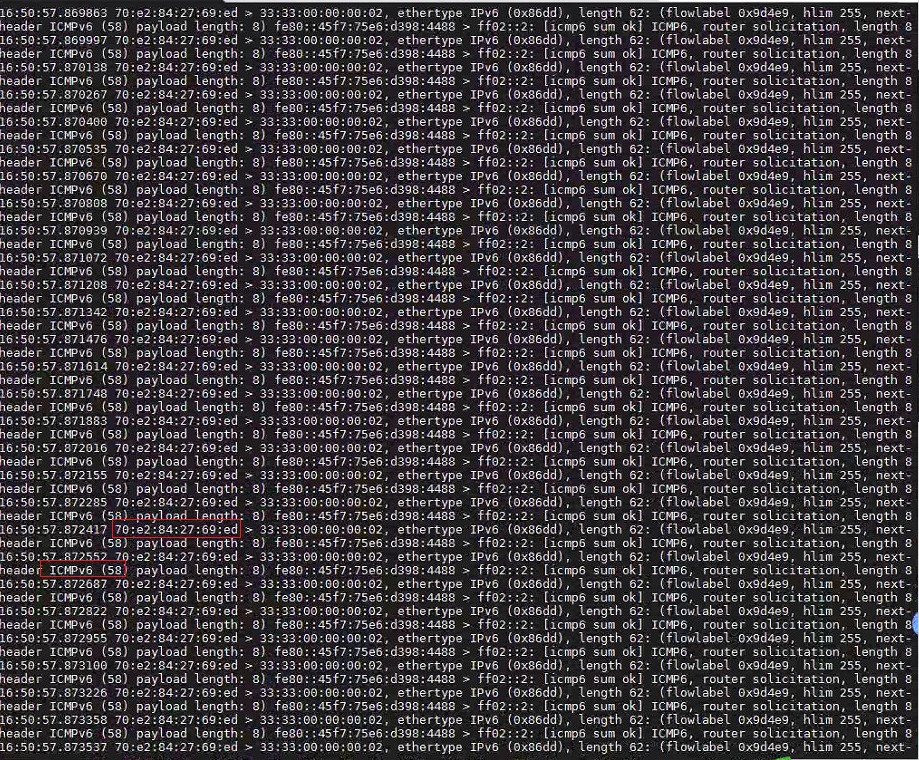
- Through Packet Capture, it was found that there were a large number of icmp6 messages
- After unplugging Node business port and vxlan port, there is no high latency. It is confirmed again that the problem is caused by abnormal traffic and loops outside.
Solution
The customer investigated and solved the problem of Physical Network loop and a large number of abnormal icmp6 messages sent by a certain device
Original Link
https://support.sangfor.com.cn/cases/list?product_id=33&type=1&category_id=24502&isOpen=true