
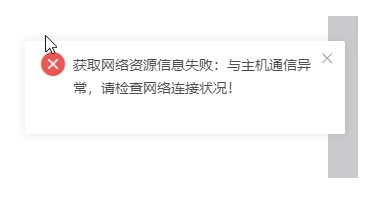
[HCI-VN] Failed to obtain network connection information: Communication with Node is abnormal, please check the network connection status! Error code: 0x01001AD8
Problem Description
The existence of multiple anet-masters in the /etc/hosts file causes the console of HCI670 and later versions to report an error: Failed to obtain network connection information: Communication with Node is abnormal, please check the network connection status!
Effective Troubleshooting Steps
- Execute platform_chk to see multiple anet-masters
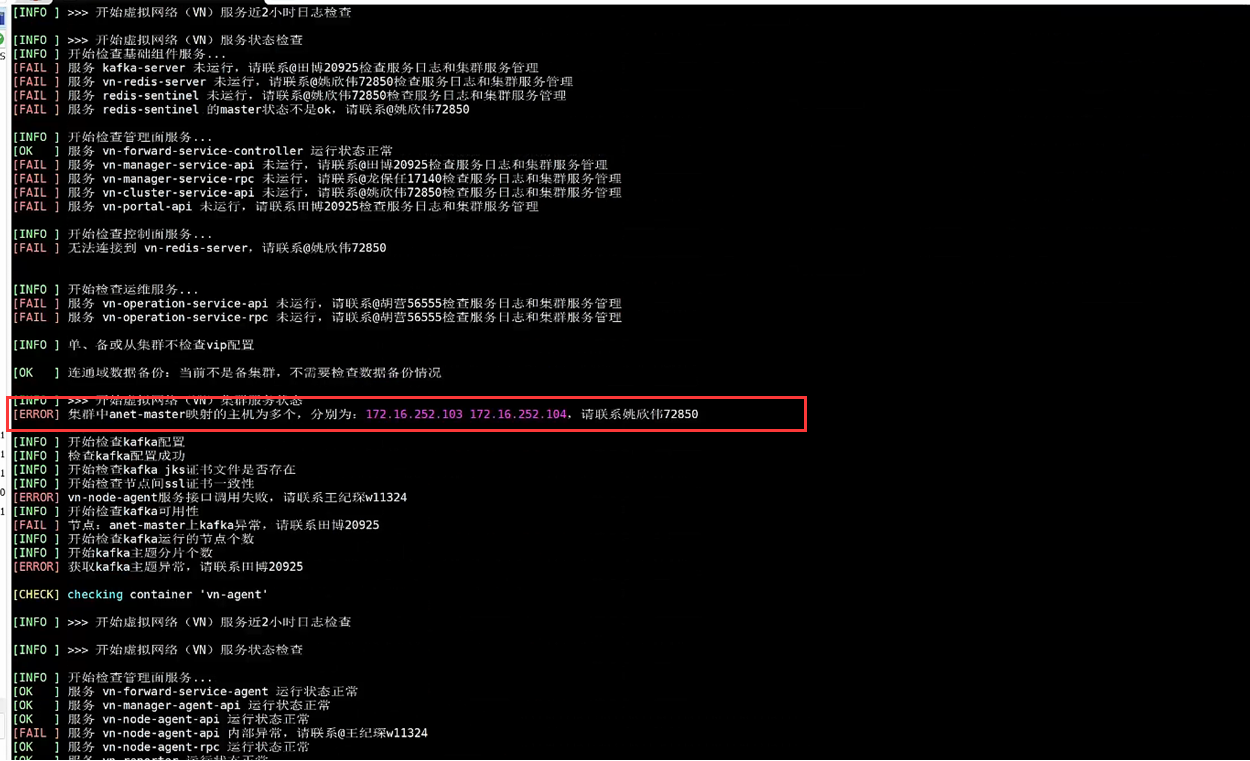
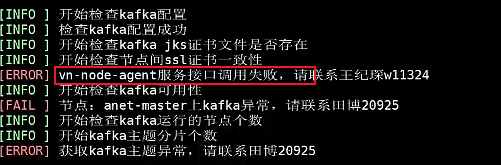
And there is this error
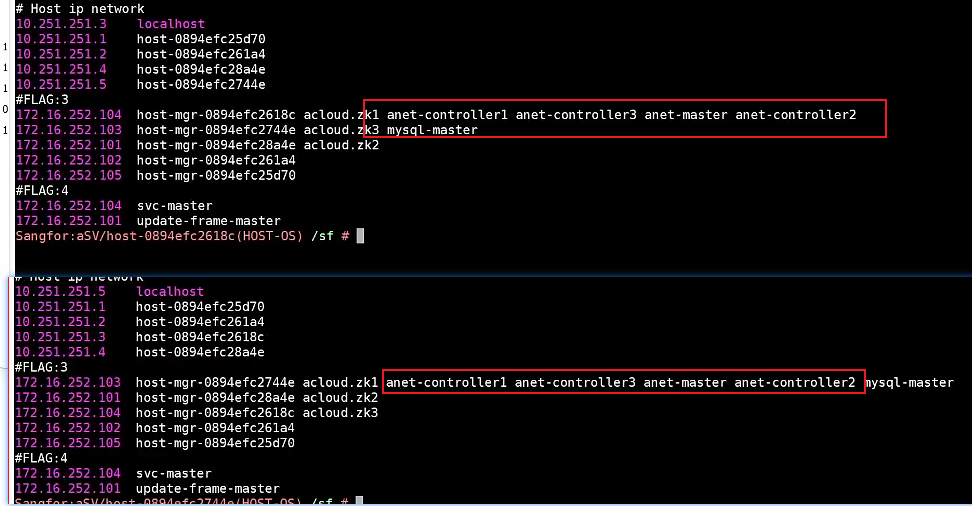
- Check the /etc/hosts file and find that there is indeed a problem. 103 and 104 both think they are anet-master
- View the log /sf/log/today/vn/vn-node-agent-api.log
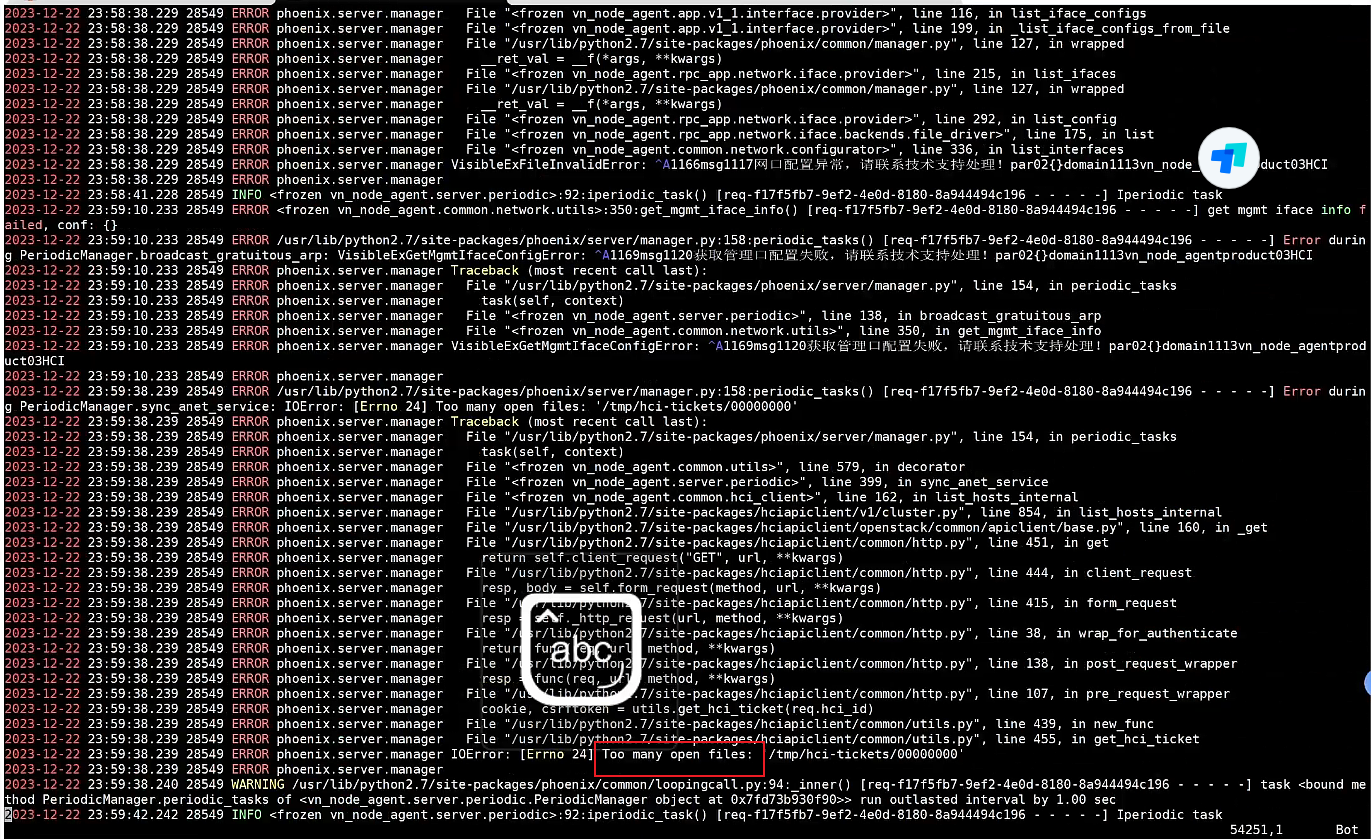
There is a Too many open files log error, this is a known issue
Root Cause
The /etc/hosts file is updated by the vn-node-agent-api service. If there is a problem with the service, the /etc/hosts file cannot be updated. When some master switching operations are performed, there will be two anet-masters, causing the front-end to report an error.
Solution
Temporary solution: Restart the vn-node-agent-api service: container_exec -n vn-a -c "/sf/vn/etc/init.d/vn-node-agent-api restart" (does not affect business);
Complete solution: Upgrade to 690 or apply the latest patch set for 680.
Original Link
https://support.sangfor.com.cn/cases/list?product_id=33&type=1&category_id=26739&isOpen=true