
[HCI] When adding iscsi to HCI and clicking on authentication, an error message appears: “Storage configuration update failed: Storage access abnormality, please confirm the storage environment!
Problem Description
When adding iscsi to HCI and clicking on authentication, an error message appears: "Storage configuration update failed: Storage access abnormality, please confirm the storage environment!"
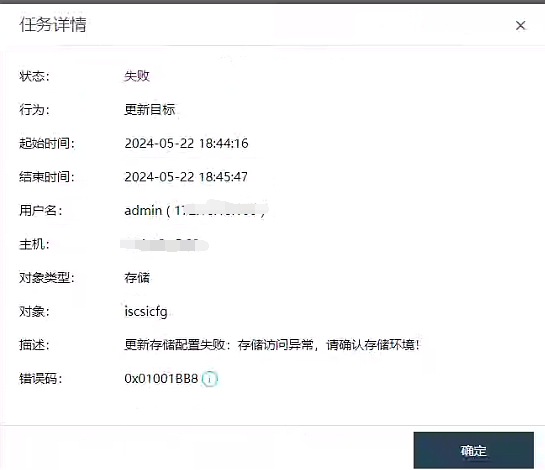
Warning Information
Failed to update storage configuration: Storage access exception, please confirm the storage environment!
Effective troubleshooting steps
- The background filtering error message indicates that the authentication failed, but the account and password are confirmed to be correct.
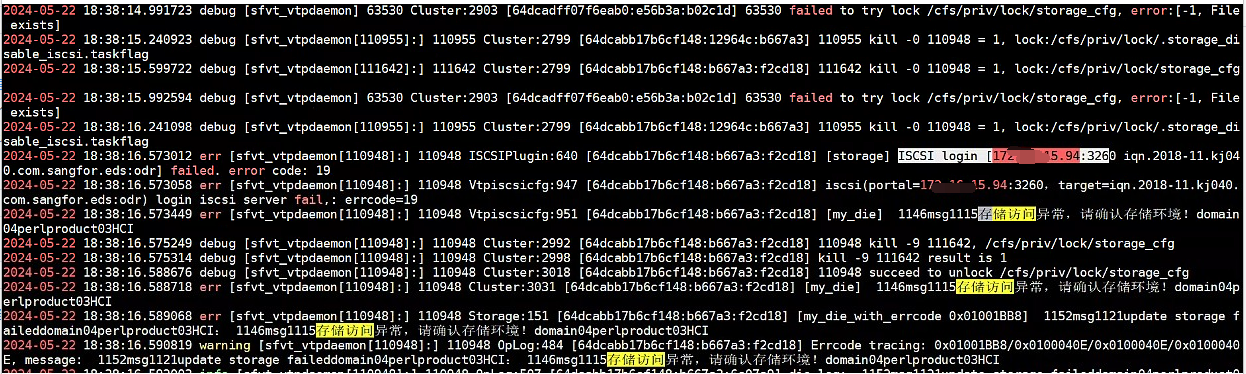
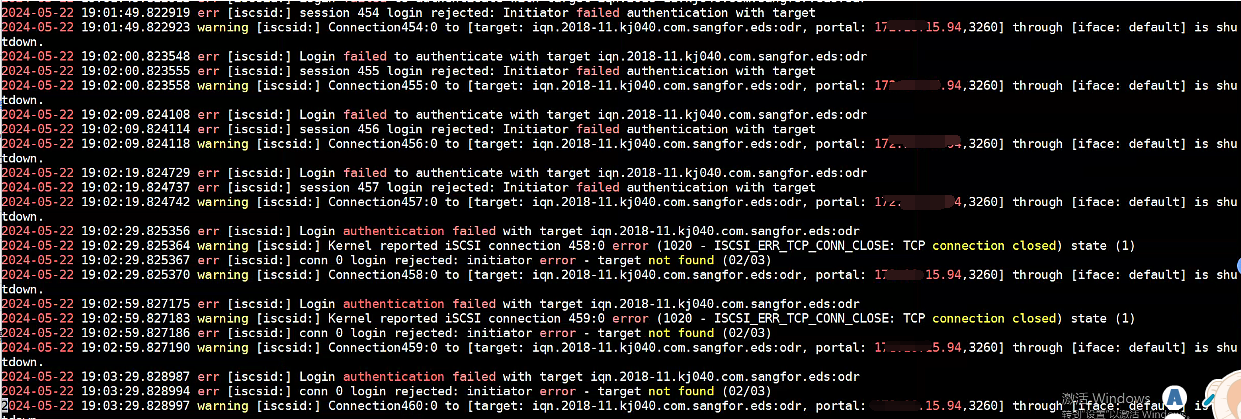
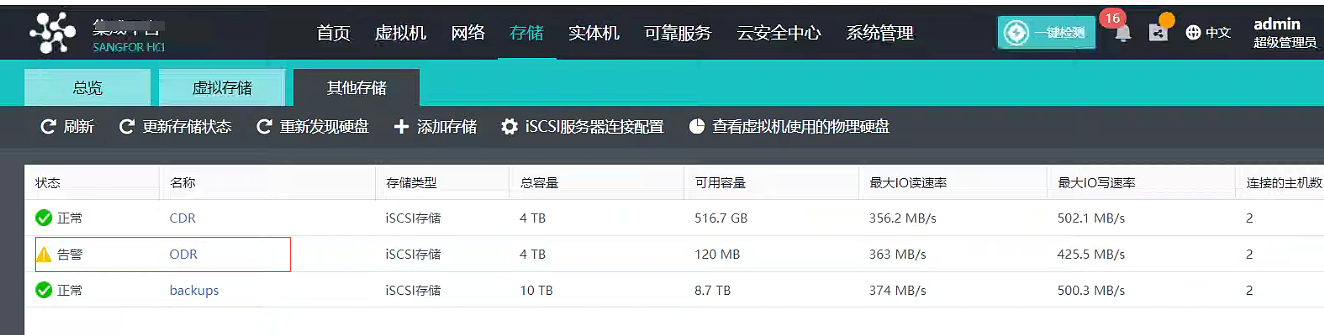
- The customer has two EDS block storages mounted to HCI. The iscsilun name of another EDS mounted on the current HCI is the same as the lun name to be mounted. After trying to modify the lun name to be mounted, the mount is successful;

Root Cause
lun name conflict caused
Solution
Modify the lun name in the storage area, which cannot conflict with the existing name in the current environment