
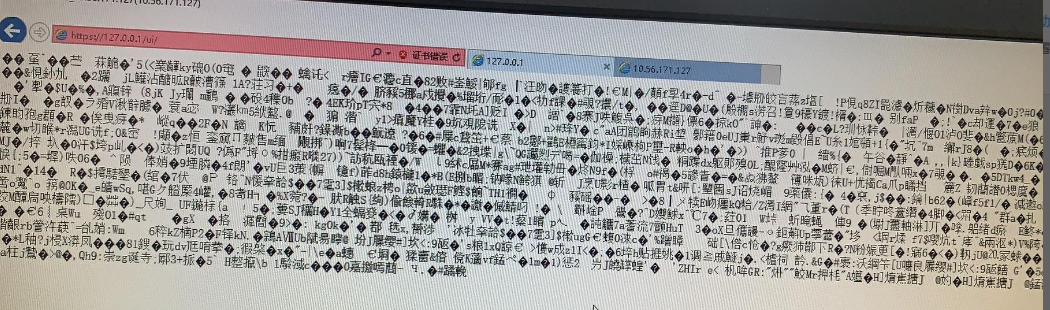
[BA] The BA page displays all garbled characters – the disk space is full.
Problem Description
Customer feedback: Unable to access the newly installed BA server
The WEB interface displays all garbled characters
Effective troubleshooting steps
- Changing the browser to access is still the same
- Restart all services in the data center and verify that the problem is still the same.
- Confirm that port 443 is monitored by an external program

- Check the Apache log. The prompt is that there is no free space on the disk.
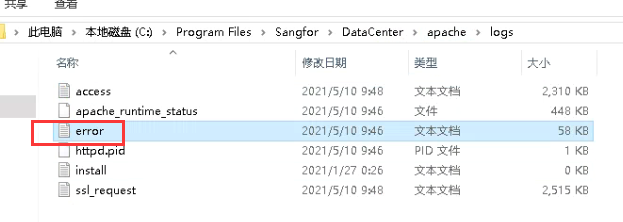
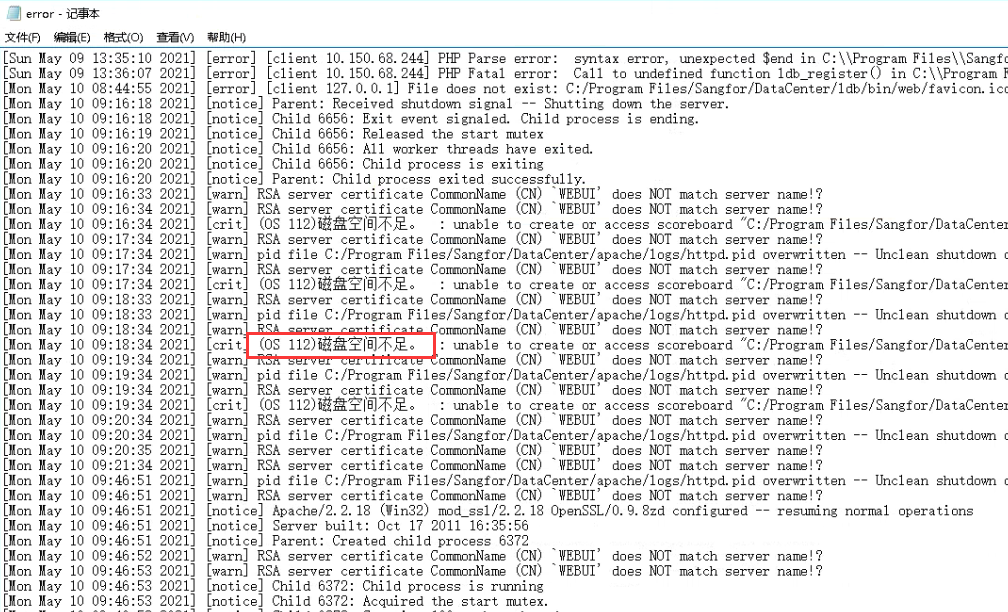
- Check the C drive and find that there is indeed no free space
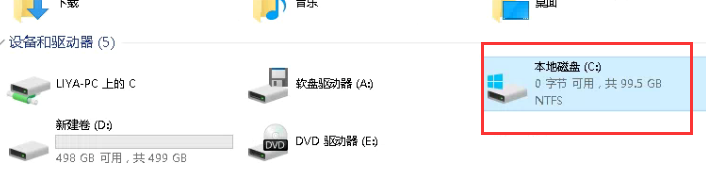
Root cause
The partition where the operating system is located has insufficient disk space.
solution
Use software to analyze the file usage of C drive, find the files that occupy the space and remove them
Original Link
https://support.sangfor.com.cn/cases/list?product_id=22&type=1&category_id=8132&isOpen=true