
[IAG] AD domain script single sign-on failed, sinforIP file was placed in the wrong directory
Problem Description
Computer-side ad domain script single sign-on failed
Effective troubleshooting steps
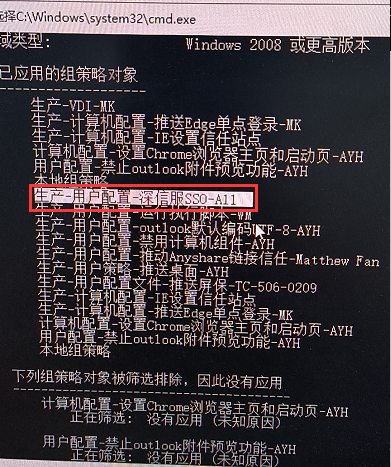
- Execute "gpresult /r" in the computer cmd command line to see if the domain has been joined and the corresponding group policy has been obtained from the domain controller.
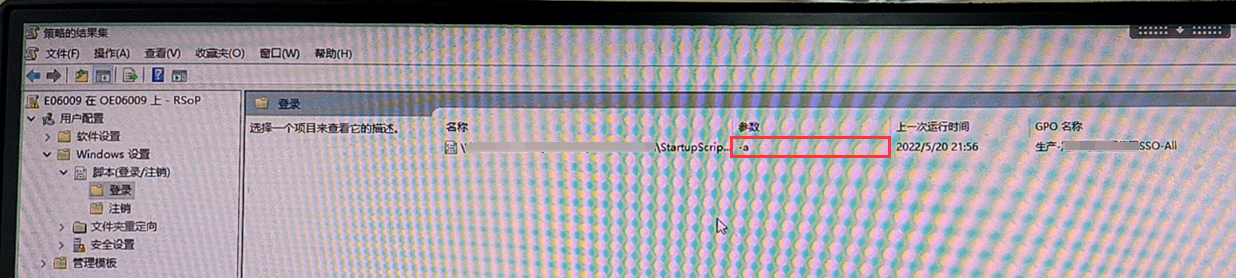
- Execute rsop.msc on the computer and find that the parameter obtained from the group policy is "-a"
- Check the AD domain group policy for the script "logon.exe" configuration parameter is "-a", but the corresponding directory does not contain the sinforIP file. The customer put it in the wrong directory. After the sinforIP file was placed in the corresponding directory, the AD domain script single point login was successful.
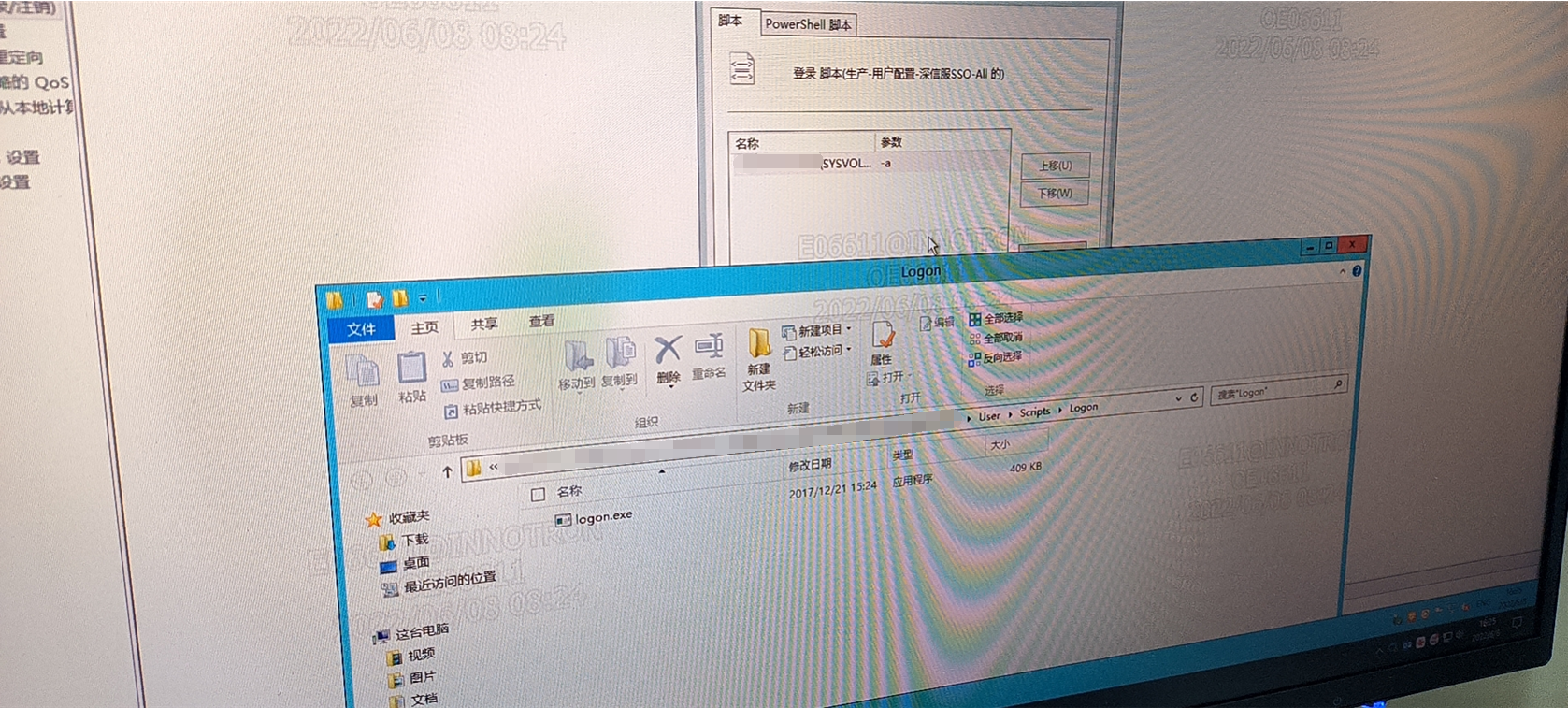
**Note: The sinforIP file must be placed in the same path as the logon script. **
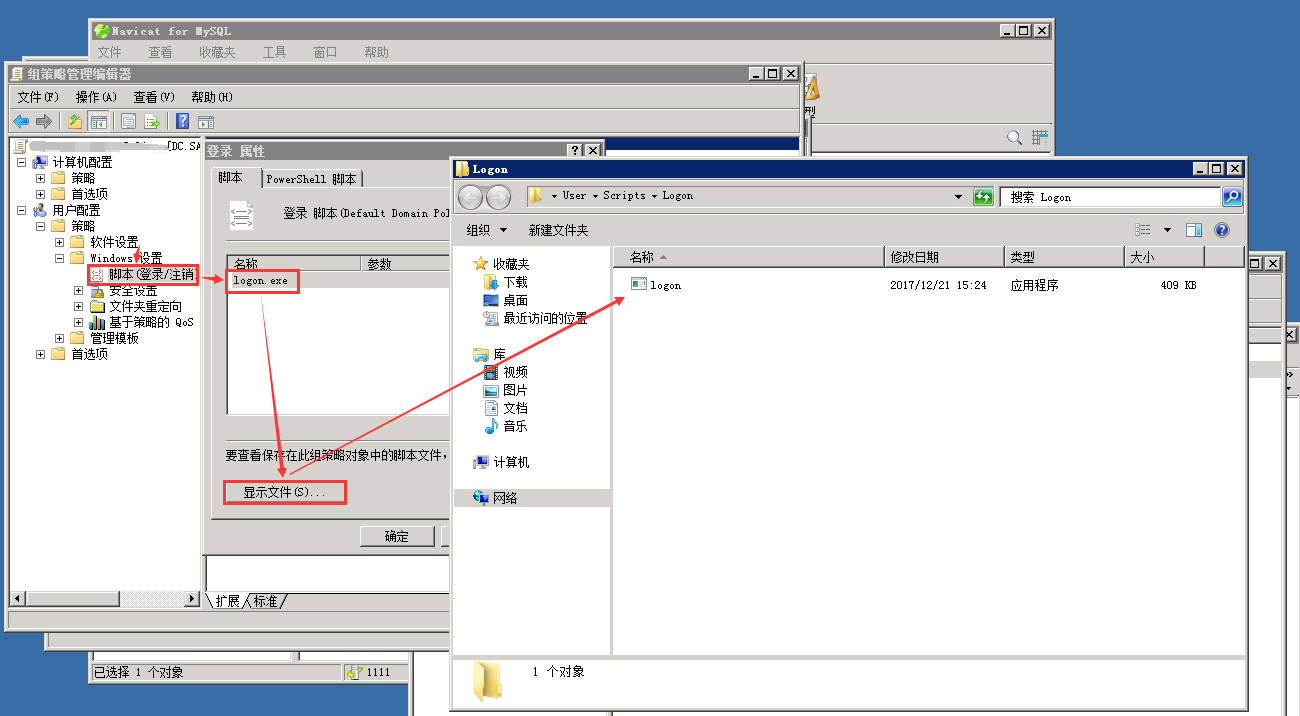
It is recommended to put it in the default directory. You can open the corresponding path by following the screenshot below
Root cause
The customer put the sinforIP file in the wrong directory, not in the directory corresponding to the AD domain control group policy.
solution
Put the sinforIP file in the directory corresponding to the AD domain control group policy
Operation Impact Scope
Before placing the sinforIP file, check whether the script format and content are correct. If there are no problems, it will not affect the business.
Original Link
https://support.sangfor.com.cn/cases/list?product_id=22&type=1&category_id=8535&isOpen=true