
[IAG] After adding the AD domain server, the validity test failed and the baseDN could not be obtained.
Problem Description
After adding the AD domain server, the validity test fails, and the server connection is successful but the user cannot be bound
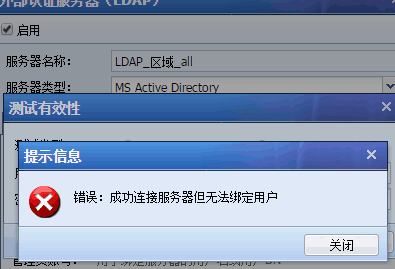
424345b702dd72d3f3.png (19.27 KB)
Query baseDN error
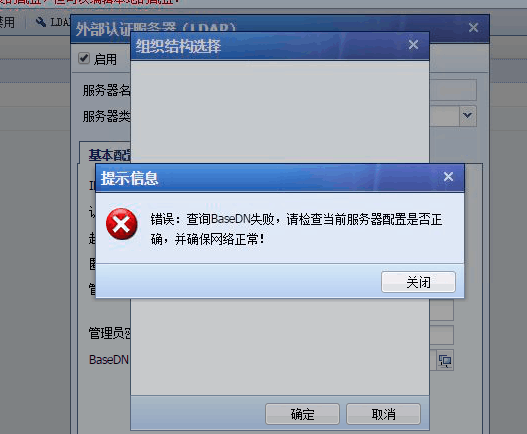
4105b702be6558da.png (75.82 KB)
Process——
- Test and verify connectivity with AD domain
- Confirm that there is no restriction on the AD domain
- Use the LDAP browser on the computer to test whether it can be obtained normally
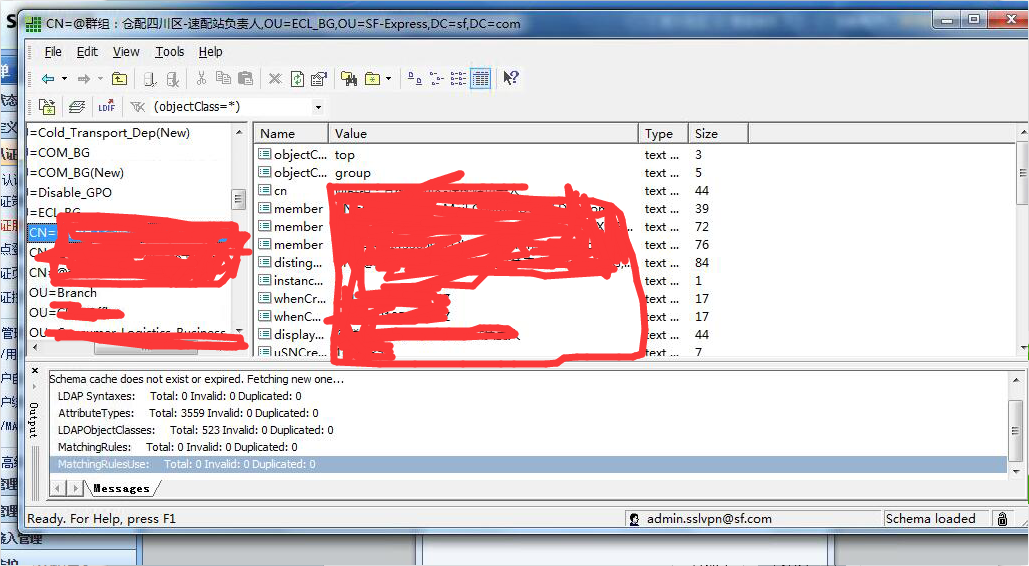
688535b702ccd715fe.png (416.61 KB) - Check the packet capture to see that the TTL of the ping packet and the 389 port message are inconsistent
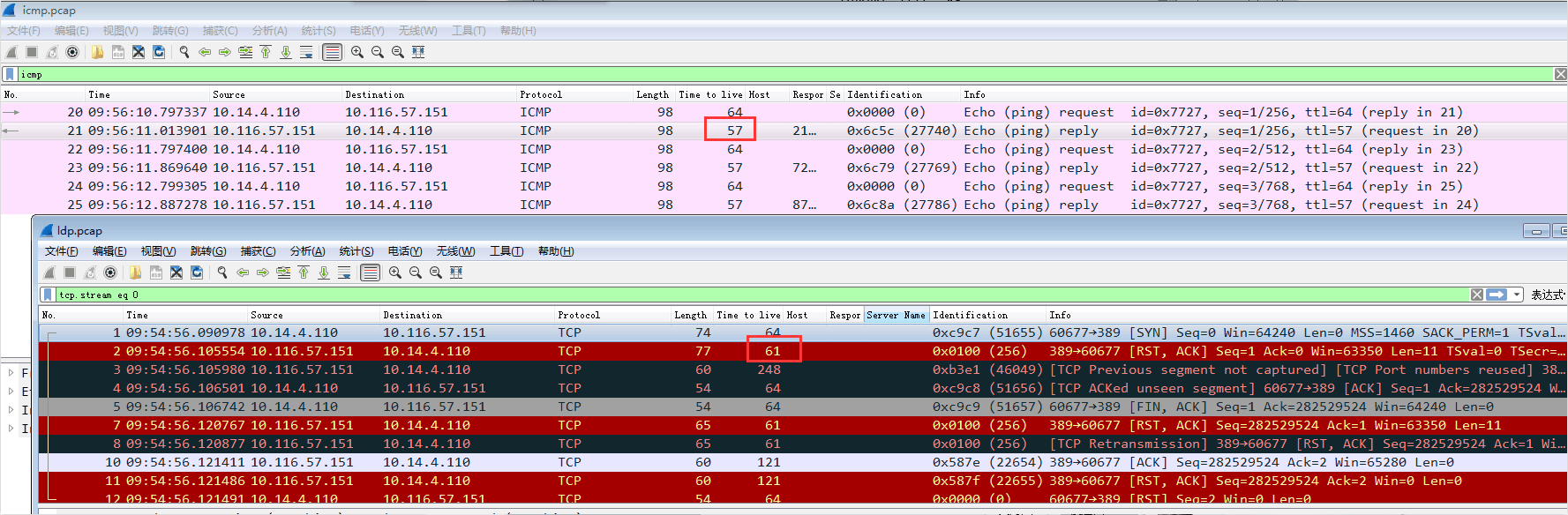
90515b702d153da93.png (157.96 KB) - The PING packet reaches the domain, and the TTL is 57, but the TCP packet is RST, and the TTL is 61, indicating that it is intercepted by the intermediate device.
Root cause
The intermediate device intercepted the IAG message
solution
The intermediate device allows IAG data to pass
Original Link
https://support.sangfor.com.cn/cases/list?product_id=22&type=1&category_id=6294&isOpen=true