
[IAG] After external log migration, logs cannot be queried
Problem Description
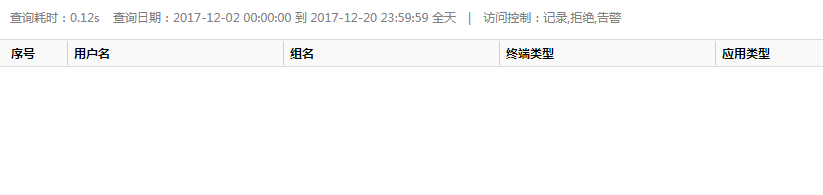
After the log migration was done, an external data center was installed on the new server. The folder corresponding to the original /log_data/dc/devid_gateway ID of the backed-up log was copied to the new external data center, but the log could not be queried.
Warning Information
909675cbac8f810015.png (11.12 KB)
Process——
- Check the date file under devid_00000000 and find that the logs have been merged and the index mark has been created.
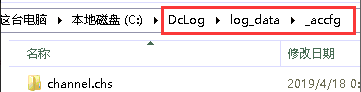
- Check the configuration files and find that there are no configuration files for user groups. On the server to be backed up, copy all log files in the backup server/log_data/_accfg directory to the new server, stop the external data center service, replace all log files in the new external data center/log_data/_accfg directory, and then start the data center service to test whether the logs can be queried.
471045cbacadc0ddd4.png (3.81 KB)
solution
Copy all log files in the backup server/log_data/_accfg directory to the new server, stop the external data center service, and replace all log files in the new external data center/log_data/_accfg directory.
Original Link
https://support.sangfor.com.cn/cases/list?product_id=22&type=1&category_id=6900&isOpen=true