
[IAG] After the log center report is generated, it is exported in tgz format. The decompressed file is garbled – due to the compression software
Problem Description
After the log center report is generated, it is exported in tgz format, and the decompressed file is garbled
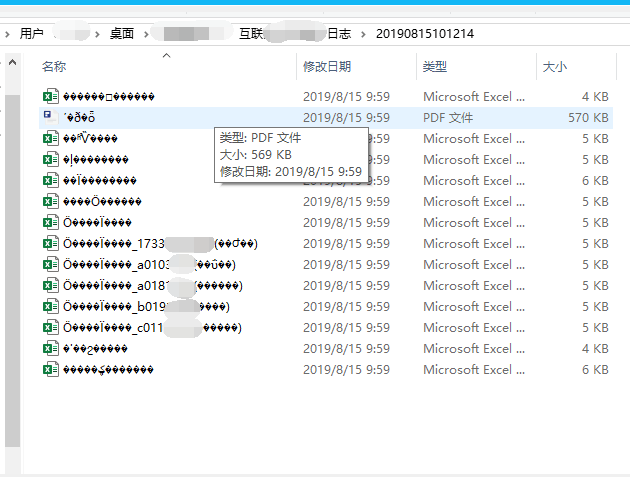
202225d567b50938bd.png (58.65 KB)
Process——
- The user logs in to the data center as an admin account, which has sufficient permissions.
- After trying to change the browser and export, garbled characters are still displayed after decompression
- Found that the user is using Bandizip compression software
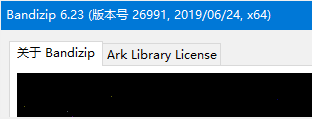
386685d567bfc9a983.png (6.04 KB) - Finally, the problem was solved by installing the good compression and then decompressing it again.
Root cause
Compression software incompatibility
solution
After replacing the compression software, the problem was solved after re-decompressing the file
Original Link
https://support.sangfor.com.cn/cases/list?product_id=22&type=1&category_id=7080&isOpen=true