
[IAG] Custom root certificate import failed for P12 format certificate
Problem Description
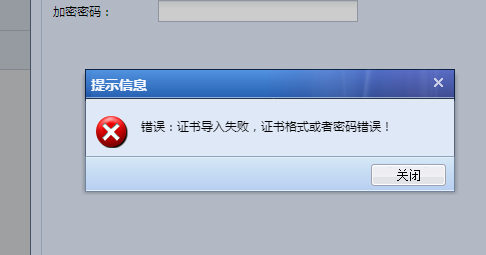
When importing a P12 certificate into a custom root certificate, it prompts that the certificate format or password is incorrect.
Effective troubleshooting steps
- Manually importing the trusted certificate of the PC is normal import without error
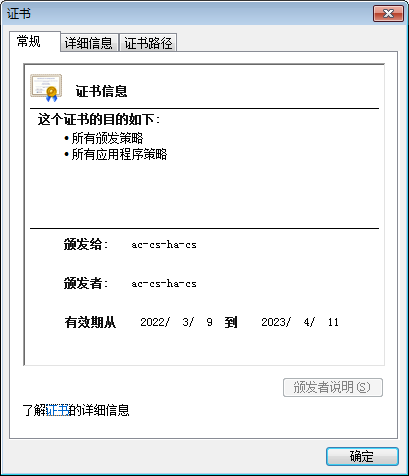
- Check the imported certificate to confirm that it is also a first-level root certificate, indicating that the format and key of the certificate are correct (if the issued to and the issuer are the same, it means it is a root certificate)
- Consult R&D and confirm that the secret key contains special characters, and the IAG device will filter some special characters to prevent injection attacks.
- Modify the secret key without special characters and import it normally
Root cause
The key for importing the certificate does not support special characters
solution
After changing the secret key to one without special characters, it works fine.
Original Link
https://support.sangfor.com.cn/cases/list?product_id=22&type=1&category_id=8404&isOpen=true