
[IAG] DingTalk authentication failed – Failed to obtain the user’s group – Address book permission not enabled
Problem Description
DingTalk authentication is configured, and only users in the customer's DingTalk organizational structure are allowed to authenticate. "Automatically obtain the user's group" is checked, and the authentication error is as follows:
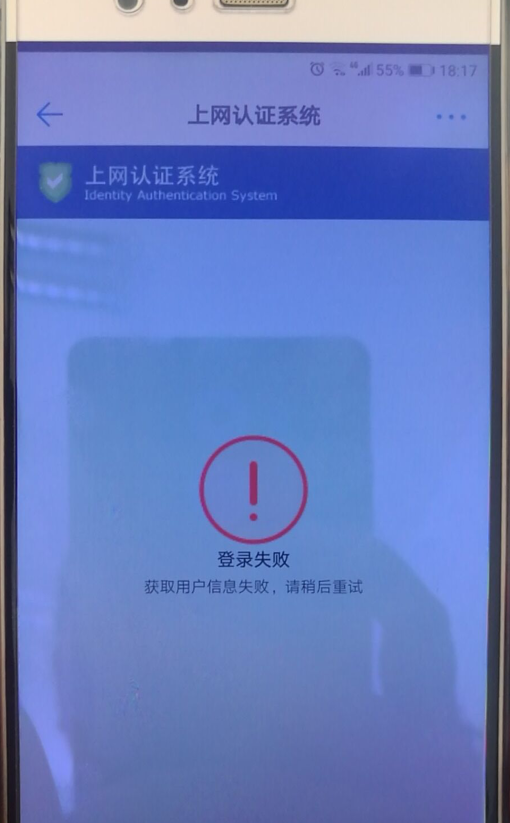
364025d5572d85c400.png (405 KB)
Process——
- Uncheck "Automatically obtain the user's group", the user's DingTalk authentication is normal, and the DingTalk authentication connection parameter configuration is normal;
- Compare the parameters in the DingTalk program and determine that the parameter configuration of "Automatically obtain the user's group" is also normal;
- All the export IP addresses of the customer environment have been filled in the "Server Export IP" of the DingTalk developer program;
Root cause
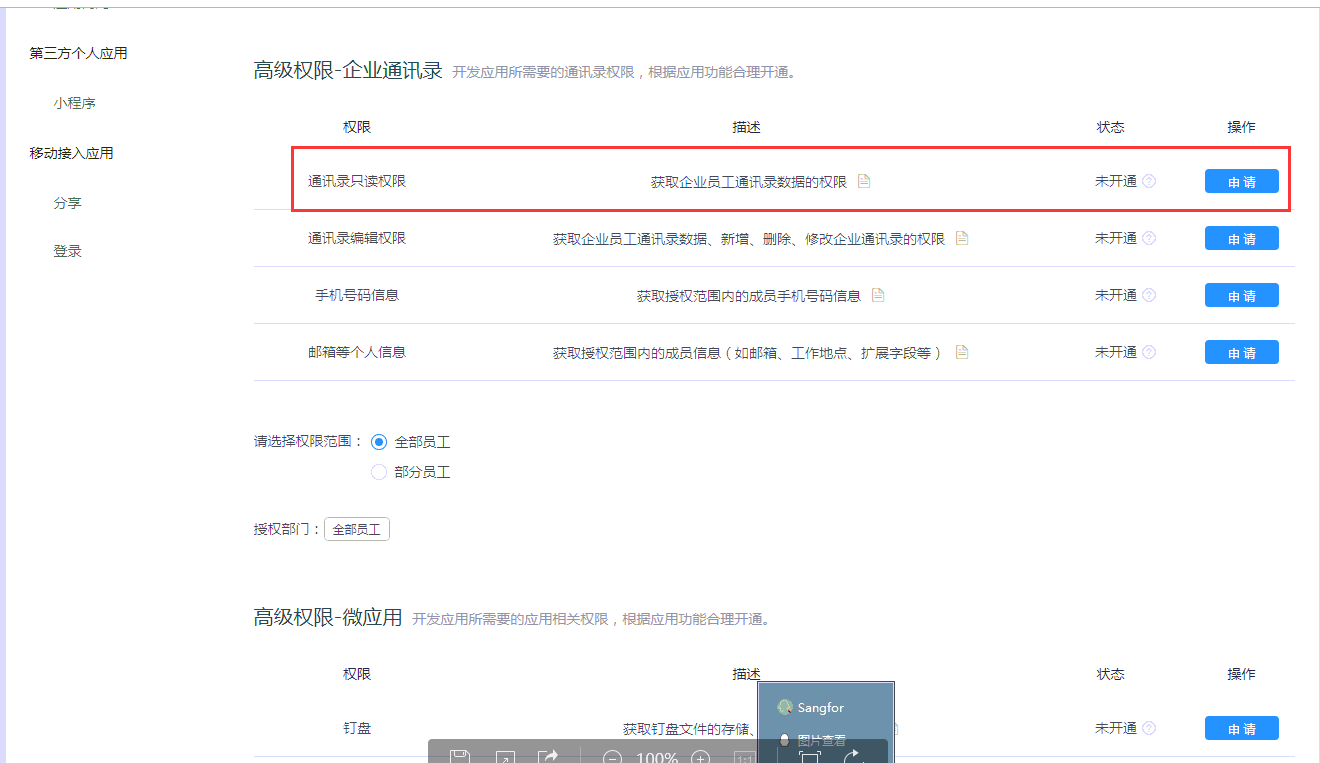
The "address book read-only permission" is not enabled in the interface permissions of the DingTalk developer program.
639385d557576a8551.png (76.08 KB)
solution
Enable "Address Book Read-Only Permission" in the interface permissions of the DingTalk developer program.
Original Link
https://support.sangfor.com.cn/cases/list?product_id=22&type=1&category_id=7070&isOpen=true