
[IAG] DingTalk authentication prompts “Login failed. Failed to obtain user information. Please try again later” (Part 2)
Problem Description
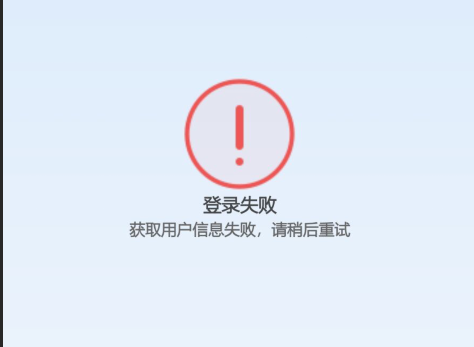
DingTalk authentication prompts "Login failed. Failed to obtain user information. Please try again later."
Effective troubleshooting steps
- Print the authentication debug log on the IAG. After reproducing the problem, check if the following error is reported, indicating that the access IP is not in the whitelist. This is the error message returned by DingTalk when IAG initiates a request to DingTalk, that is, the public network source IP used by IAG to access the public network is not in the whitelist.
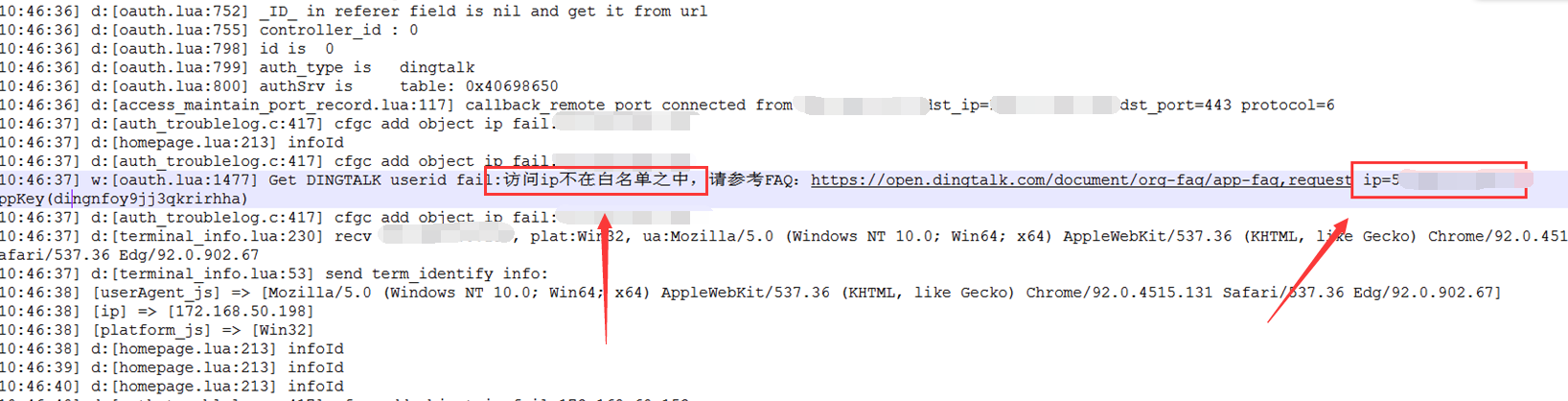
- Add this IP to the whitelist in the shadow application that connects to IAG in the DingTalk management background, and then test that the DingTalk QR code scanning authentication is normal.

Root cause
The public source IP address that the IAG uses to access the public network is not included in the IP whitelist of the shadow application on DingTalk.
solution
Add the public IP to the whitelist in the shadow application that connects to IAG in the DingTalk management backend.
Original Link
https://support.sangfor.com.cn/cases/list?product_id=22&type=1&category_id=23893&isOpen=true