
[IAG] Error when uploading the logo image of the customized authentication page: The server returns an error message
Problem Description
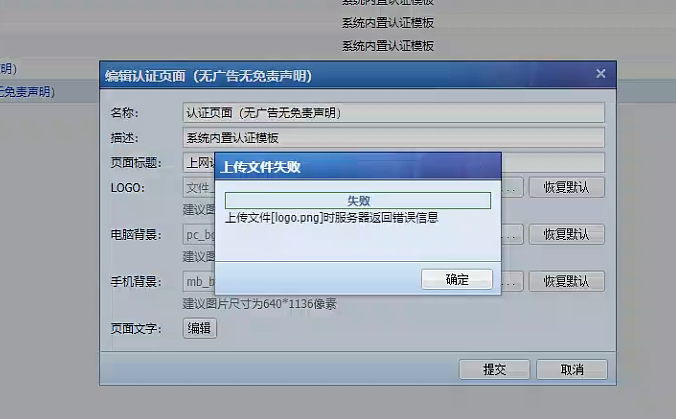
Customer feedback: After uploading the LOGO image of the authentication page of the IAG device, the prompt: Failed to upload the file, the server returns an error message when uploading the file
Warning Information
Effective troubleshooting steps
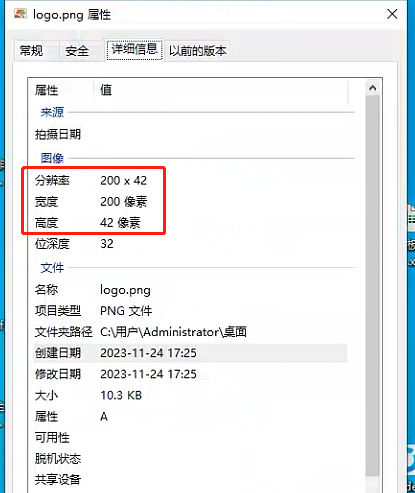
- Check that the pixel size of the LOGO image meets the requirements. The image size is 200*42
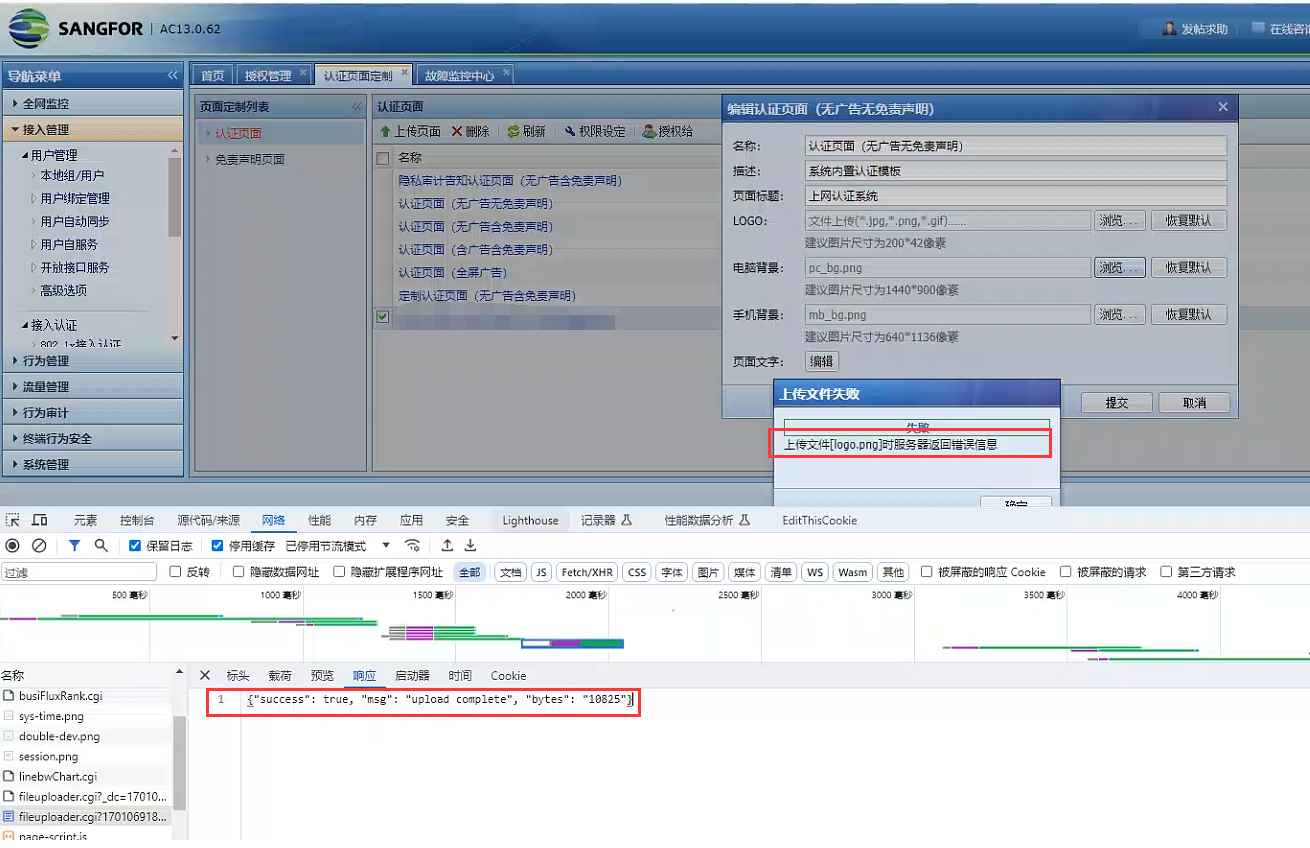
- When you press F12 to view the upload, the server returns "upload complete"
Root cause
Browser Cache Issues
solution
Change the browser or log in to the IAG console again in Incognito mode
Original Link
https://support.sangfor.com.cn/cases/list?product_id=22&type=1&category_id=25657&isOpen=true