
[IAG] Failed to replace single sign-on script file – Rename to solve
Problem Description
- The script single sign-on failed. The script was checked in the domain and found to have a local path.
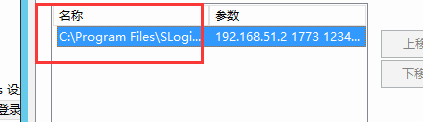
116745d35a2bc63d7e.png (7.4 KB) - The script needs to be placed in a network shared folder. When opening the shared path to replace the file, I found that the original file could not be replaced or deleted.
Warning Information
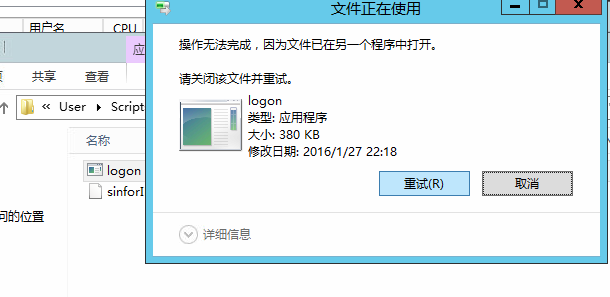
61505d35a2e84b696.png (30.22 KB)
Process——
- Check the domain script configuration, the path is wrong
- Failed to delete the error script and reported an error
- Insert the new logon script. Before inserting it, change the new script logon to logon1 and insert it.
solution
Add a renamed script and modify the group policy configuration to call the new script
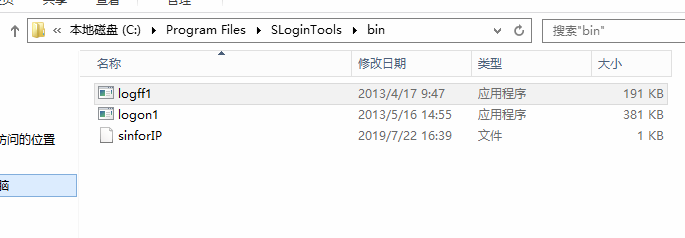
405325d35a34f3c2e4.png (20.18 KB)
Suggestions and Conclusion
There are often some problems in the system that cannot be solved. You can try other ideas to solve them.
Original Link
https://support.sangfor.com.cn/cases/list?product_id=22&type=1&category_id=7000&isOpen=true