
[IAG] Flow control channel single user limit does not display the unit
Problem Description
The unit of the single user limit of the flow control channel is not displayed
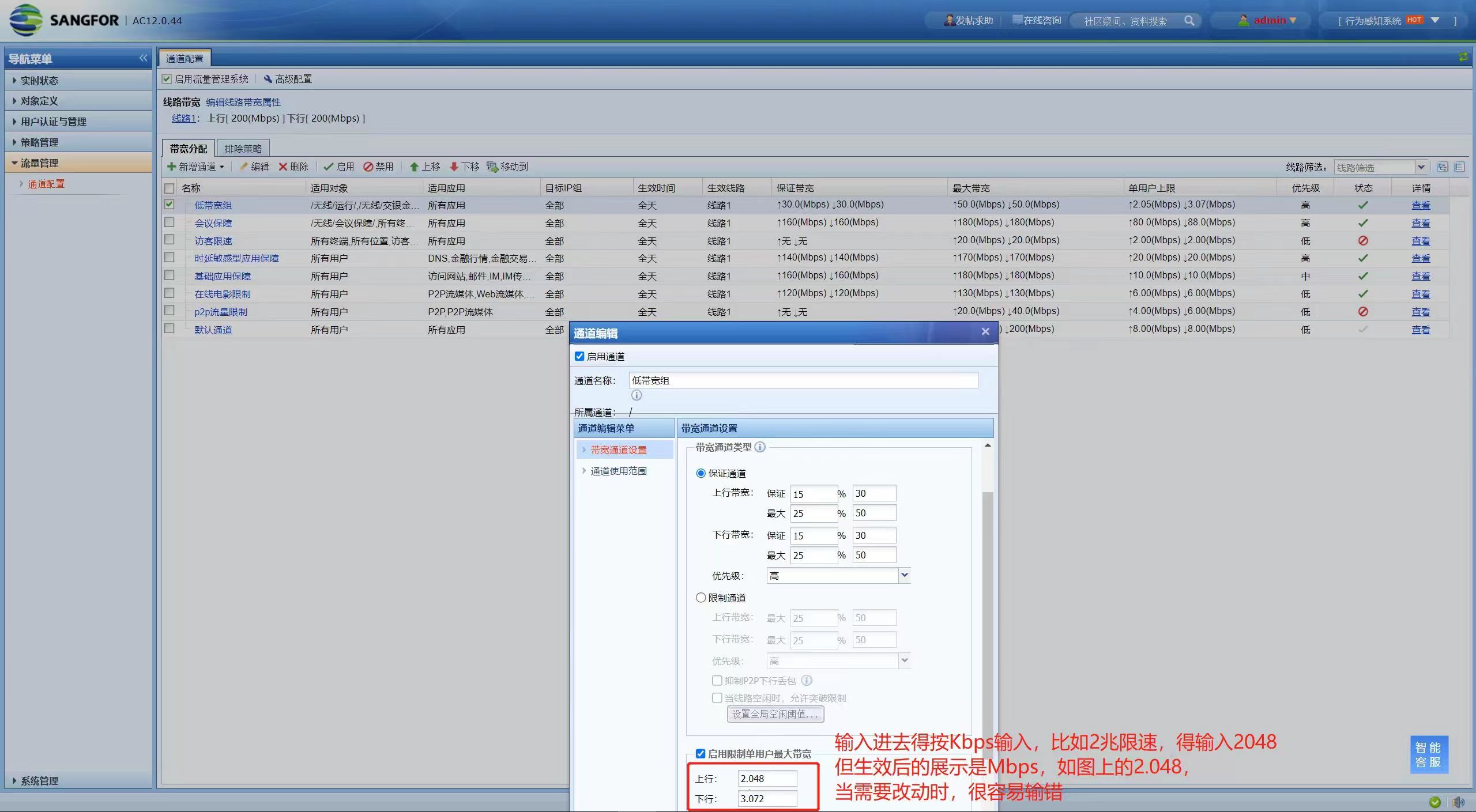
Warning Information
None
Effective troubleshooting steps
- Cleared the browser cache, changed the browser, changed the computer, but it didn't work.
- Enter the backend, find this file in /ac/webui/front_end/js/components/form/DataSizeField.js, and retrieve it
- Find the this.valueCmp.setWidth field in the file and add -2 or -5 to the end. After the modification is completed, replace the source file (remember to back it up)

- After the replacement is completed, delete the cache file /ac/webui/front_end/js/depends.js, and the single-user limit of the flow control channel can be displayed normally.
Root cause
Width calculation error
solution
- Modify the file in the background to adjust the calculation method of the input box width
- You can also implement the optimization package KB-AC-20230803-123 to solve
Original Link
https://support.sangfor.com.cn/cases/list?product_id=22&type=1&category_id=23648&isOpen=true