
[AF] AF8069, SSL VPN EC client will automatically log out 5 minutes after access
Problem Description
AF8069, after Windows Server 2019 EC client accesses SSL VPN, the client will automatically log out after 5 minutes of no operation and no traffic
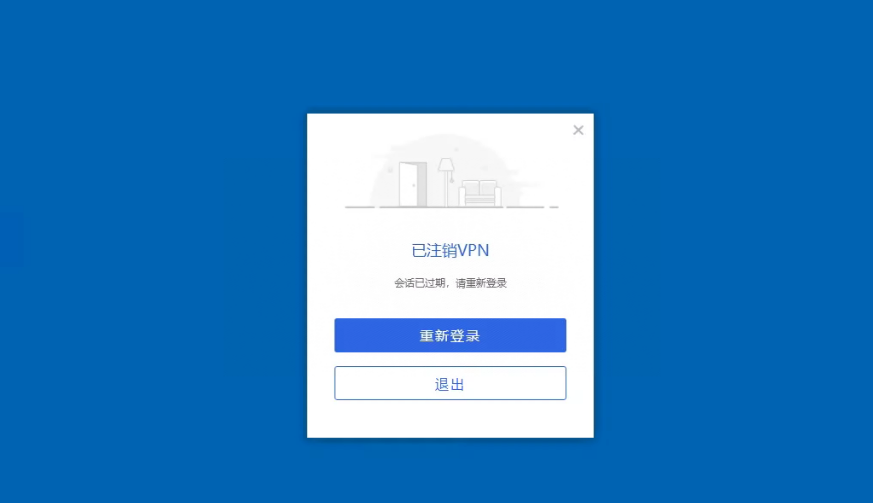
Effective troubleshooting steps
1. VPN client access is normal
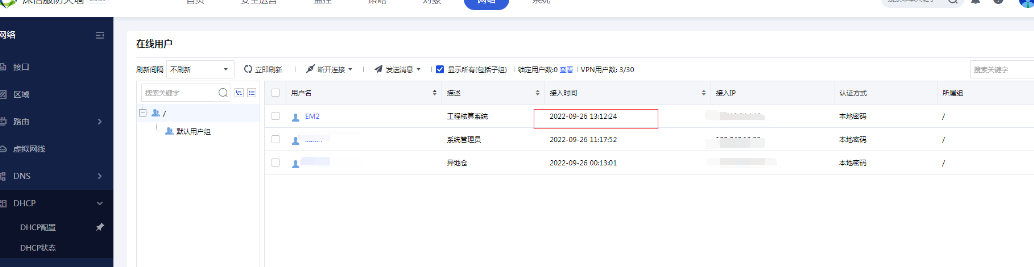
2. The Login Options sets the Timeout to 4000 minutes, and the Local DNS
3. Other PCs tested OK, local PC also has no abnormalities
4. Check if the abnormal PC has Win authorization
5. After the repair tool is repaired, the problem persists after reinstallation
Root cause
The Windows Server System does not support SSL VPN EC clients
solution
Regarding Windows Server System, it is not supported at present. Just communicate and explain to the customer.
Suggestions and Conclusion
About Windows Server System reasons:
1. Using EC on Windows server is an extremely special scenario, not a typical scenario, with a small user scale and no practical significance.
2. Windows server is a multi-user System. If the transmission is not in place, multiple users on the same terminal may use EC at the same time, which is prone to errors.
3. Windows server may have special security Policies, which will also affect the use of ec.
In summary, currently AF's SSL VPN client does not support Windows server System
Original Link
https://support.sangfor.com.cn/cases/list?product_id=13&type=1&category_id=1973&isOpen=true