
[AF] After dialing in AF8.0.55 version SSL VPN, resources cannot be accessed
Problem Description
- AF8.0.55 version, remote desktop resources are published through SSL VPN, and they cannot be accessed after being published
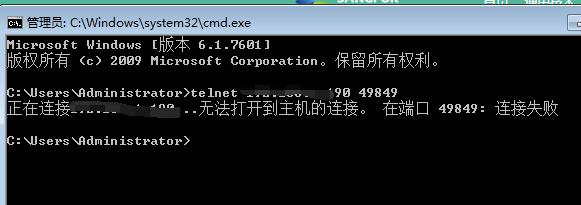
Effective troubleshooting steps
- Check that the SSL VPN configuration is normal
- Release of the full network resource test still fails
- All Routes Priority and find that the Policies Layer 3 Priority of version 8.0.55 is higher than that of VPN Layer 3.
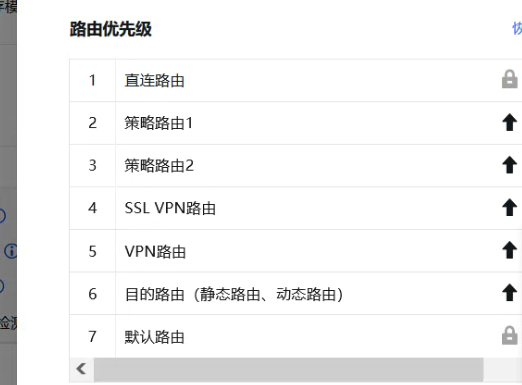
- Adjust the VPN Layer 3 Priority, as shown in the figure:
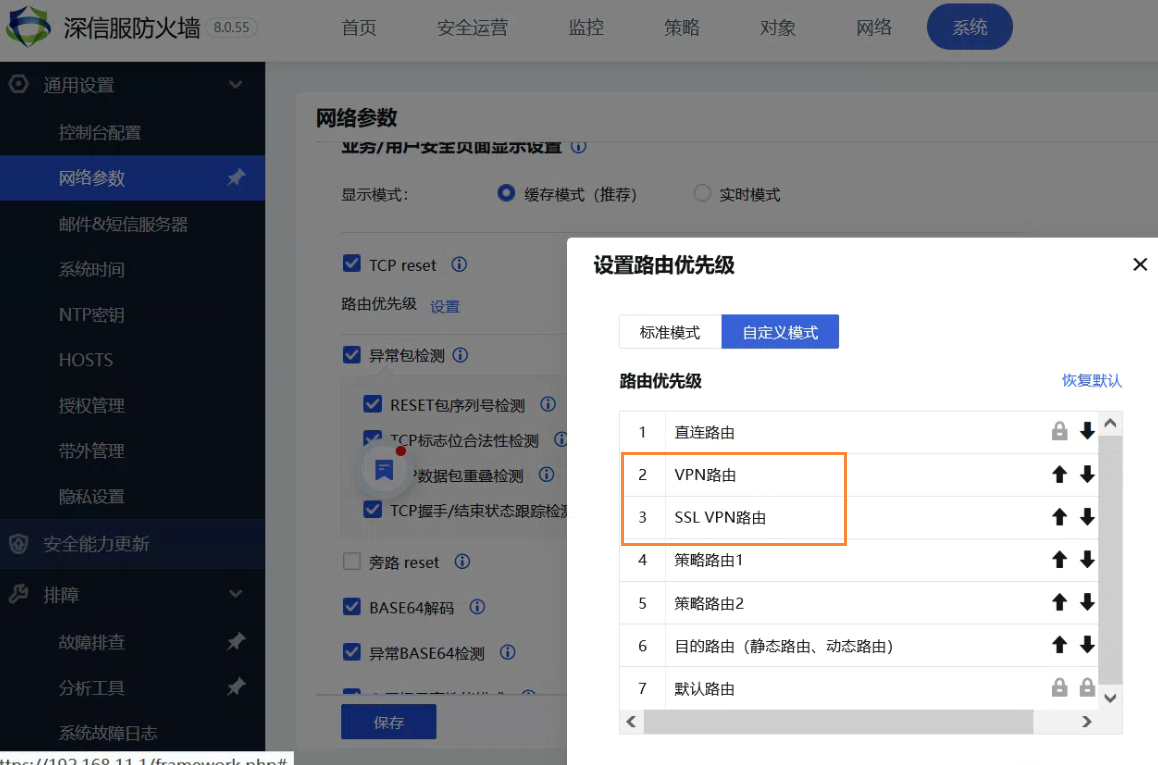
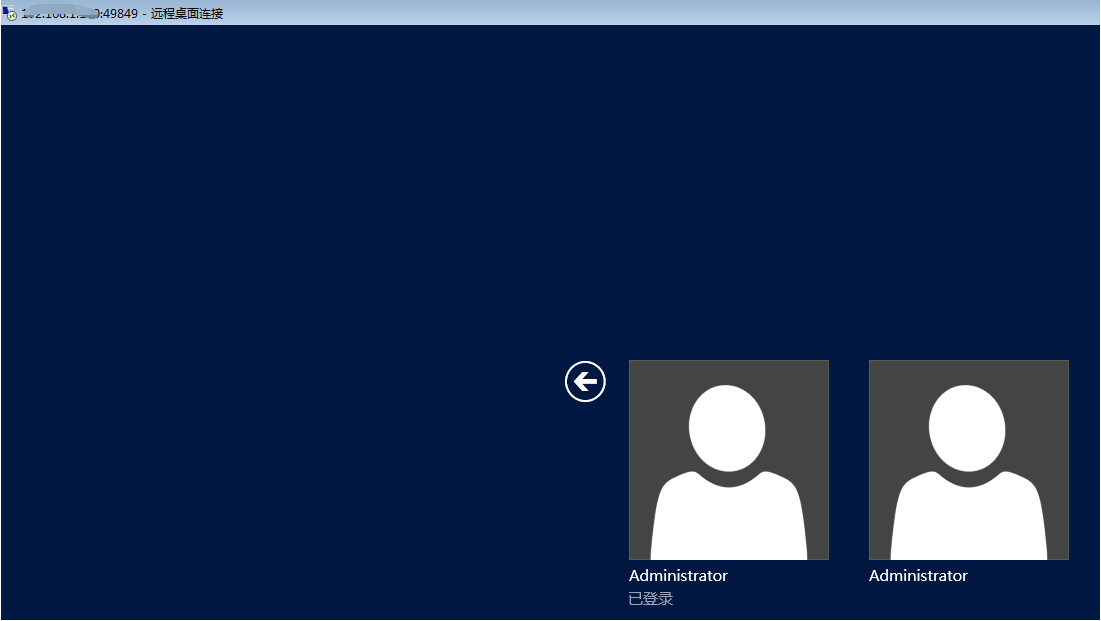
- After adjusting the Layer 3, it is normal
Root cause
- Policies Layer 3 takes precedence over VPN Layer 3
solution
- Adjust the Layer 3 Priority solution
Suggestions and Conclusion
Before adjusting Layer 3, it is recommended to communicate with the customer to see if it can be adjusted, and then proceed with the operation with the customer's consent.
Original Link
https://support.sangfor.com.cn/cases/list?product_id=13&type=1&category_id=2122&isOpen=true