
[AF] After restoring the backup machine password, the password error is still displayed when logging in. The host machine has synchronized the password.
Problem Description
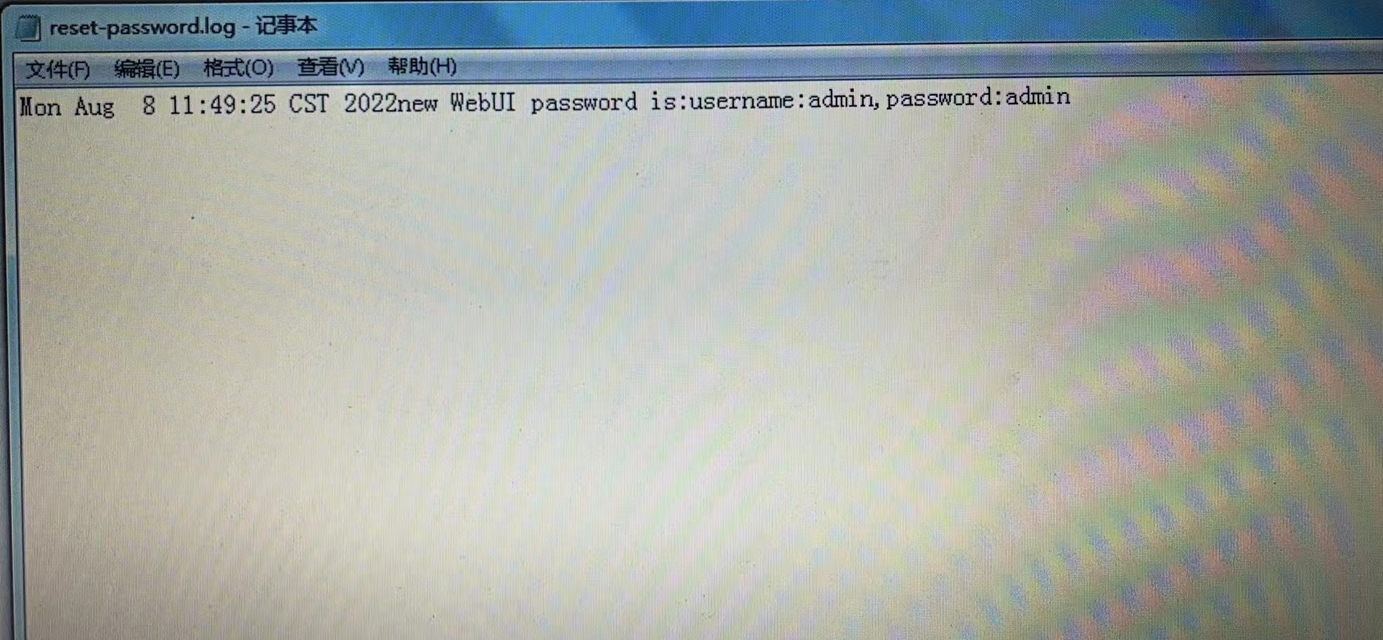
The AF password reset USB flash drive shows success, there is reset-password.log, and the restored console password is recorded in the file, but the password error is still displayed when logging into the console.
Warning Info
- After resetting the password, the reset is successful, and the reset-password.log file shows the restored account and password admin
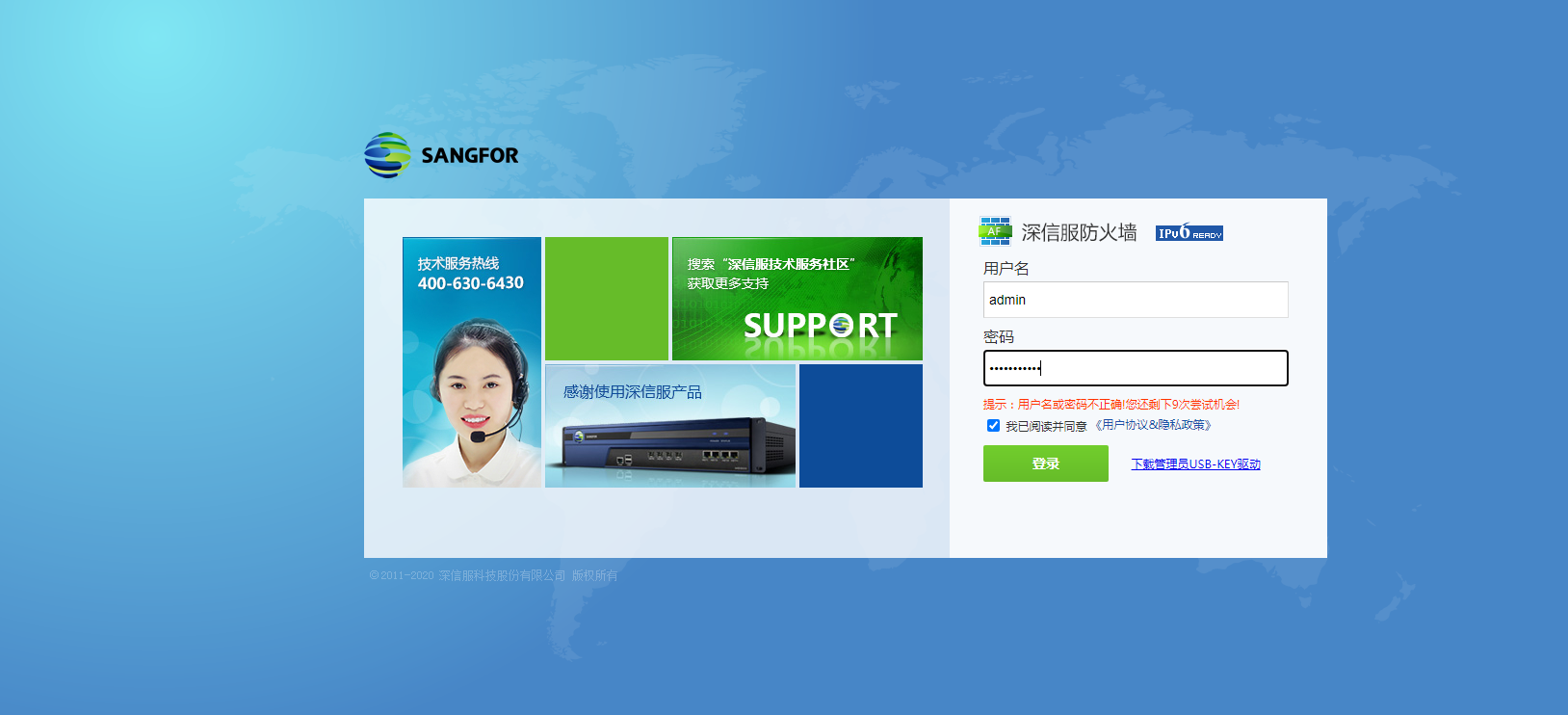
- Log in to the web using the admin account and password. The user name or password is incorrect.
Effective troubleshooting steps
-
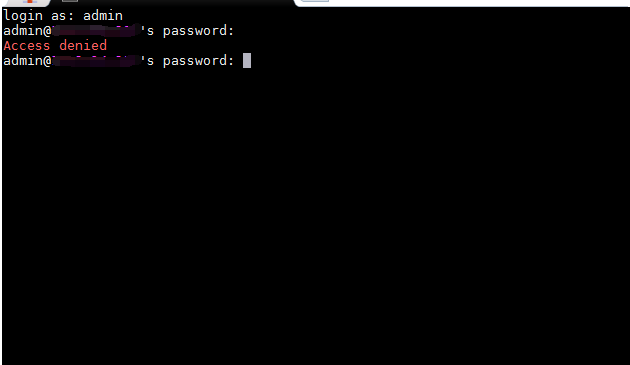
There is no problem with the test port and browser. When you log in to the backend and enter the password, it shows that access is denied, and the password is still wrong;
-
Check the customer's on-site situation to see if there is a wiring error. It is found that the customer has two AFs. After inquiry, it is found that the two AFs are deployed as master and backup;
-
The firewalls deployed in active and Local will Sync Options. After the standby password is reset, the password will still be synchronized with the active one, causing the login console to display a password error.
-
After obtaining the customer's consent, assist the customer to remove the primary and backup devices and reset the password. After the reset, the customer can log in to the firewall normally through admin/admin.
Root cause
The configuration synchronization option of dual-Sync Options deployment causes the standby machine to be synchronized with the original password after the password is reset, which is equivalent to not changing it. The entered admin/admin password does not match and an error is reported.
solution
In the case of Sync Options, after obtaining the customer's permission, the two machines can be disconnected and passwords can be reset separately.
(Resetting the password requires Restart the device. For details, please see the intelligent customer service robot)
Original Link
https://support.sangfor.com.cn/cases/list?product_id=13&type=1&category_id=1830&isOpen=true