
[AF] Domain name application control Policies does not take effect
Problem Description
AF8.0.59, configured the domain application control Policies, found that it did not match and the corresponding Policies had no matching data
Warning Info
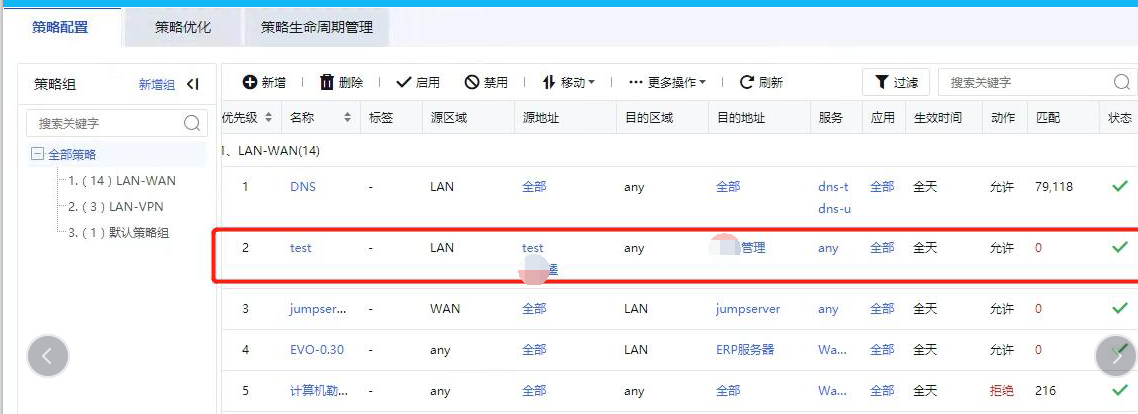
Effective troubleshooting steps
- Check the corresponding domain name to add, use F12 on the web page to check that the corresponding domain name is consistent
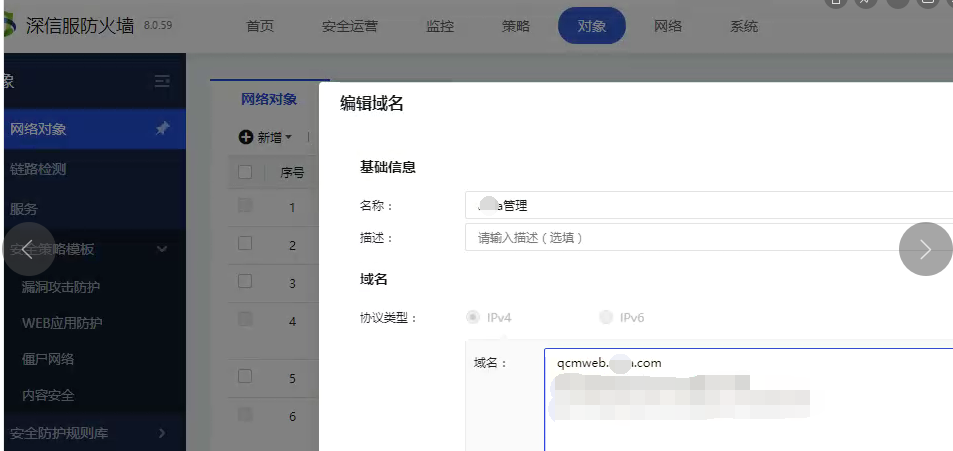
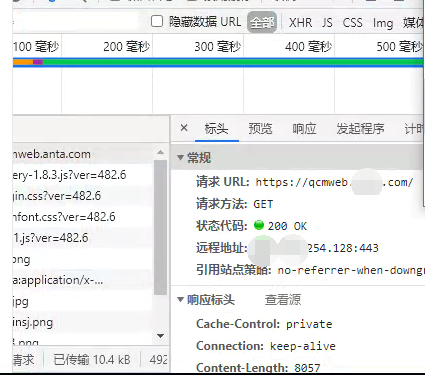
- Confirm that Network environment AF is at the Network exit, and the computer DNS uses the intranet DNS. Change it to the public network DNS 114.114.114.114, and the access is still the same.
- Add baidu.com to the corresponding domain name Objects, and then use the test computer to access it and it can be recognized normally; this proves that the computer DNS has passed AF and the domain name application Policies function is effective.
- Capture DNS access data on the terminal computer and find that the domain name Sensitive an alias
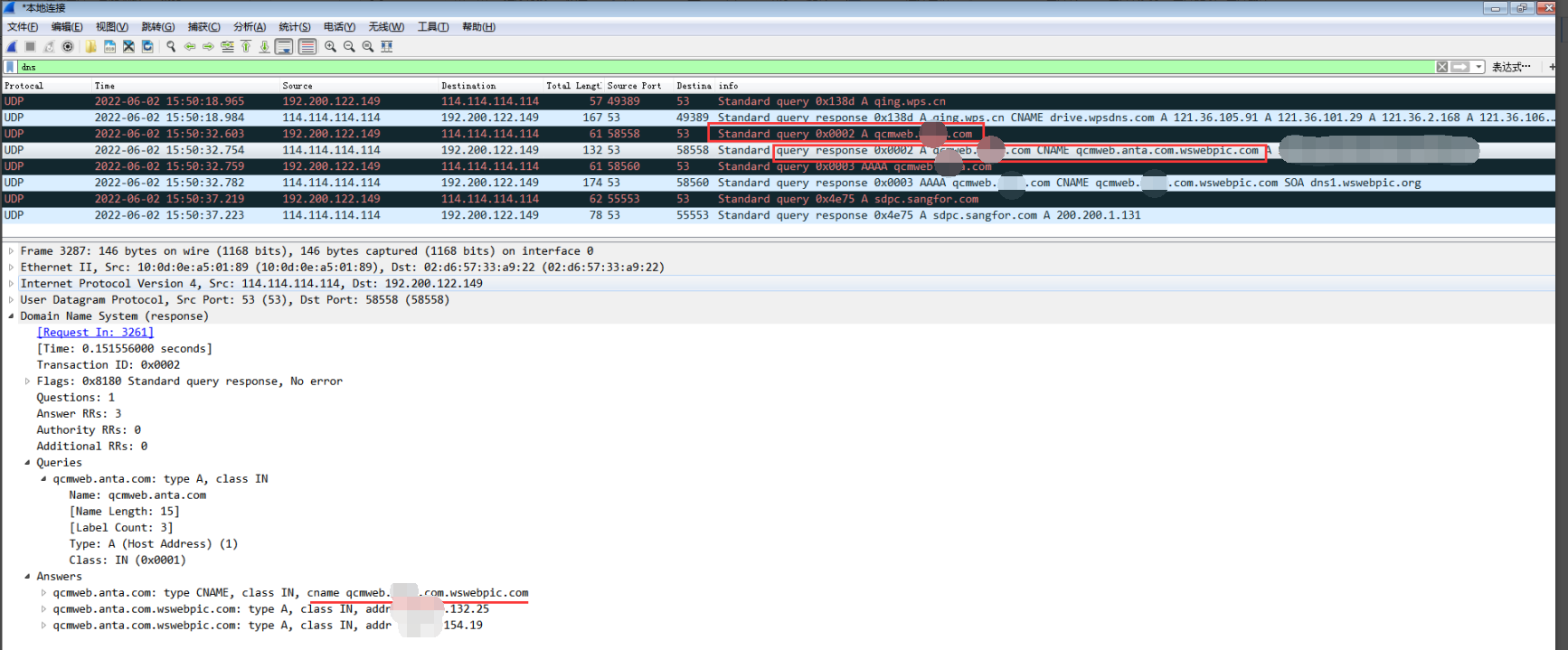
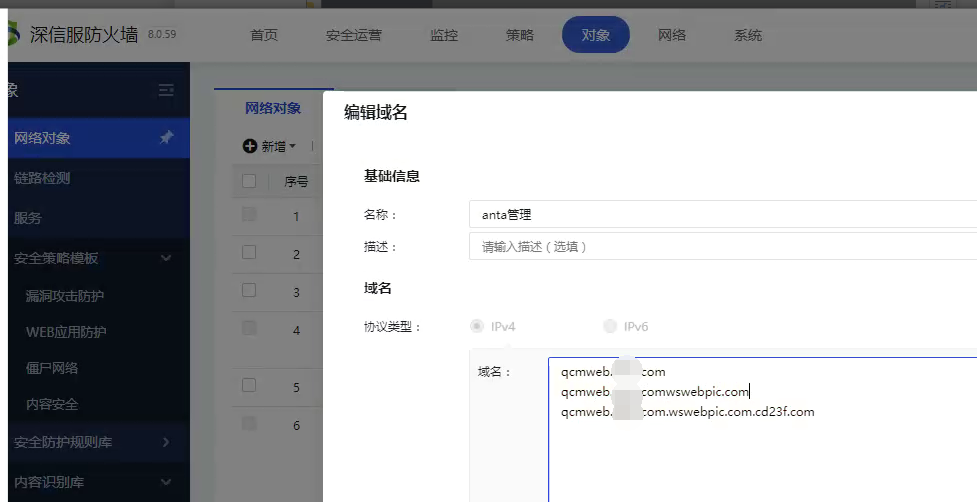
After adding the alias to the domain name Objects, the access will be matched normally.
Root cause
The domain name application control policy of the new architecture 8.0.59 does not yet support automatic association of aliases, and needs to be added manually
solution
After finding the alias of the corresponding domain name, add it to the domain name Objects, and the domain name application control test will take effect normally.
Operation Impact Scope
Adding a domain name incorrectly will affect access to other Website Access Blocking
Original Link
https://support.sangfor.com.cn/cases/list?product_id=13&type=1&category_id=1962&isOpen=true