
[AF] High availability HA Policy cannot read all Interfaces
Problem Description
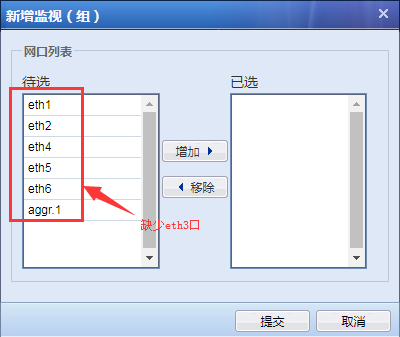
When selecting the monitoring port for Monitor, all interfaces cannot be displayed, as shown below:
346735b9f474ed13dd.png (23.01 KB)
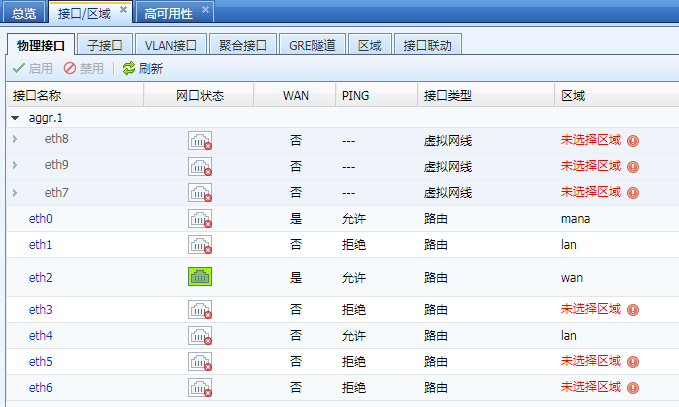
Interfaces configuration:
51765b9f476060383.png (50.63 KB)
Process——
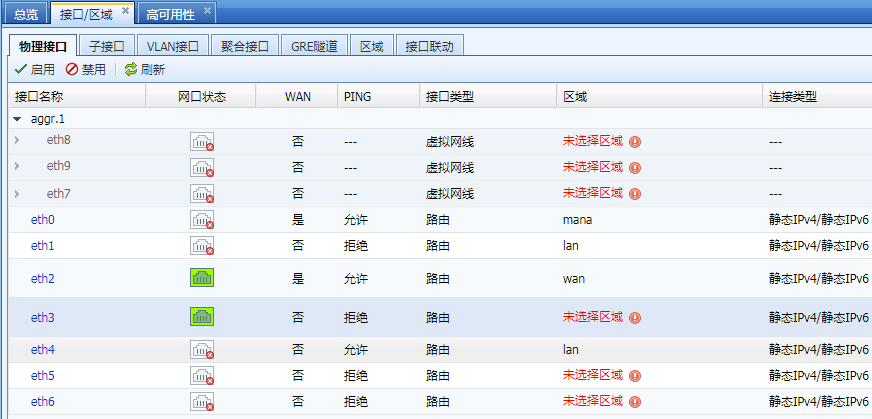
In [Interfaces/Zones]Medium connect the eth3 port to the online state and set it to UP. It cannot be selected in the HA Policy, as shown below:
13815b9f47f4d610a.png (64.28 KB)
Root cause
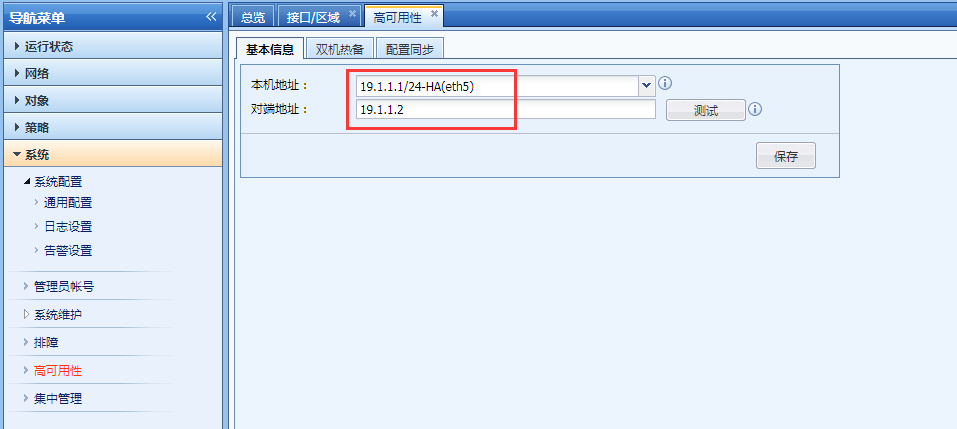
Heartbeat Interface cannot be used as a network Member Interface.
solution
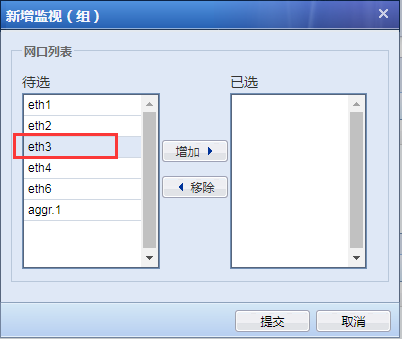
Cancel the Heartbeat Interface in [High Availability]–>[Basic Info], and select eth3 as the network port Member Interface, as follows:
165755b9f4854a7ac0.png (39.91 KB)
HA Policy configuration:
998025b9f48798a00d.png (22.04 KB)
Suggestions and Conclusion
It is recommended not to use the business Interfaces as the dual-Heartbeat Interface.
Original Link
https://support.sangfor.com.cn/cases/list?product_id=13&type=1&category_id=42&isOpen=true