
[AF] Kaspersky causes an Monitor message when opening the monitoring module
Problem Description
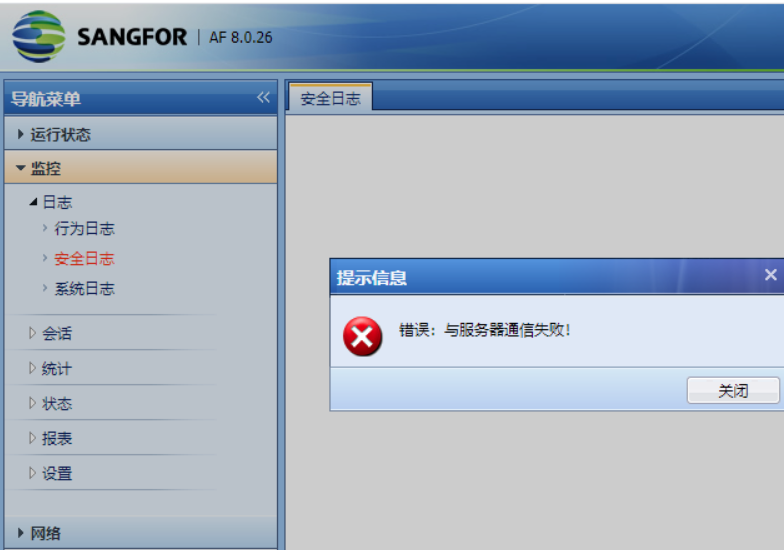
An error message appears when opening Monitor module, and the log cannot be viewed
Warning Info
Effective troubleshooting steps
-
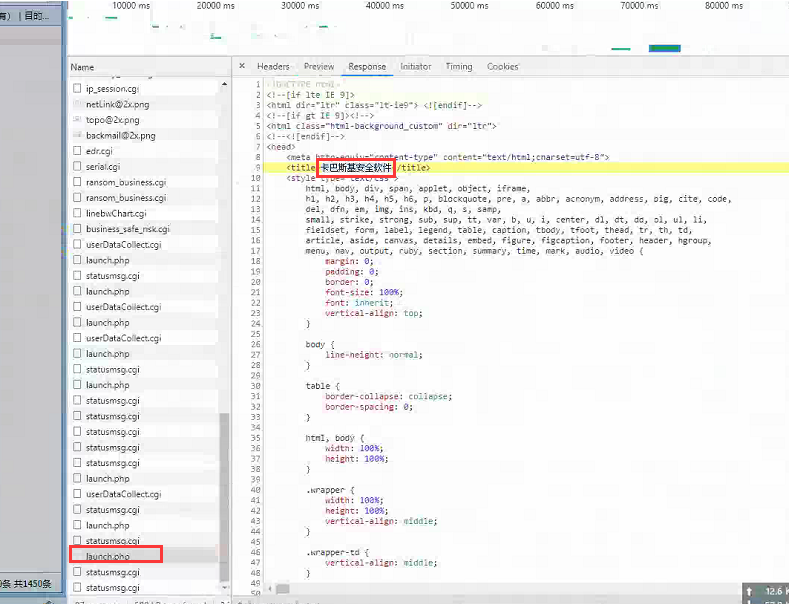
Press F12 to open the browser's debugging interface, click the log to reproduce the phenomenon, and find that there is an error of lunch.php 599
-
Check the error Response prompt "Kaspersky Security Software"
Root cause
Kaspersky software affects the opening of Monitor queries
solution
Exit or uninstall Kaspersky software
Original Link
https://support.sangfor.com.cn/cases/list?product_id=13&type=1&category_id=1321&isOpen=true