
[AF] NAT configuration is still blocked by application control policy after enabling ACL by default
Problem Description
The customer configured port mapping for the Services server. When configuring, the backend was checked to allow access to ACL, but the port access was still blocked by the application control Policies.
Effective troubleshooting steps
-
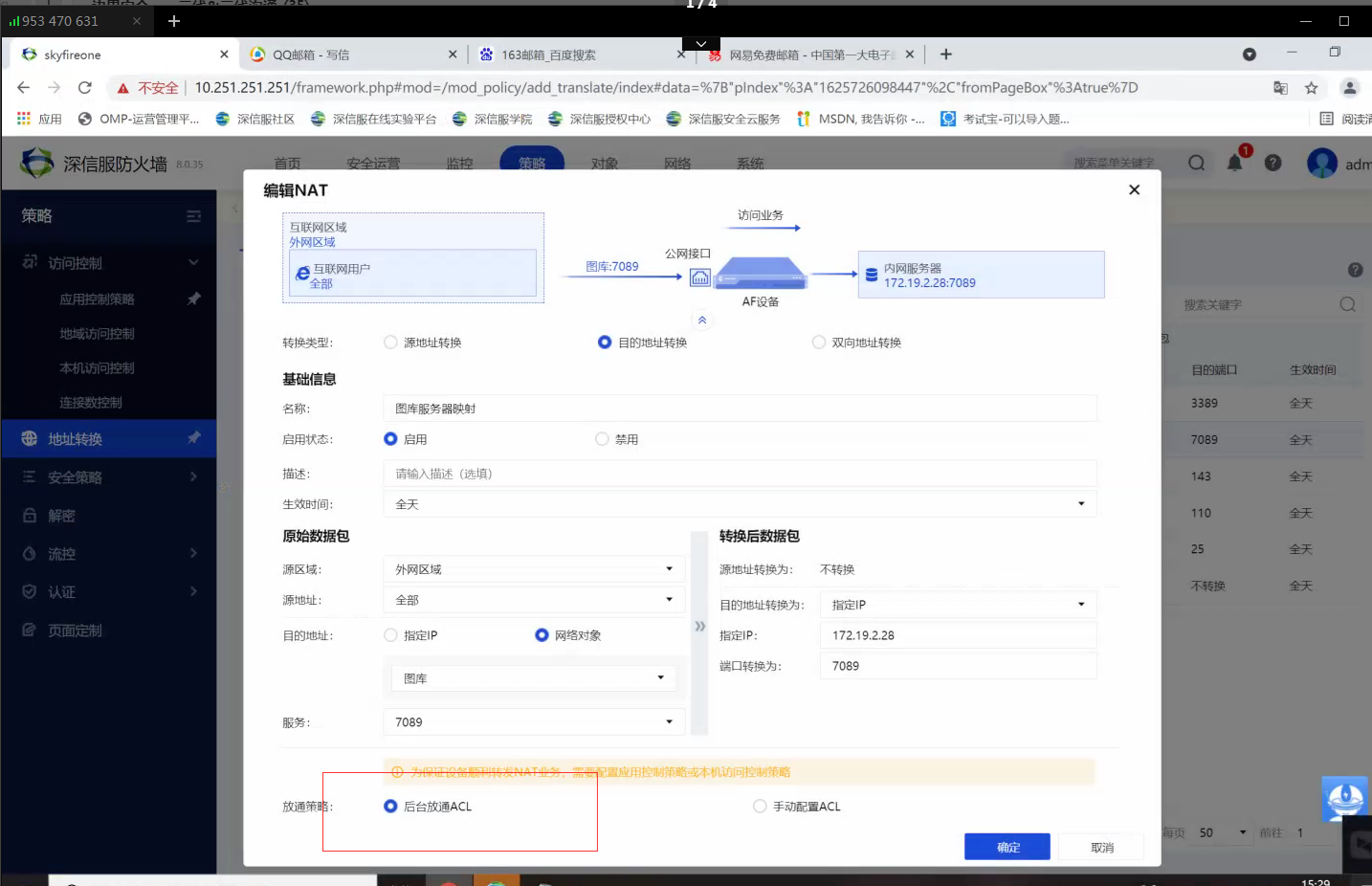
Check NAT configuration and confirm that the background ACL is enabled;
-
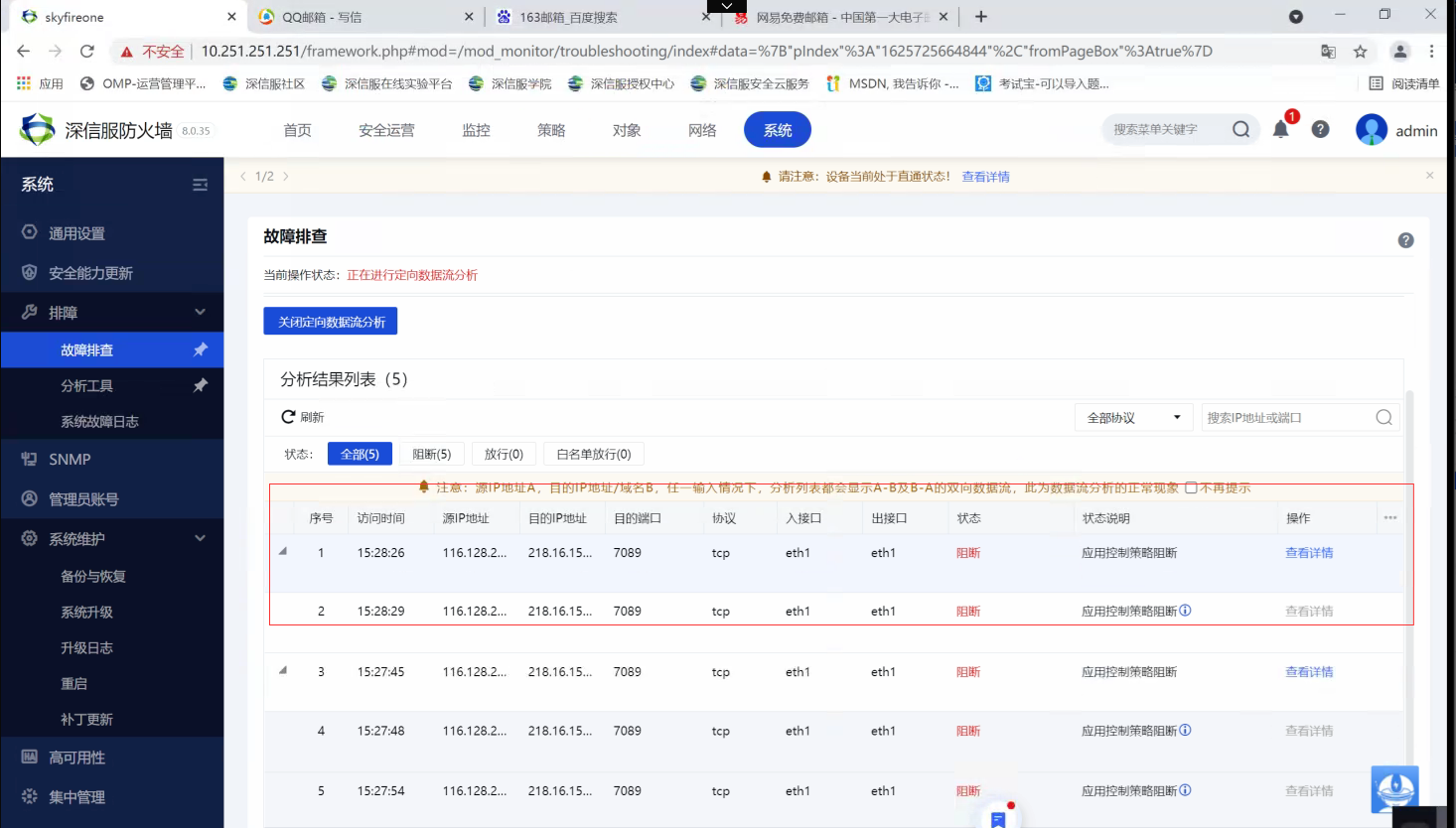
Enable direct analysis to confirm that the application control policy is blocking the Policies. Capture packets to see that Local external network port directly replies to rst, causing the connection failure.
-
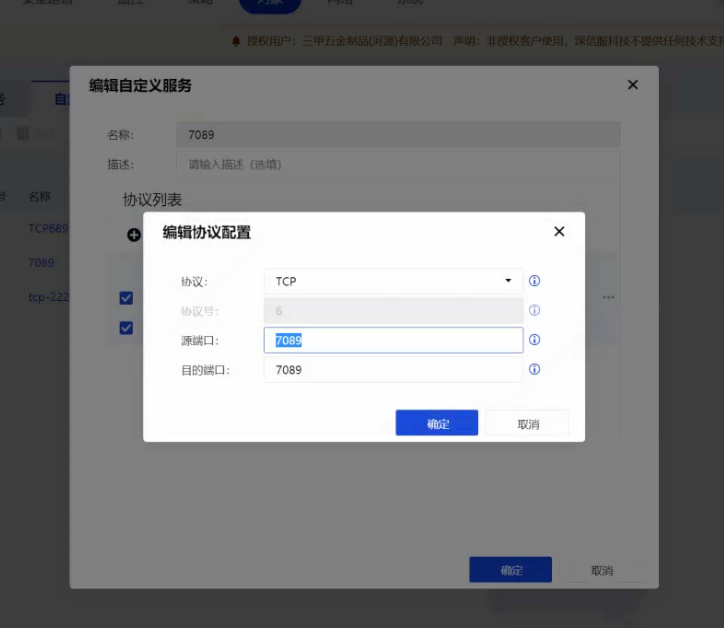
Further analysis confirmed that the interception was caused by the failure to match NAT Policies. Analysis of NAT Policies configuration revealed that Services restricted the access source port. After removing the restriction, the mapping access was normal.
Root cause
The Services configuration Medium the NAT has restricted access to the source port, resulting in the address translation not matching
solution
After modifying the source port restriction of the service, address mapping access is normal
Original Link
https://support.sangfor.com.cn/cases/list?product_id=13&type=1&category_id=1216&isOpen=true