
[AF] National encryption equipment version 7.5.5, ipsec vpn module prompts that the encryption card Not activated or damaged
Problem Description
When the ipsec vpn module is enabled in the 7.5.5 version of the national encryption device, the encryption card Not activated or damaged.
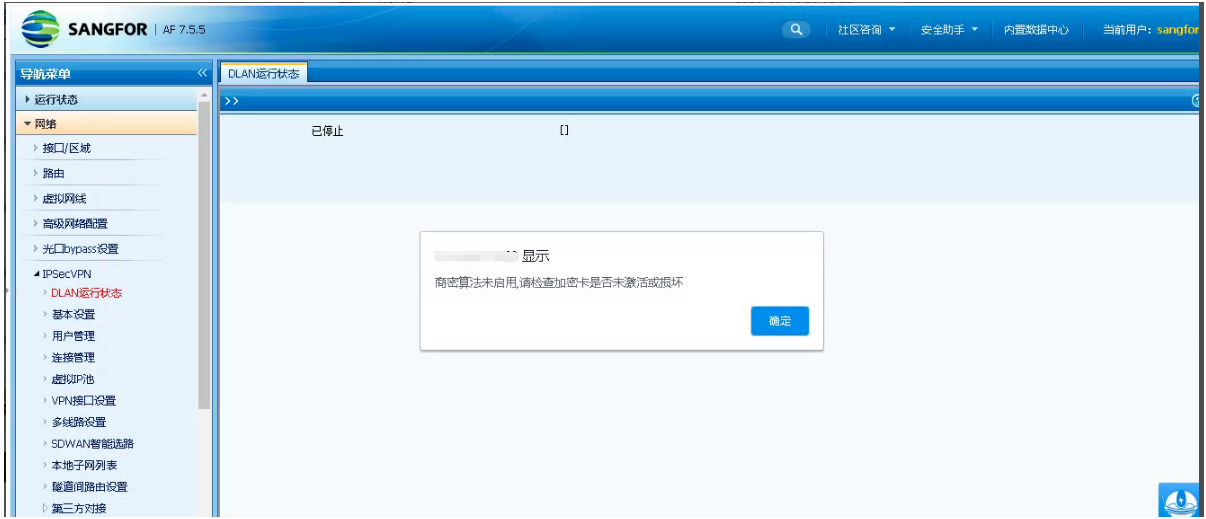
Effective troubleshooting steps
- Check the Local encryption key for normal access

- The background shows that the key is online normally

- Manual reactivation of the encryption card fails.
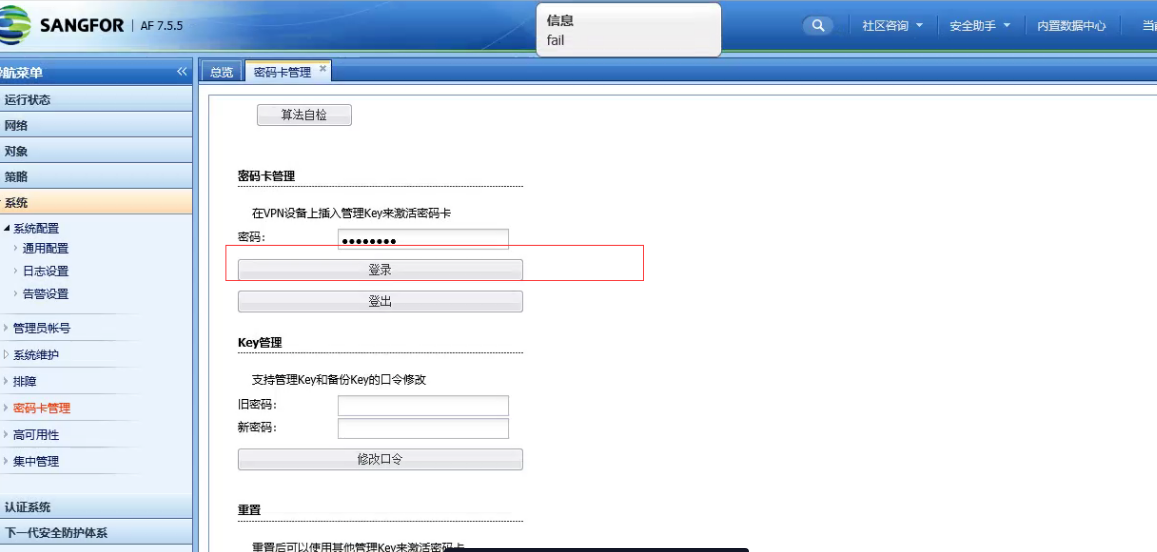
- Manually initialize the encryption key
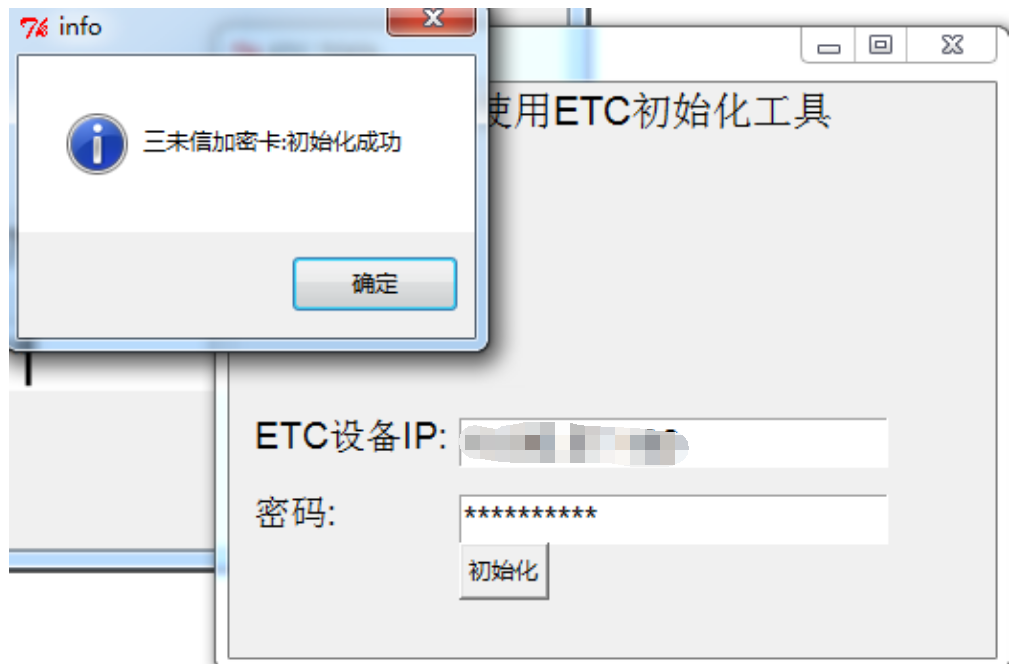
Use etc_tool (encryption card automatic activation tool) to initialize the encryption key. The access IP of the terminal to the AF device must be accessible Network. The password is the device system account password.
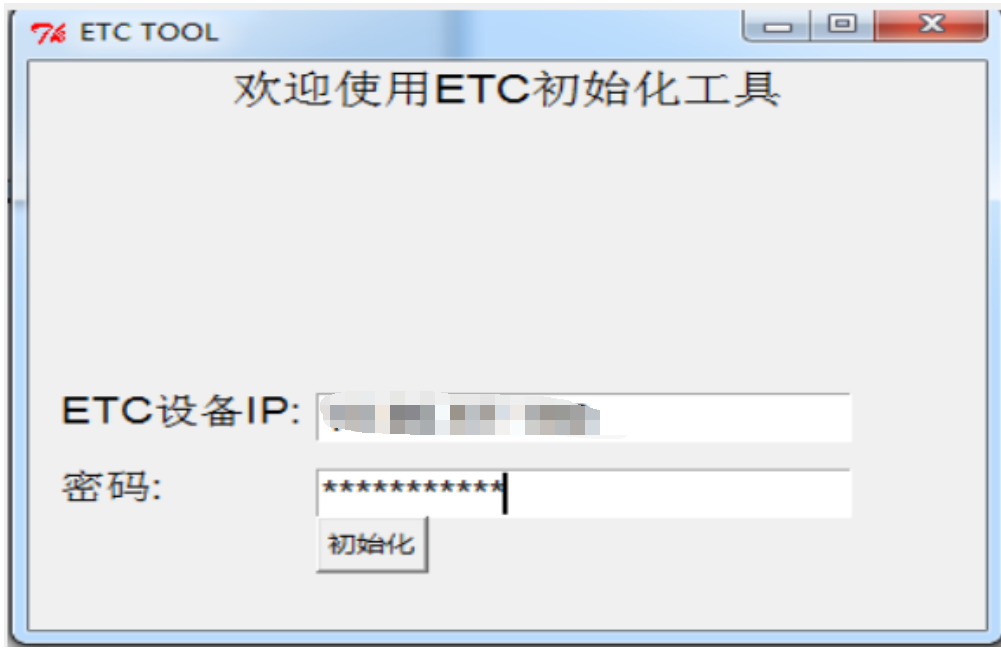
- The initialization key fails. It is determined that the encryption key is faulty. Use a new encryption key to reinitialize and then connect to the Local to activate the device normally.
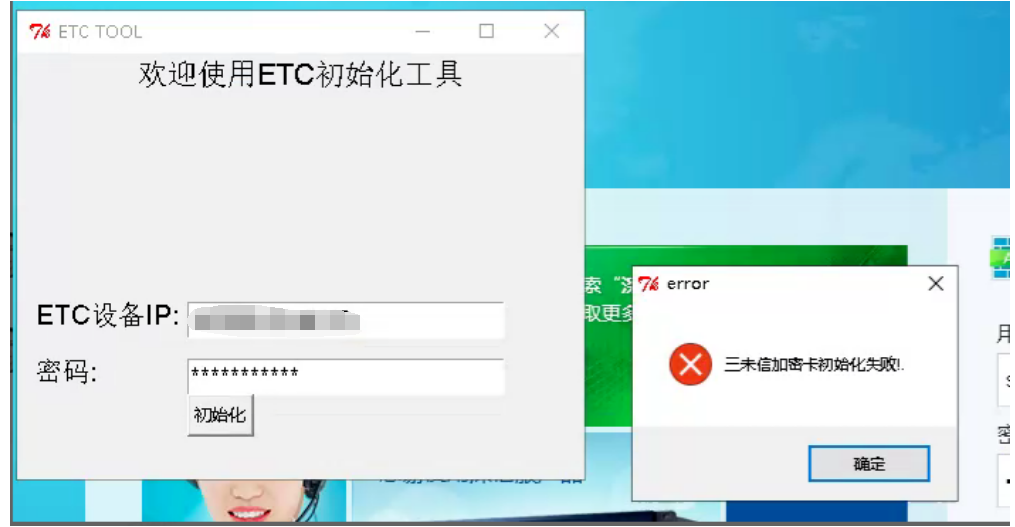
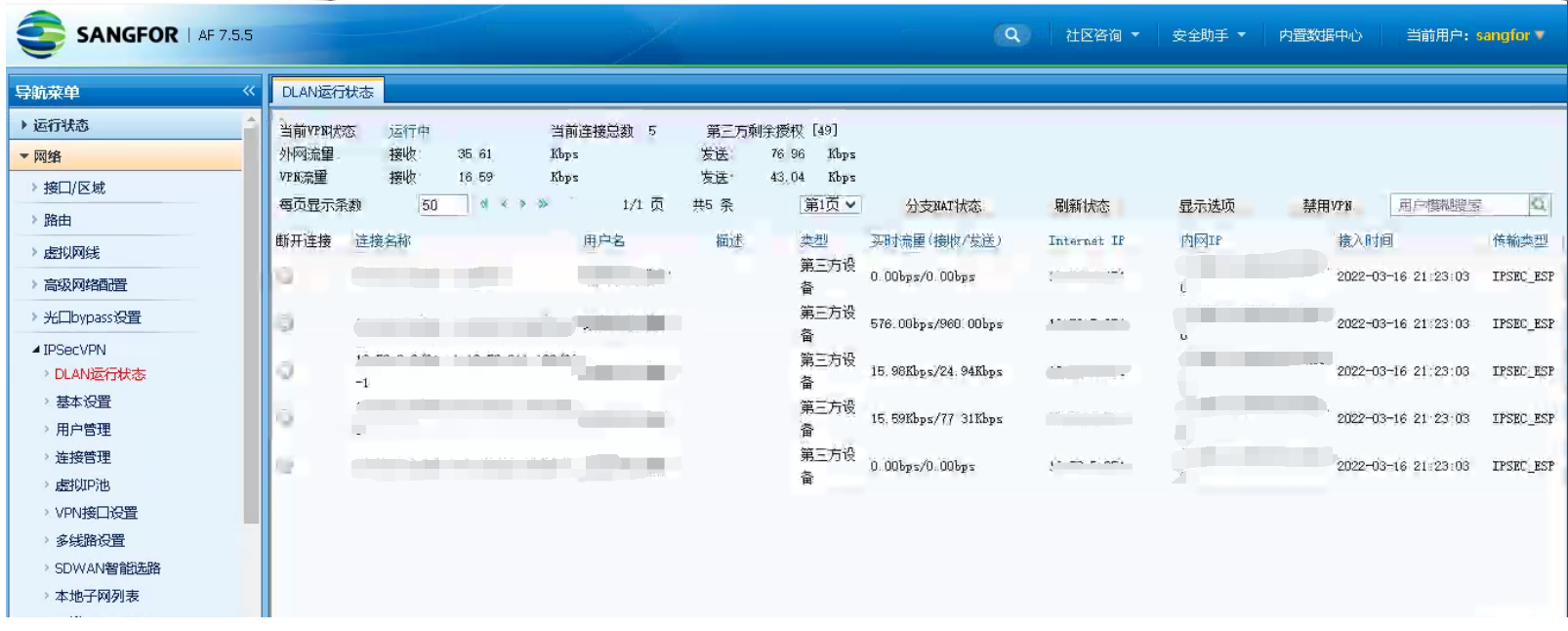
- After replacing the new key and reinitializing it, insert it into the device to activate it. The ipsec vpn module is enabled normally and the tunnel is established successfully.
Root cause
Error occurred while encrypting the connection key.
solution
Replace the encryption key and reinitialize the activation key
Operation Impact Scope
This operation has no effect

etc_tool (Encryption card automatic activation tool).zip
(10.56 MB)
Original Link
https://support.sangfor.com.cn/cases/list?product_id=13&type=1&category_id=1616&isOpen=true