
【NGAF】After installed the EasyConnect, it keep prompt out the “ENSURE failed” error message.
Issue Description
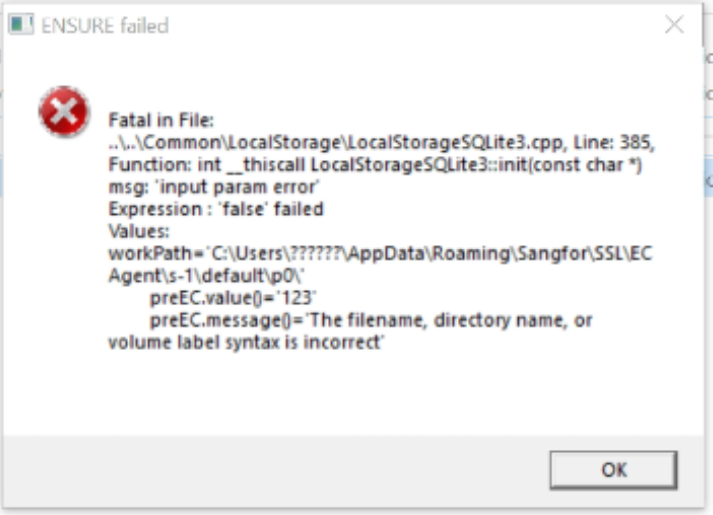
After installed the EasyConnect, it keep prompt out the "ENSURE failed" error message.
Example:
Fatal in File:
….\Common\LocalStorage\LocalStorage.capp.Line: 385,
Function:init_thiscall LocalStorageSQLite3::init(const char *)
msg:’input param error’
Expression:’false’ failed
Values:
workPath=’C:\Users\??????\AppData\Roaming\Sangfor\SSL\ECAgent\s-1\default\p0\’
Handling Process
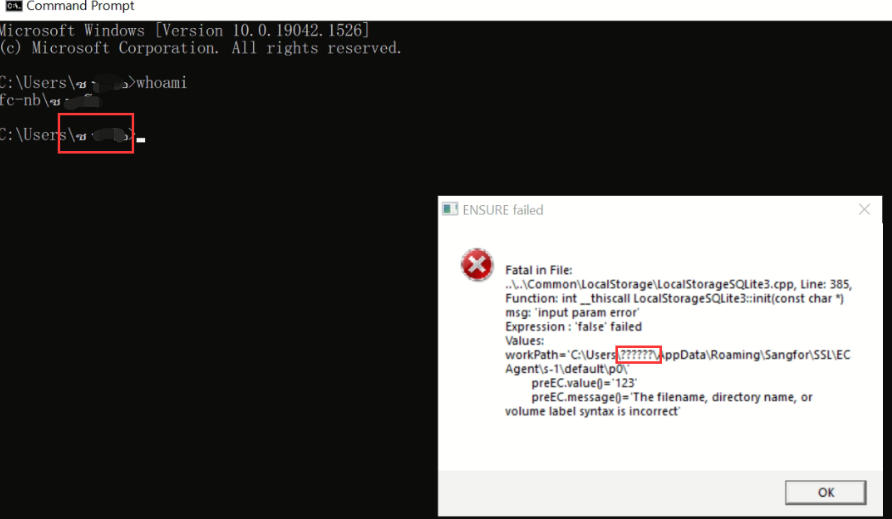
- Check on the error message, the C:\Users\ is followed by garbled code.
- Proceed to check that the username of the windows computer, it is not in English in the CMD window.
Example:
Root Cause
If the administrator account username is not in English, the startup path of the EC agent process will be garbled, so it will keep popping up to remind the EC agent process that the startup failed.
Solution
Change the computer administrator account username to English.