【NGAF】Cannot Pop Up Rejection Page
Issue Description
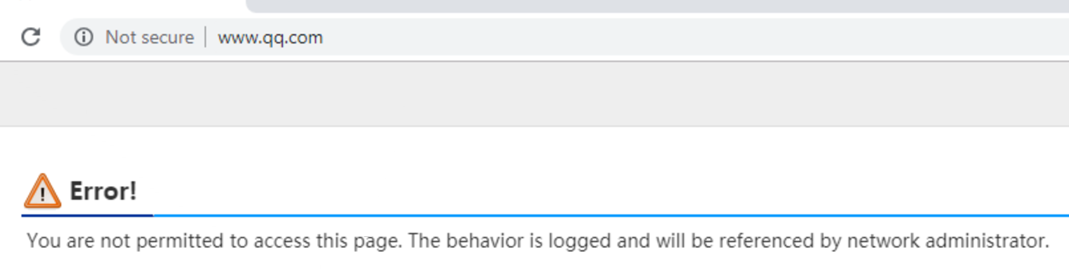
URL filtering is configured, and the following rejection page cannot be popped up.
Error/Warning Information
Handling Process
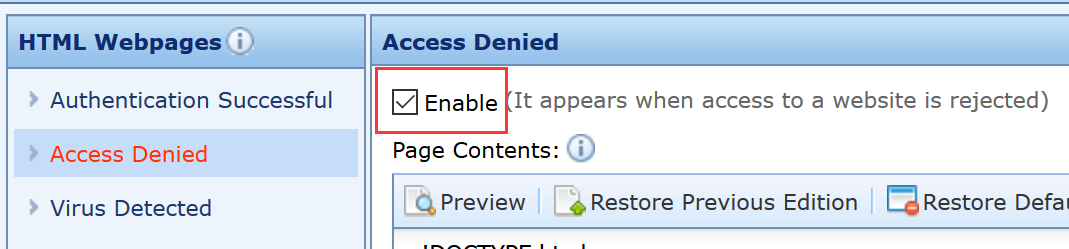
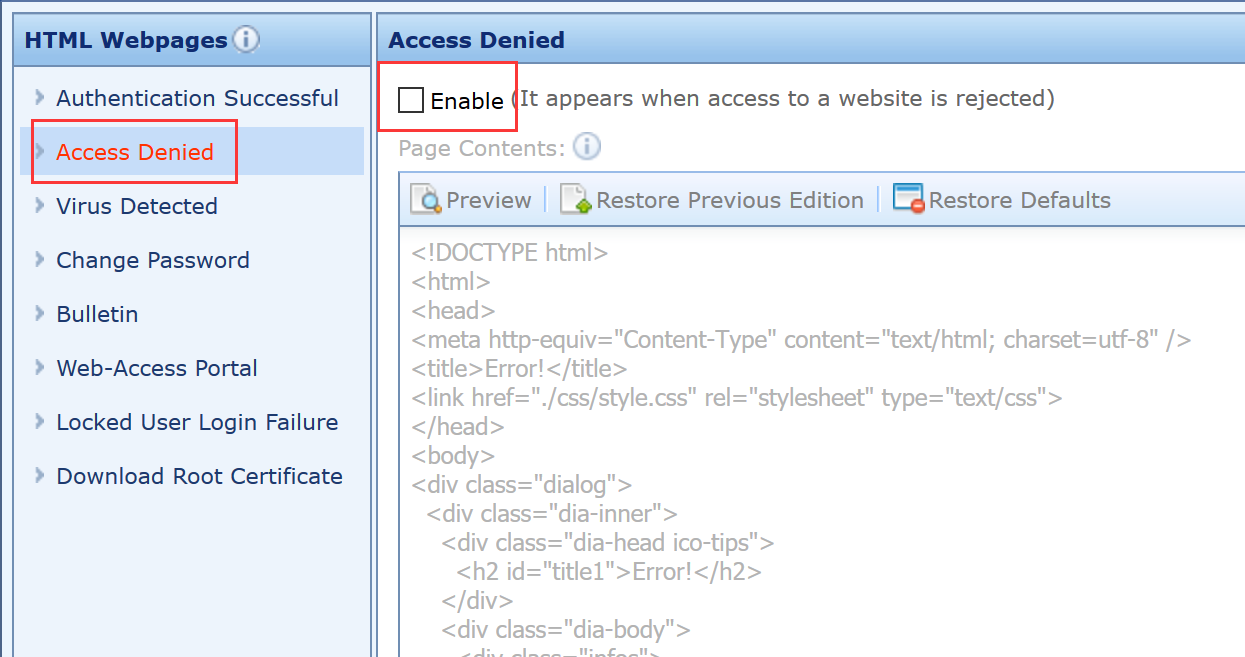
Go to Policies > Custom Webpage > Access Denied found that the following configuration is not enable.
Root Cause
Access Denied is not enable.
Solution
Enable Access Denied.