
【NGAF】Failed To Remove The Certificate Warning Alert
Issue Description
Customer has a certificate and they want to use the certificate to remove the certificate alert box in browser. After they upload and install the cert, found that browser still prompt the certificate warning.
Handling Process
- Try to download the cert again, found that the downloaded cert is the cert that customer uploaded.
- Check on the certificate management, found that the cert already insert to the Trusted Root Certification Authorities.
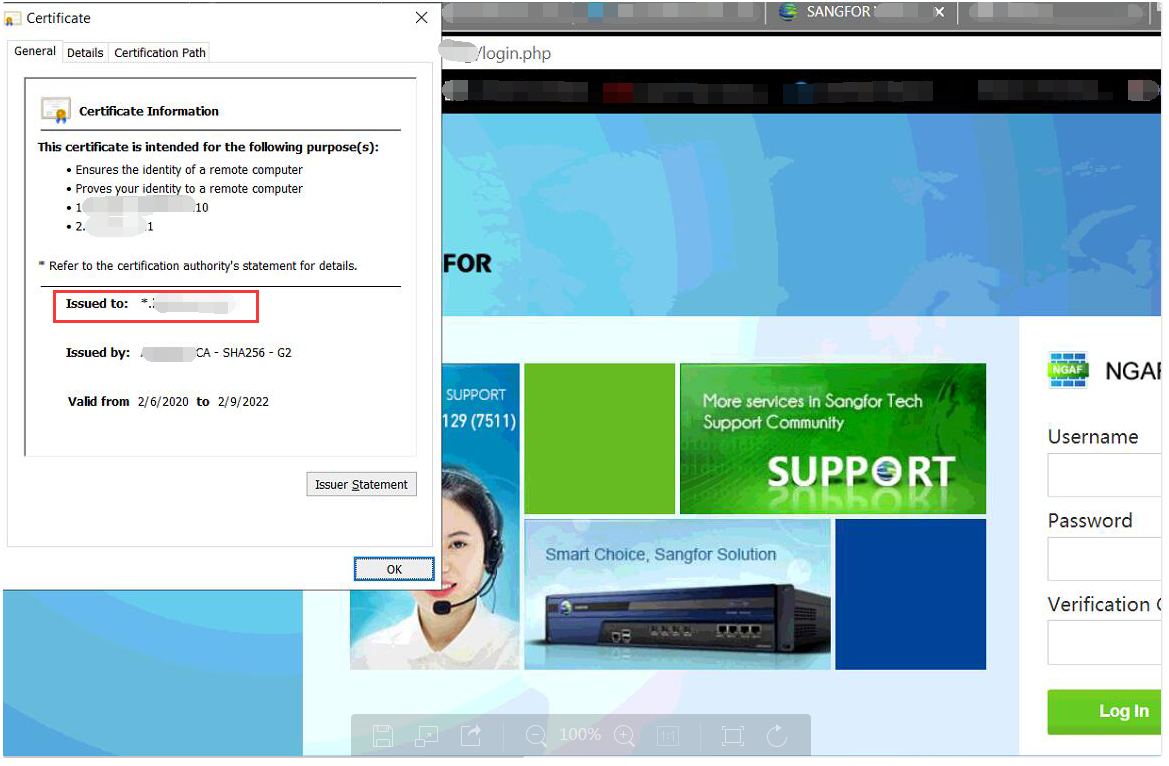
- Try to view the cert when it show the cert warning, found that it already using the certificate that customer uploaded.
Root Cause
It is caused by the certificate is issue to xxx.com domain, but customer try to login through LAN ip instead of the domain so that the certificate warning will occur in this case.
Solution
- Ask client to access the SSL VPn through domain name.
- Try to modify the host file in local PC to map a domain name that are included in the cert to the LAN IP.