
【NGAF】PPPoE dialup failed
Issue Description
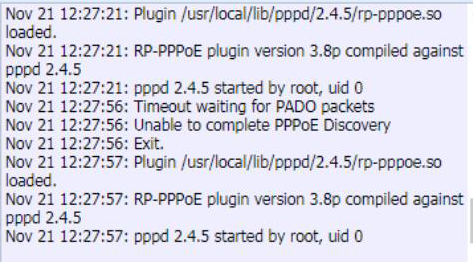
PPPoe Dialup Failed,Dialup details display:
Timeout waiting for PADO packets,unable to complete PPPoE Discovery
Error/Warning Logs
Handling Process
-
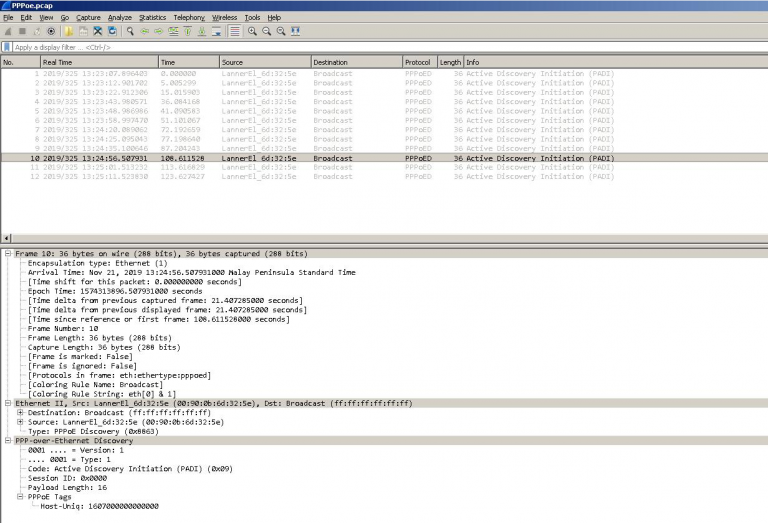
Capture dialed packets using wireshark for analysis, We only found that NGAF has been sending Active Discovery and has not received a reply.
-
Try to change other PCs to dial normally indicating that the Internet line is normal.
-
Get PC’s MAC address and assign to the ETH, found that it able to dail up successfully.
Root Cause
Internet lines restrict specific MAC address dialing.
Solution
Contact ISP team to change the MAC address binding for PPPoE dailup.