【NGAF】SSL VPN able to ping to resource but unable to access to resource
Issue Description
When Customer connected to SSL VPN, they able to ping to the server. The issue is when they use a application to access to the server, it not able to connect to the server.
Handling Process
- Try telnet to the server, it able to telnet.
- Perform packet capture, found that it able to capture ping packet but when use the application to connect the server, the PC is not sending the TCP request.
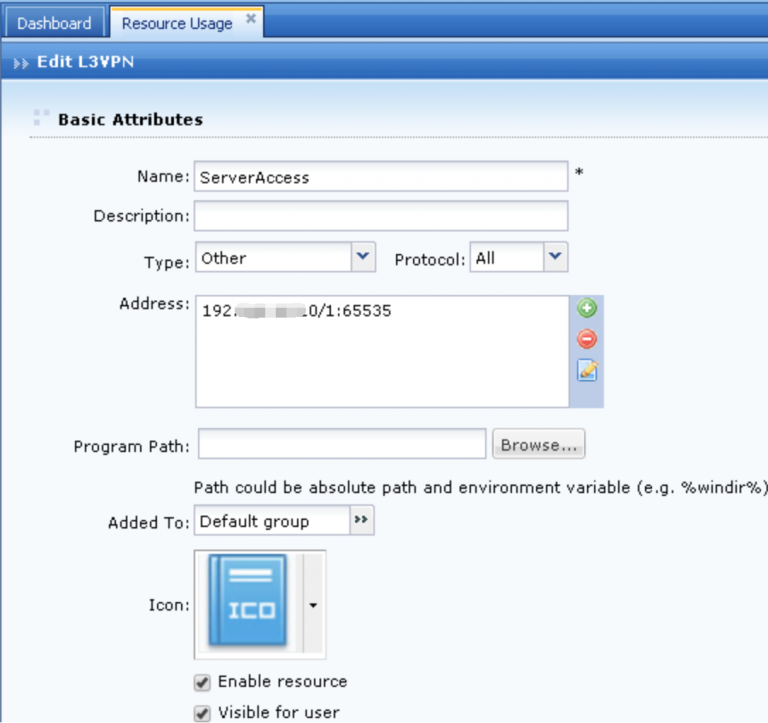
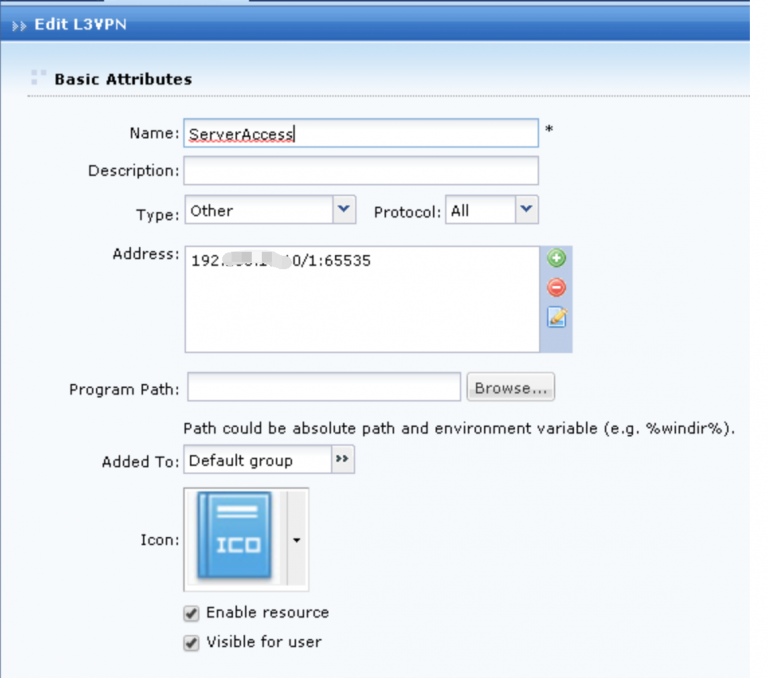
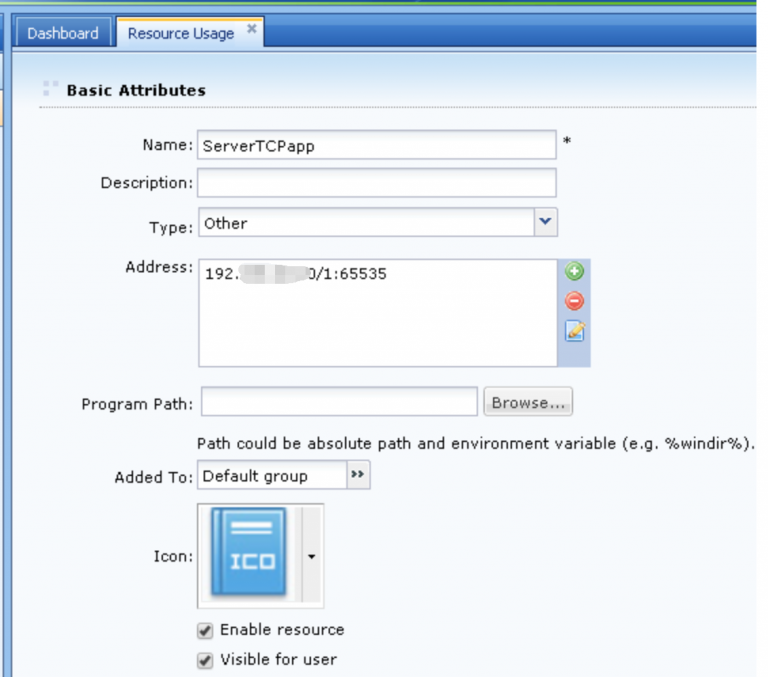
- Check on the resources, found that they have 2 resources which is TCP app and L3VPN. Both resources have the same server address.
- Try to remove the TCP app, then the problem solved.
Root Cause
It is because of customer configure 2 resources to the server, when telnet or accessing to the server it will use TCP app to access, causing the resource conflict.
L3VPN
TCP App
Solution
Go to Network > SSL VPN > Resources, remove the TCP app and use L3VPN to access to the server.