
【NGAF】Unable to Access Internal Report Center Thourgh Public IP
Issue Description
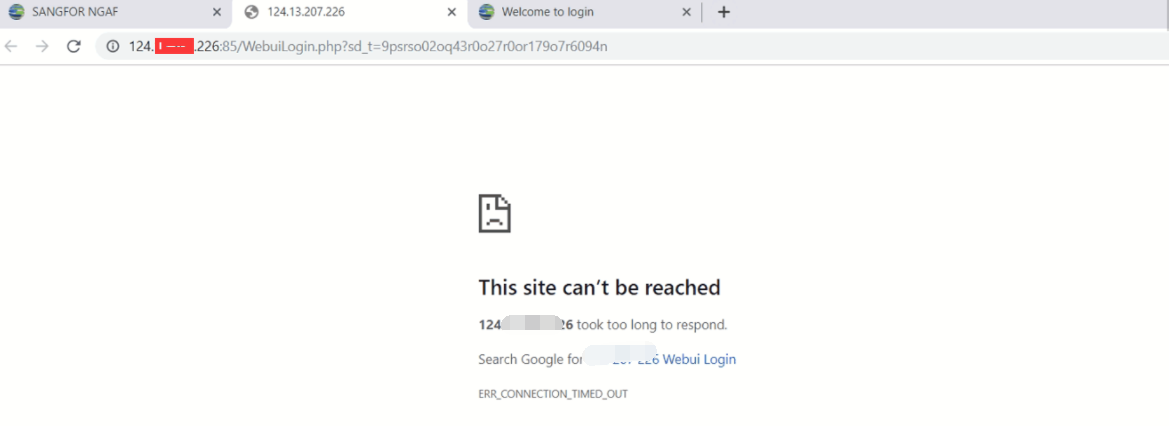
Public IP is not configure in NGAF. Users unable to access the report center through public ip.
Handling Process
- Try telnet port 85 through public ip failed.
- In the router that do the mapping to nat port 85 to NGAF ip. Then success to access the report center.
Root Cause
The internal report cetner on NGAF version 8.0.17 and below using the port 85. required the edge device to perform port forwarding for port 85.
Solution
In the edge device, add the DNAT rule to forward port 85 to NGAF.