
【NGAF】Update failure, stuck for a long time.
Issue Description
NGAF update from 7.5.1 to 8.0.7R2, but during the update it stuck for a long time.
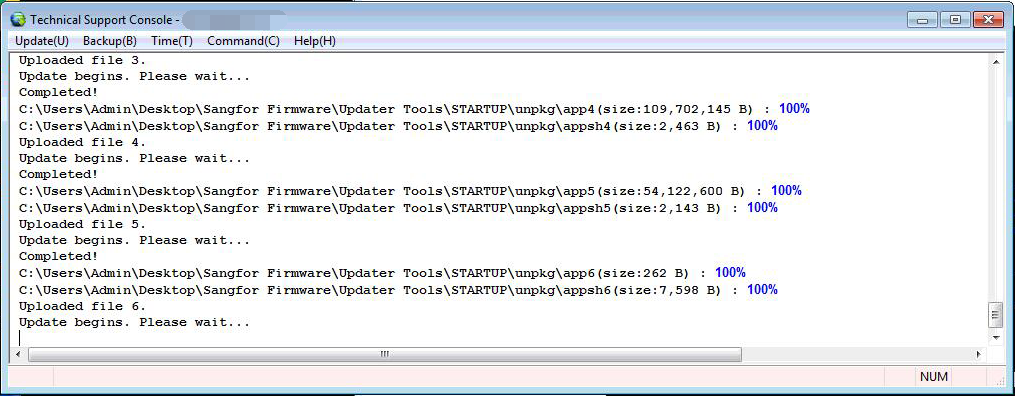
Handling Process
1.Try ping to the NGAF IP, found that unable to ping to the NGAF LAN IP.
2.Telnet to the LAN ip with port 5111 (It is Sangfor updater port), failed.
3.Check with the customer about how they connect to the device, in this case customer are using VPN to connect to NGAF.
Root Cause
The root cause for this issue is cause by user using VPN connection to connect the NGAF device. When the NGAF updating the VPN module, then the VPN tunnel will be disconnected. It will cause the update stuck while updating VPN module.
Solution
Request a PC direct connect to the device and update again.
Suggestions
For firmware update, suggest to direct connect to the device instead of using VPN or Internet.