【NSF】Security report no data available.
Issue Description
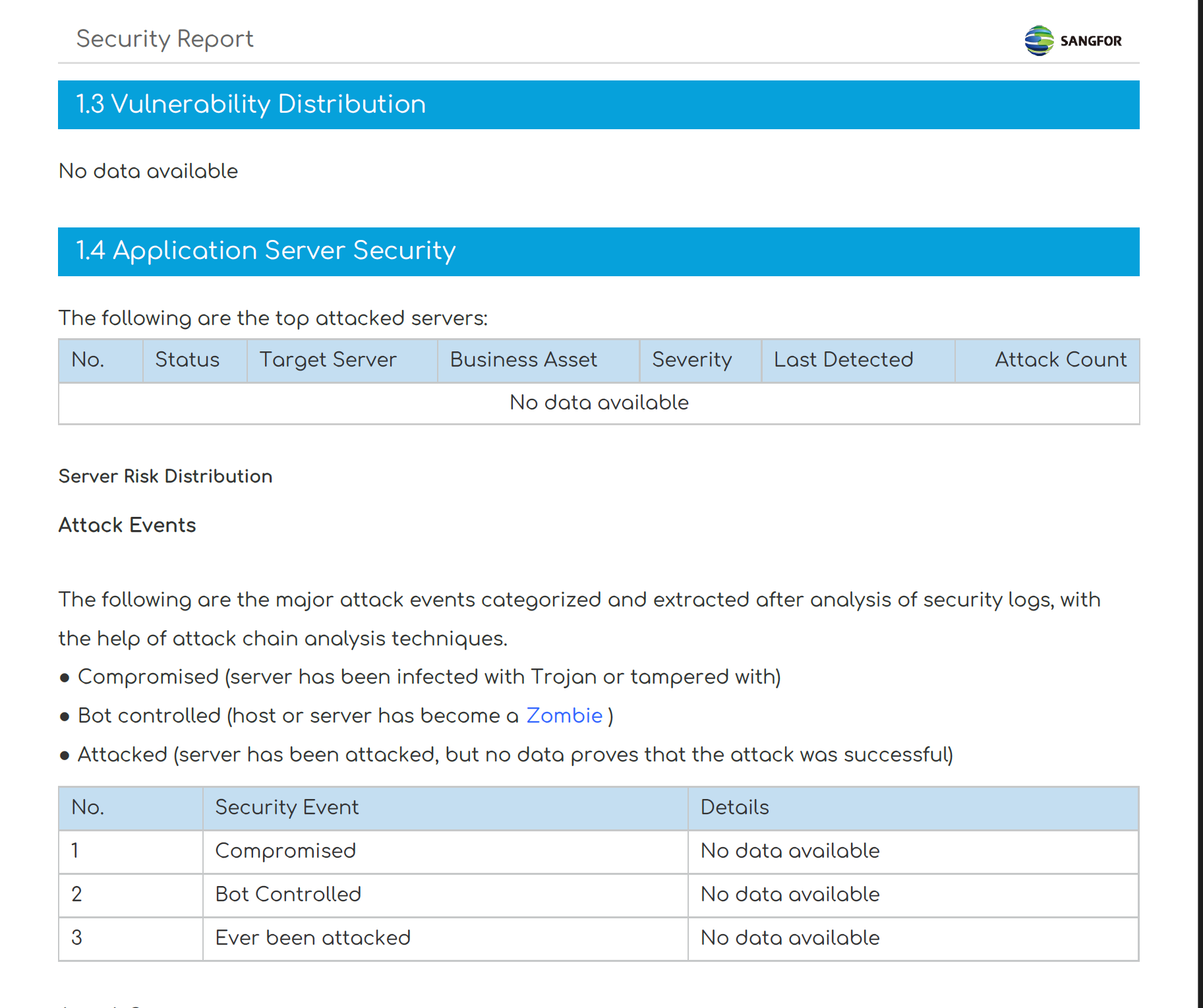
When try to genrate past few month security report found out that the security report does not have data which shows no data avaiable.
Error/Warning Logs
Handling Process
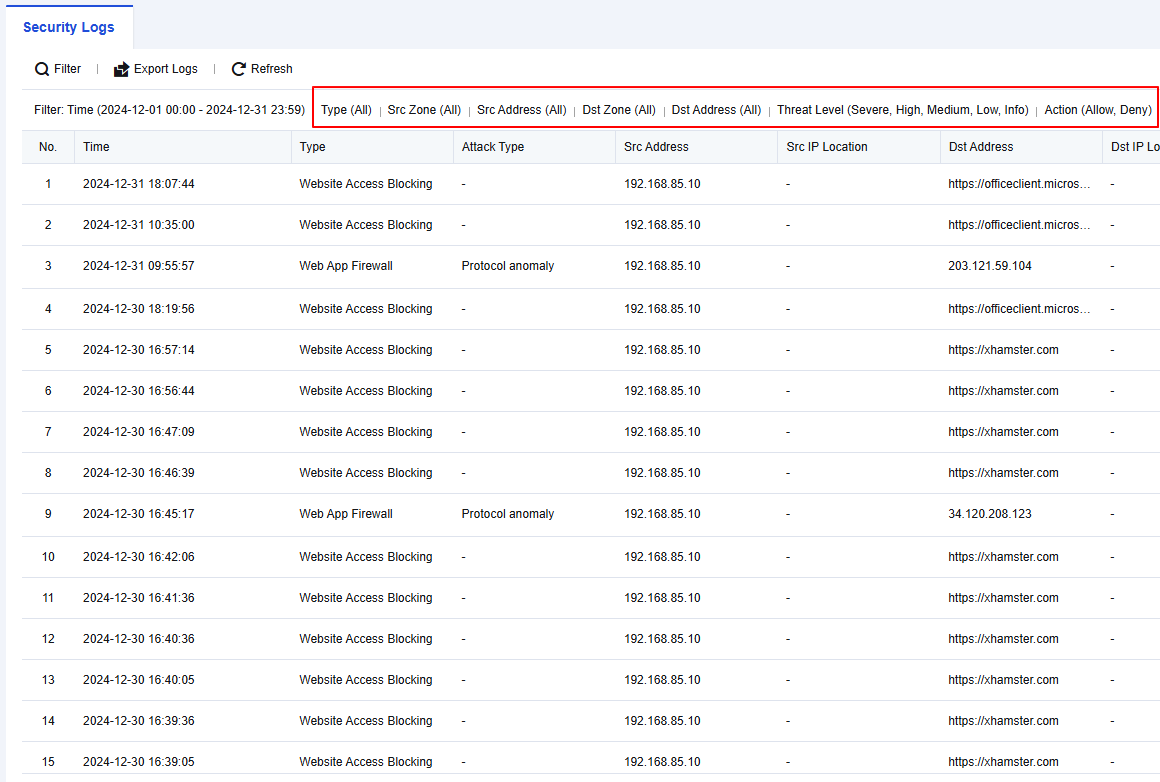
Filter security logs to ensure either include logs for Intrusion Prevention, Botnet Detection, Anti-DoS/DDoS, or Web App Firewall.
Scenario & Root Cause
Scenario 1:
For example on March 1,2025 tries to generate the January,2025 but the User security and Server security section shows no data available.
Root Cause:
The content of the User security and Server security are based on the midtable for the security report generation. The midtable content will be stored not more than 30 days.
Scenario 2:
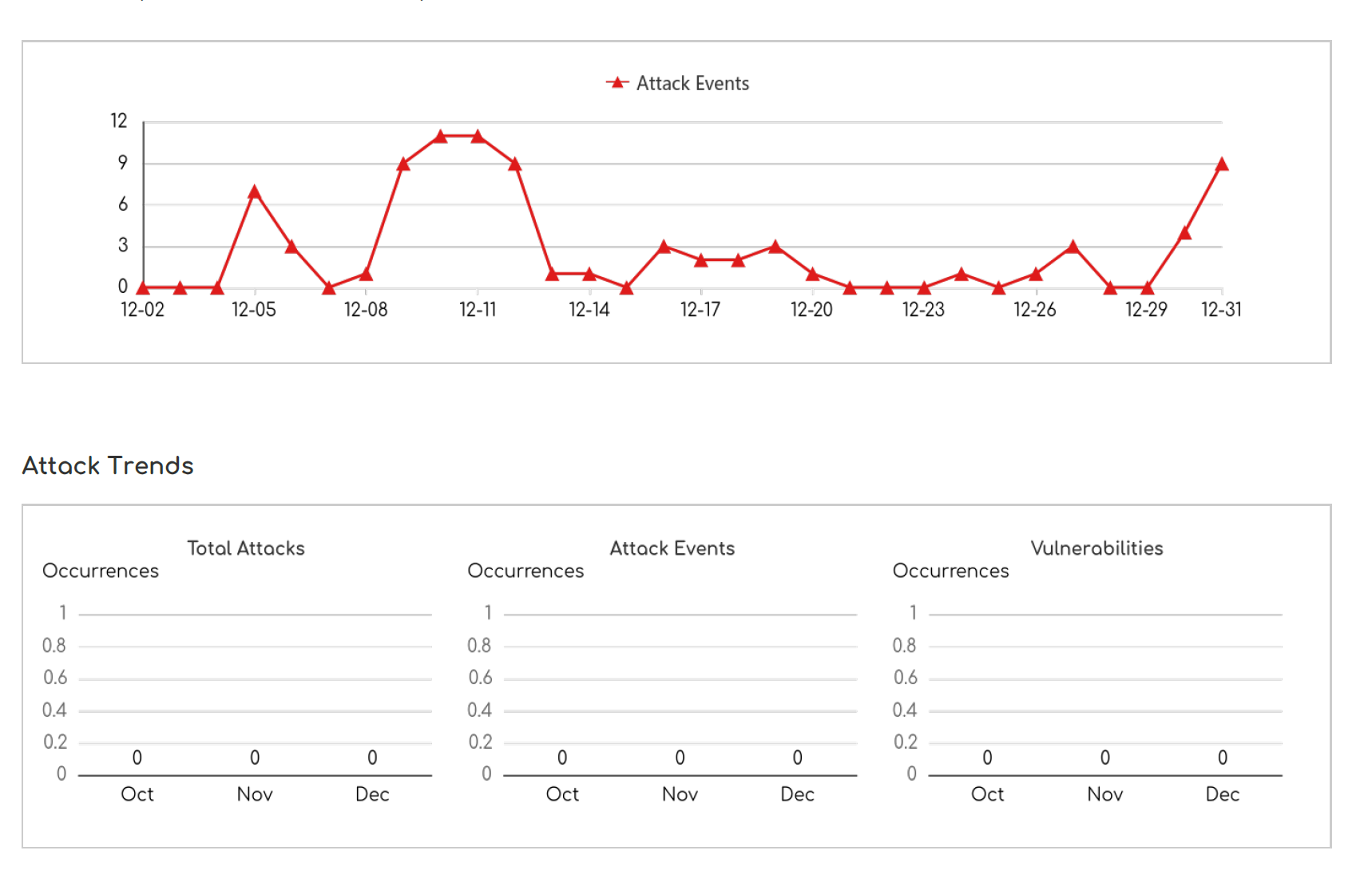
For example on March 1,2025 tries to generate the December,2024 but Attack Trends section section shows no data available.
Root Cause:
The attack trends will only preserved for not more than 3 months.
Suggestion
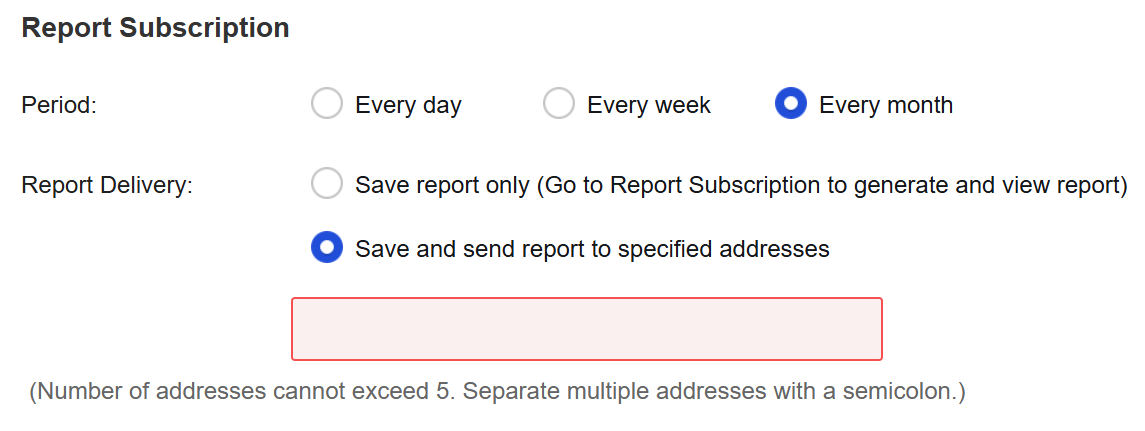
- Configure the report subscription to ensure report are generated accordingly.

- May sent the security report to an email address to serve as backup.
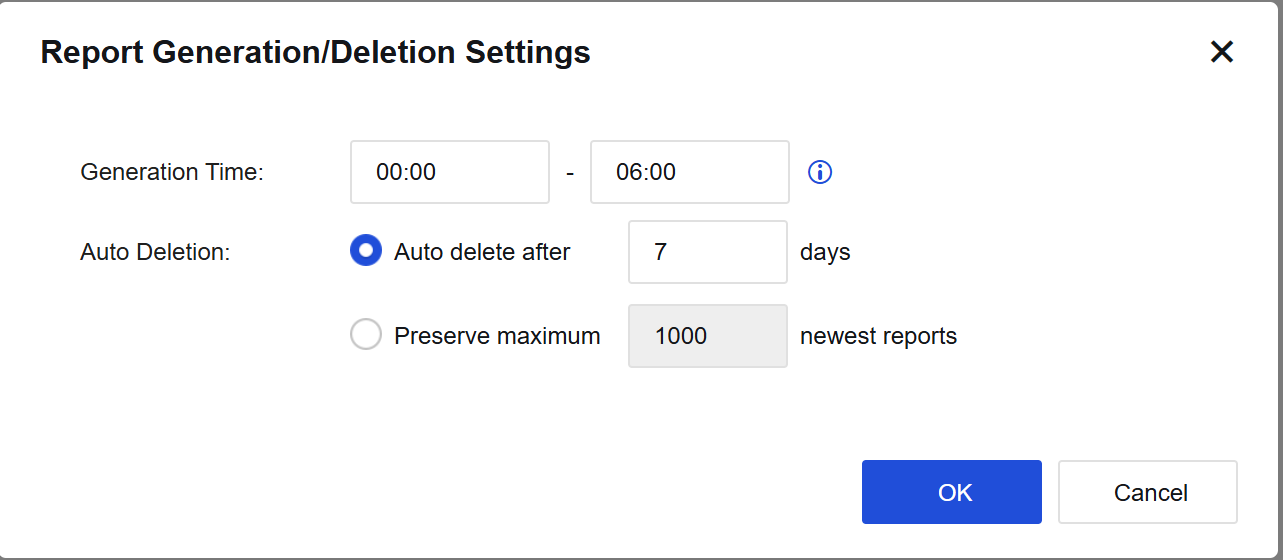
- Adjust the Report Genration/Deletion Settings to have longer report preservation on NSF.