
Private: 【NGAF】unable to access WebUI, shows “Sorry, page not found”
Problem Description
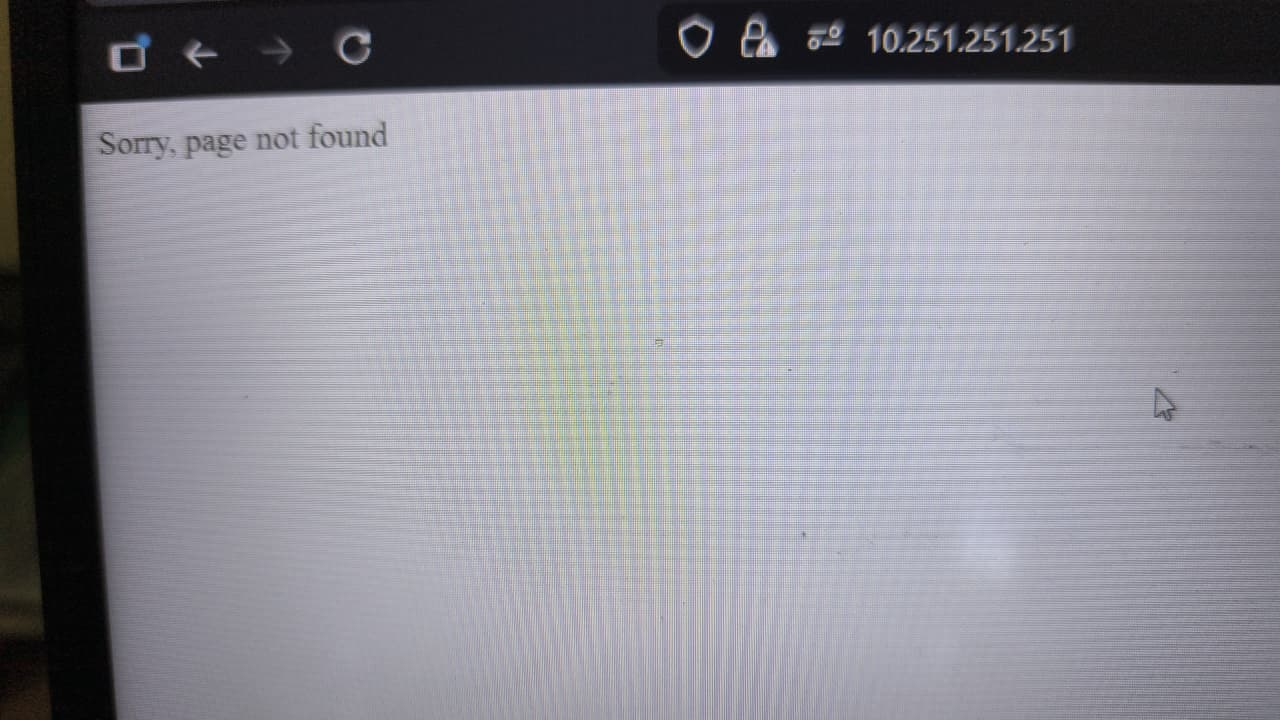
unable to access WebUI, shows "Sorry, page not found"
Error/Warning Information
Handling Process
-
Check backend file (upd_httpd_sec_cfg.sh) whether exists
Command: ls -lh /usr/sbin/upd_httpd_sec_cfg.sh -
If does not exist, upload and move the file under path: /usr/sbin/
File can be downloaded: https://sangforltd-my.sharepoint.com/personal/kongyeow_sangfor_com/_layouts/15/onedrive.aspx?id=%2Fpersonal%2Fkongyeow%5Fsangfor%5Fcom%2FDocuments%2FShare%20Folder%2FNGAF%20Patch%2F8047%20JG28%20Sorry%2C%20page%20not%20found%2Fupd%5Fhttpd%5Fsec%5Fcfg%2Esh&parent=%2Fpersonal%2Fkongyeow%5Fsangfor%5Fcom%2FDocuments%2FShare%20Folder%2FNGAF%20Patch%2F8047%20JG28%20Sorry%2C%20page%20not%20found&ga=1 -
If shows read-only file system, execute commands below:
Command: remount_rw.sh (enable permission) -
After move the file to /usr/sbin/, execute the file:
Command:
chmod +x /usr/sbin/upd_httpd_sec_cfg.sh
./upd_httpd_sec_cfg.sh -
Execute following commands to return back to read-only file system
Command: remount_ro.sh -
Refresh browser few times and verify whether the WebUI able to access
-
Modify script path: /etc/rc2.d/S99local and add command below:
Command: /usr/sbin/upd_httpd_sec_cfg.sh
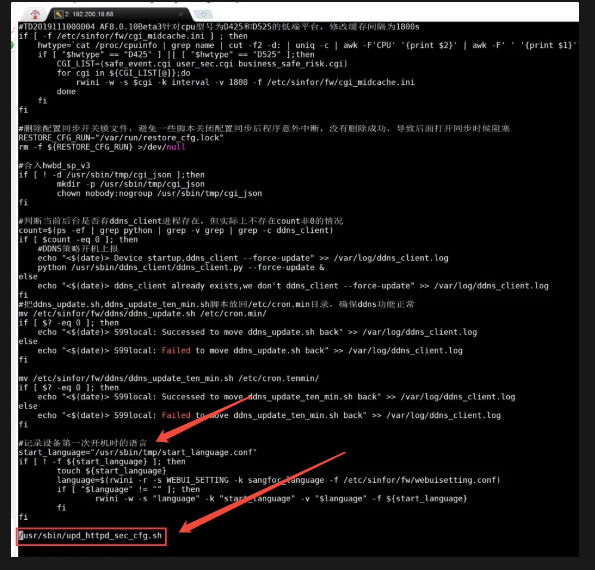
to run the file whenever device reboot
Solution
Replace and execute the file as above
Root Cause
Issue occurred when JG patch is installed on the device and file disrrupted when factory reset or import backup configuration file