
【aCMP】The Throughput of the Node shows “Failed to obtain data”
Problem Description
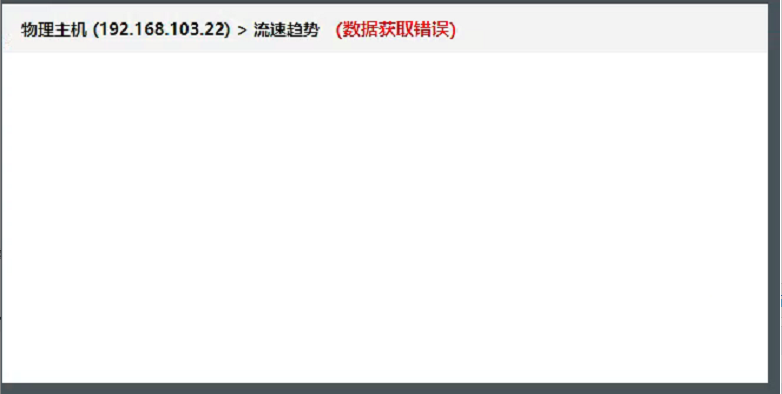
In the aMC monitoring module, the Throughput of the Node shows "failed to obtain data"; delete the view, create a new Throughput of the Node, and the phenomenon remains
Warning Information
Effective troubleshooting steps
- Check that other parameters of AMC monitoring are normal
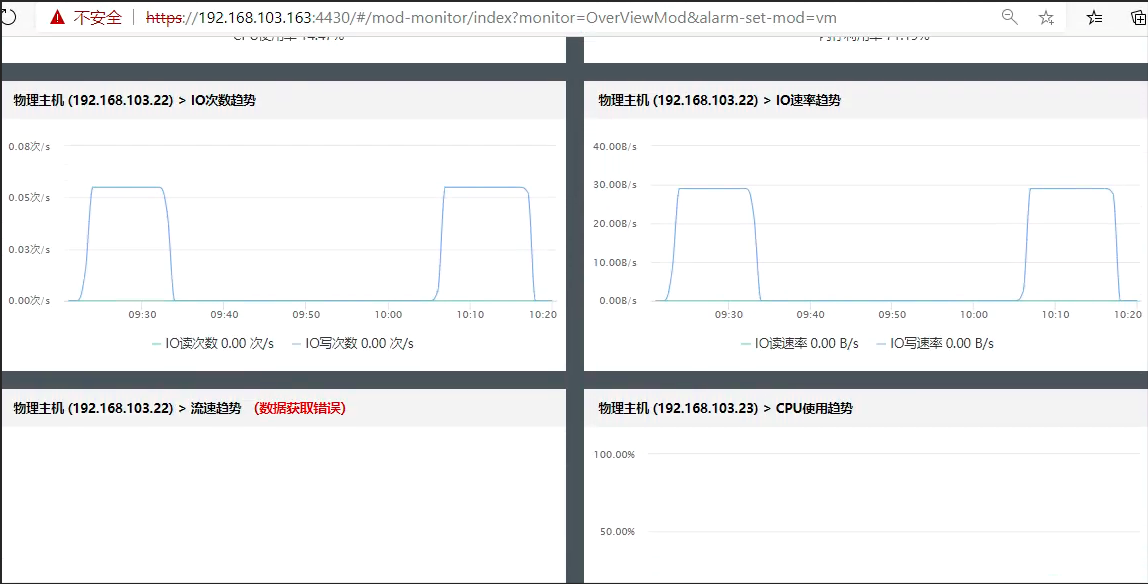
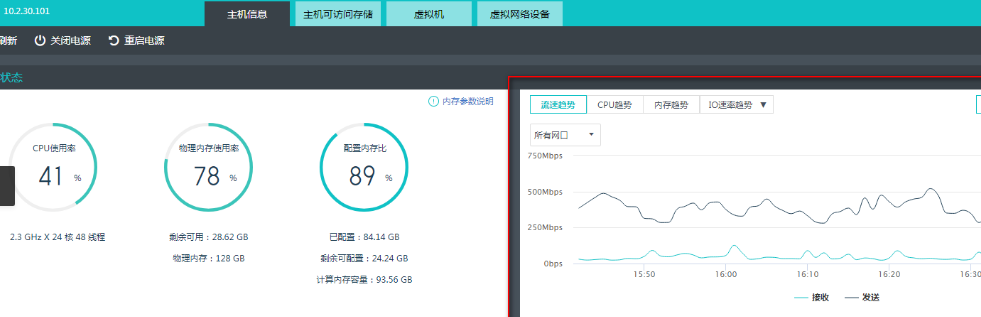
- Check Node and find that the flow rate parameters can be obtained normally
solution
Known issue. This issue exists in versions lower than 610R1. You need to upgrade the ACMP version to 610R1 to solve it.
Original Link
https://support.sangfor.com.cn/cases/list?product_id=36&type=1&category_id=19485&isOpen=true