
aStor integration with SCP fails.
Issue Description
When users attempt to integrate aStor with SCP as object storage, it will fail to be integrated with error below:
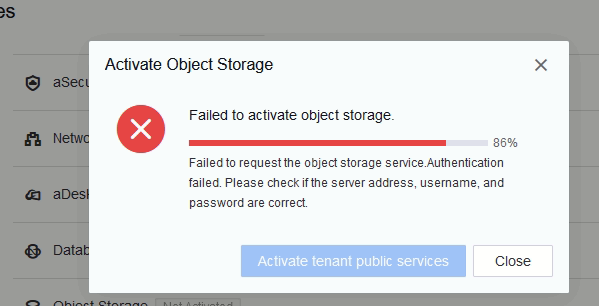
Error/Warning Information
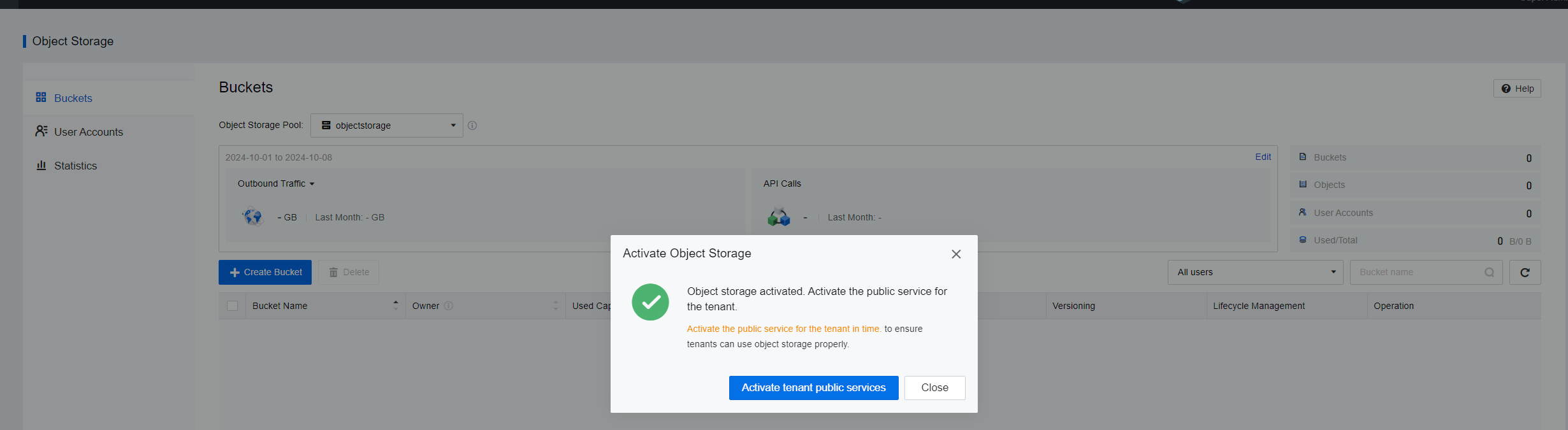
Failed to activate object storage.
Failed to request the object storage service. Authentication failed. Please check if the server address, username, and password are correct.
Handling Process
1) Customer’s version of aStor (EDS) is 5.0.3B.
2) Verify if aStor side has configured the SCP environment credentials.
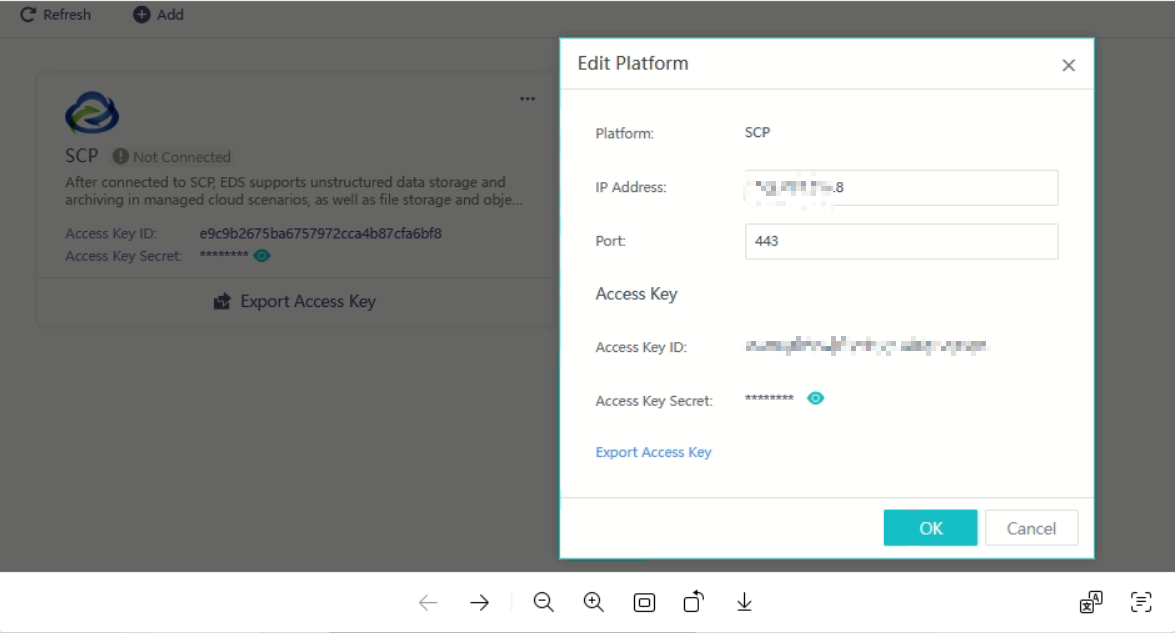
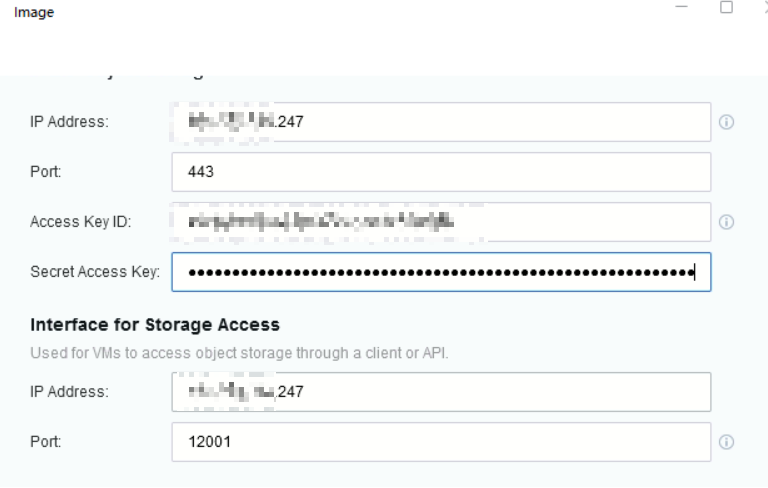
3) However, integration from the SCP side still fails even if attempted with port 12000 or 12001.
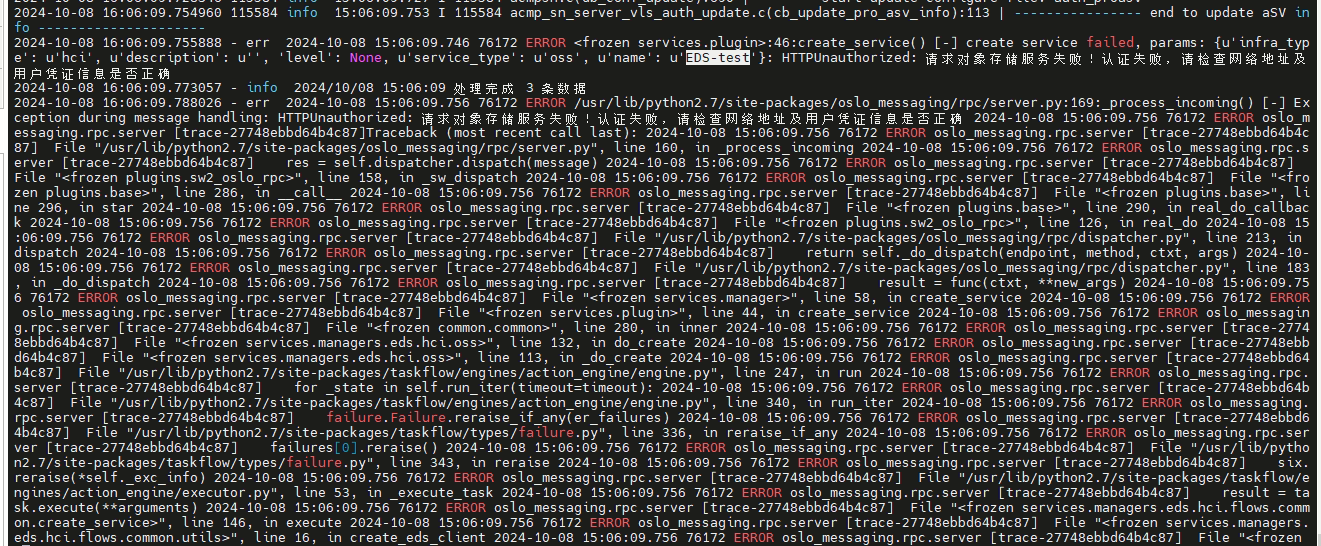
4) From the SCP logs, there reported errors as below:
5) Verify if the aStor (EDS) and SCP’s time is almost in sync.

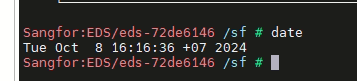
6) Verify if the aStor (EDS) and SCP are in the same network segment.
Root Cause
As intervention with the R&D team, it was confirmed that the SCP version (6.10.0) does not support integrating with EDS5.X versions.
Solution
1)It is needed for the user to upgrade SCP to 6.10.0R1 in order for the integration to success.
2) After upgrading, the integration was a success.
Suggestion
If the above method does not work, do kindly approach specialist or R&D for further assistance.