
Data is damaged, files are not found/incomplete after the disaster recovery drill and migration
Problem Description
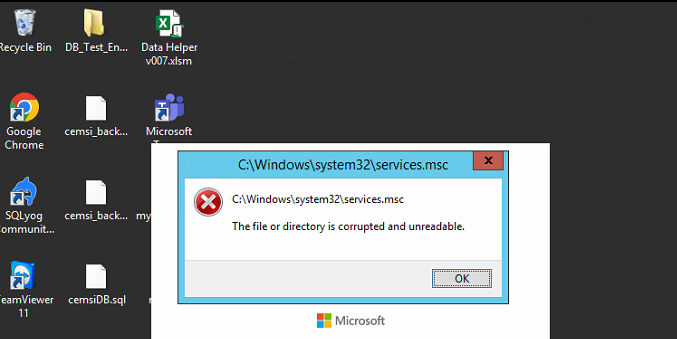
Disaster Recovery VM is restored or drilled to the prepared site for disaster recovery, and then migrated back to the Primary Site after everything is normal. Primary Site cannot be Power On, files are damaged or missing, and other data anomalies occur.
Effective troubleshooting steps
- Check the HCI operation log of Operation Logs point to see if the VM has successfully completed the backup data collection (fetch backup)

2. Browse the files or backup and restore the backup point created before the preparation site is migrated back to confirm whether the data is damaged or missing like Primary Site.
Root cause
After Disaster Recovery drill was conducted Secondary Site, the system was forcibly Shut Down and migrated back to the Primary Site.
solution
1 If migration is still possible, Secondary Site, complete data organization, and then migrate back.
2 When migration is not possible, Secondary Site is Power On and data is organized; at the same time, a Disaster Recovery strategy is established in reverse (Primary Site is changed to the original Secondary Site, Secondary Site is changed to the original Primary Site, and the Disaster Recovery VM runs on the Secondary Site of the original strategy), and the VM Disaster Recovery of the original backup Secondary Site (the Primary Site of the reverse Disaster Recovery strategy) is restored to the original Primary Site (the Secondary Site of the reverse Disaster Recovery strategy), and finally the reverse Disaster Recovery strategy that has just been created is deleted.
Original Link
https://support.sangfor.com.cn/cases/list?product_id=36&type=1&category_id=27003&isOpen=true