
[SCP] ACMP adds Cluster to HCI cluster and reports an error: The system is busy and will try again later
Problem Description
ACMP adds Cluster to HCI cluster and reports an error: The system is busy and will try again later
Effective troubleshooting steps
- Check that the HCI and ACMP networks are normal, Cluster is managed correctly, and the ACMP version is compatible with the HCI version.
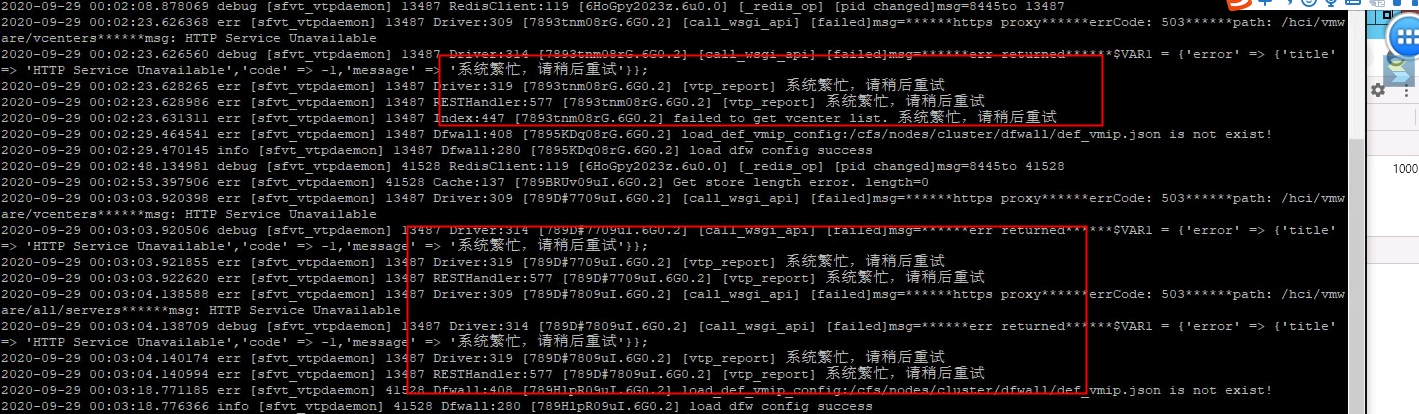
- Check the sfvt_vtpdeamon log: The system is busy. Try again later.
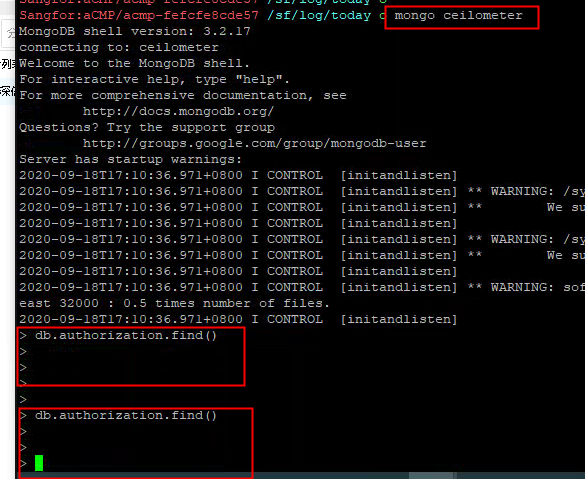
- Mongo celiometer checks that the basic Licensing information of the Cluster has not been obtained
- Check auth.py in the cd /usr/lib/python2.7/site-packages/sdk_api/middleware/ directory: The source IP address of the request to the cloud management is 192,168,88,150

- Check the scp front desk and find that the Cluster address is the IP address of the HCI master node
- Change the management address to the Cluster IP address
Root cause
When customers manage HCI, they fill in the Node IP of the HCI Cluster Controller node, not the HCI Cluster IP. As a result, HCI cannot access the SDK API interface of SCP (HCI IP verification fails and the request is Deny), which in turn causes SCP to fail to collect HCI basic Licensing information. HCI basic Licensing information is required for Cluster Licensing. Without this information, the Cluster Licensing function cannot be used.
solution
Edit the HCI connection information on SCP and change the HCI IP to the HCI Cluster IP.
Original Link
https://support.sangfor.com.cn/cases/list?product_id=36&type=1&category_id=19489&isOpen=true