
[SCP] After uploading the EDR image to the aSecurity, virtual storage prompts that it is inaccessible.
Problem Description
aSecurity uploading image, virtual storage prompt is inaccessible.
Warning Information
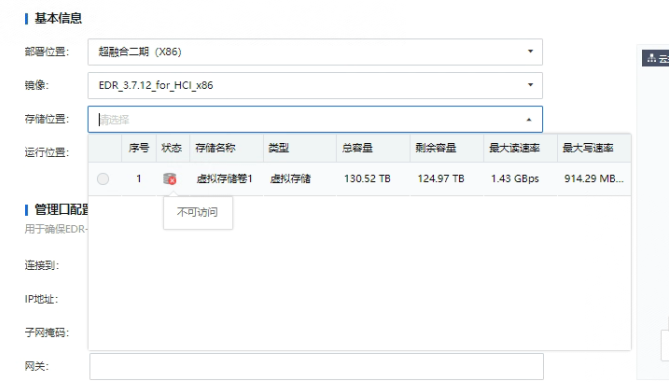
solution
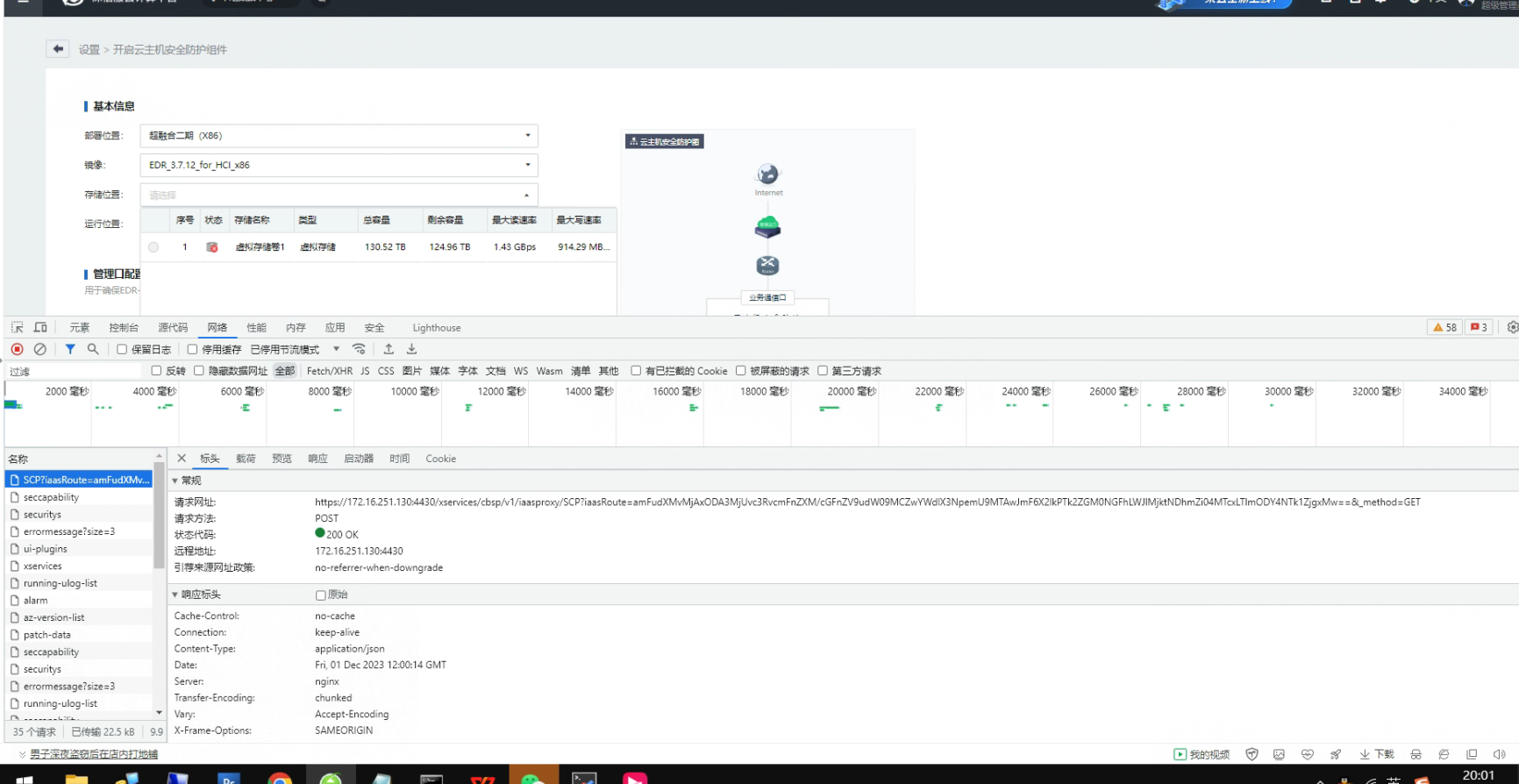
- Use F12 to find the corresponding interface and check the corresponding response status. It is found that only the fail status is returned.
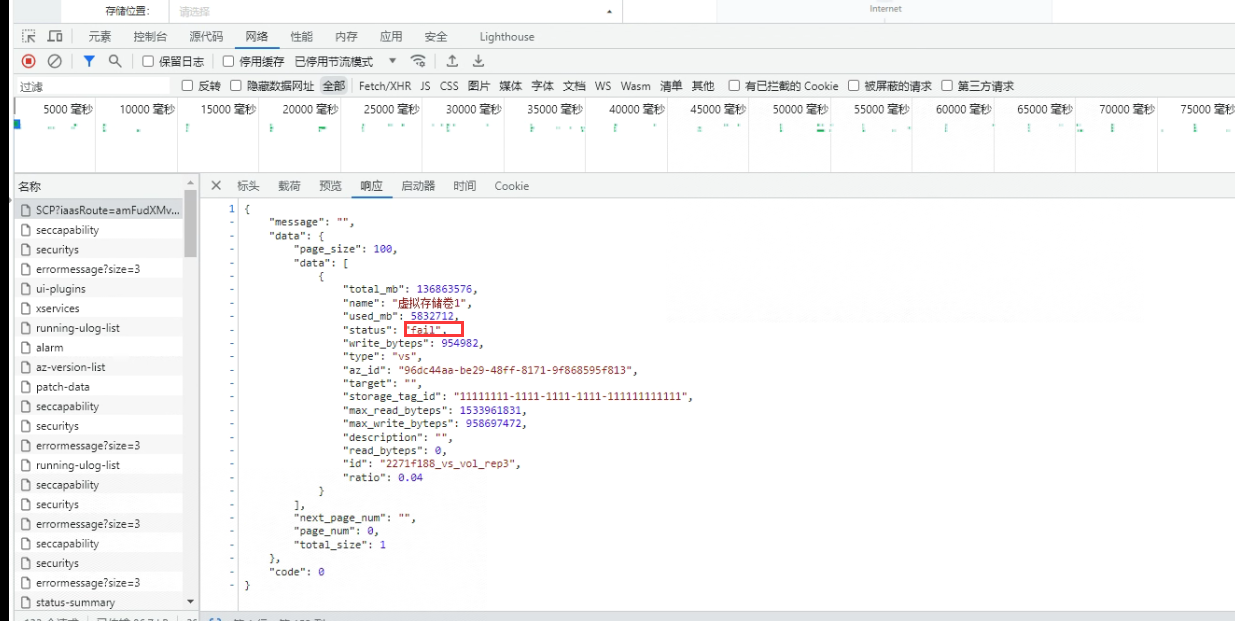
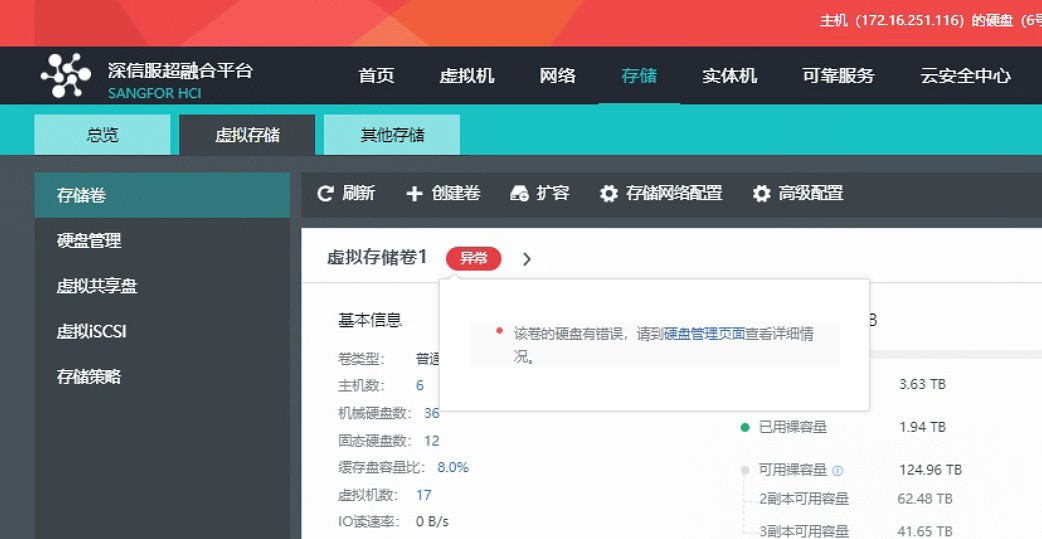
- Check the status virtual storage and find that it is unhealthy. However, the interface obtains the abnormal status virtual storage, which makes it inaccessible. After virtual storage is repaired and becomes healthy, it can be selected normally.
Original Link
https://support.sangfor.com.cn/cases/list?product_id=36&type=1&category_id=26016&isOpen=true