
[SCP] aSecurity page shows network anomaly and the service is offline
Problem Description
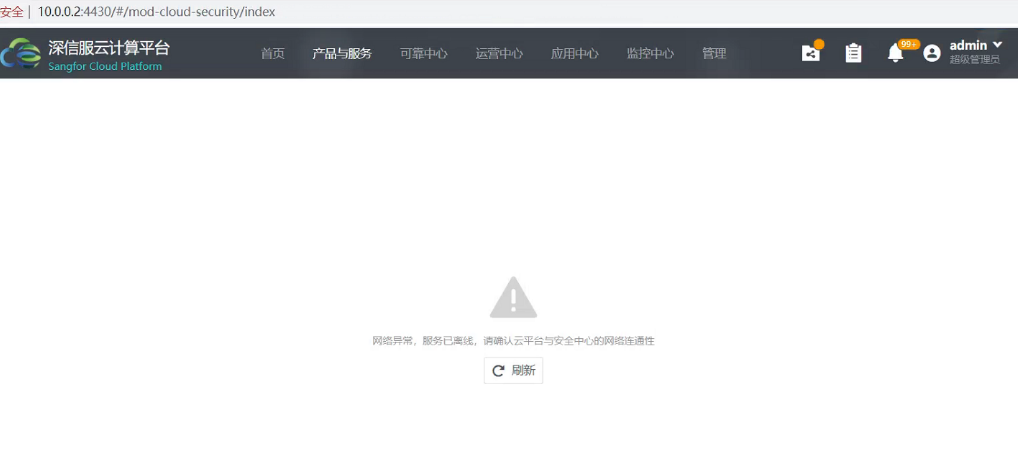
Clicking on Products and Services – aSecurity shows: Network abnormality, service offline. Please confirm the network connectivity between the cloud platform and Security Center.
Warning Information
Root cause
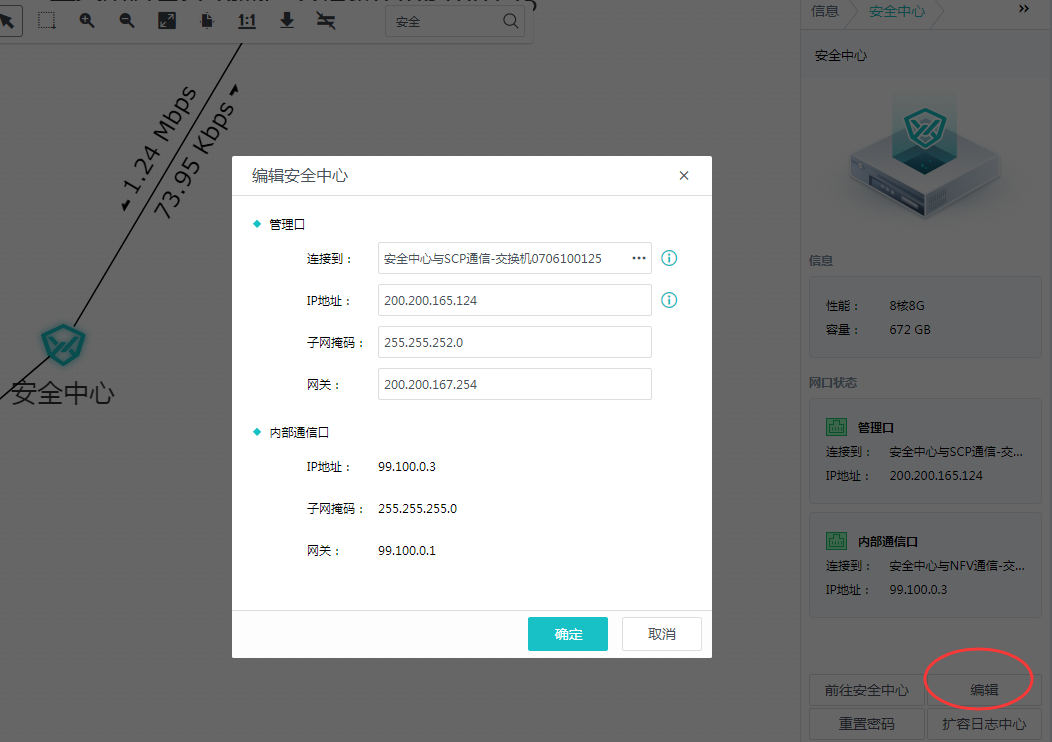
After the initial deployment, the console of the aSecurity VM was opened on the HCI to change the IP of VM. The normal procedure is to edit the network configuration of the security center on the SCP platform (as shown in the figure). Do not open the aSecurity VM console on the HCI to change it.
solution
- After the wrong operation, you can go to HCI to find the security center and enter the console to change the IP back to the original IP
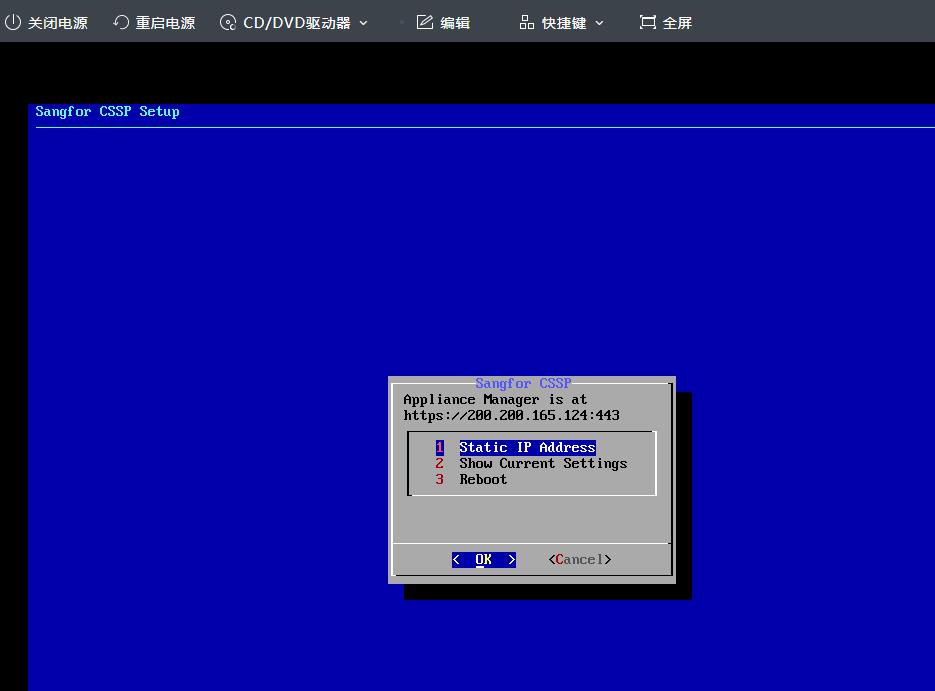
- If the first step does not work, find SCP R&D backend to change it
Original Link
https://support.sangfor.com.cn/cases/list?product_id=36&type=1&category_id=19497&isOpen=true