
[SCP] Cloud management cannot log in to the console and prompts that the website cannot be accessed
Problem Description
The cloud management console cannot log in and prompts that the website cannot be accessed.
Warning Information
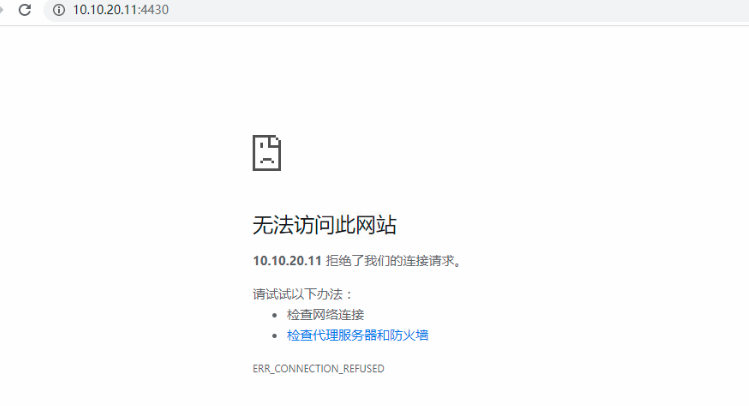
Effective troubleshooting steps
- Ping the cloud management address and the communication is normal, but telnet port 4430 is not accessible.
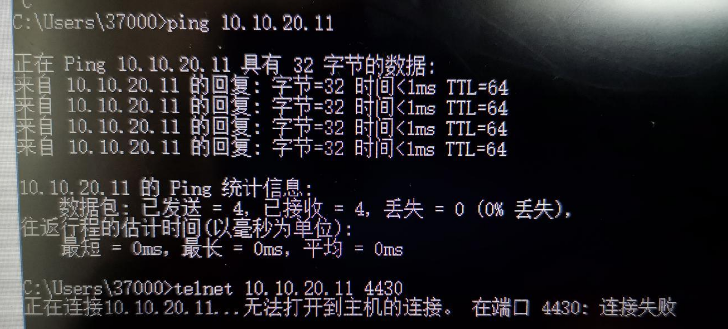
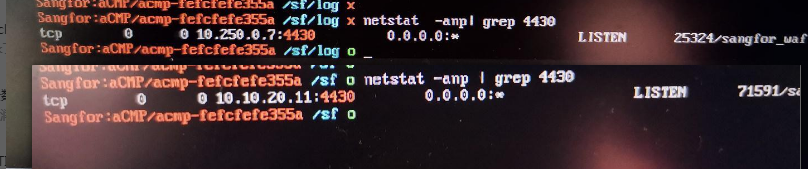
- Check the background to see that port 4430 is listening normally

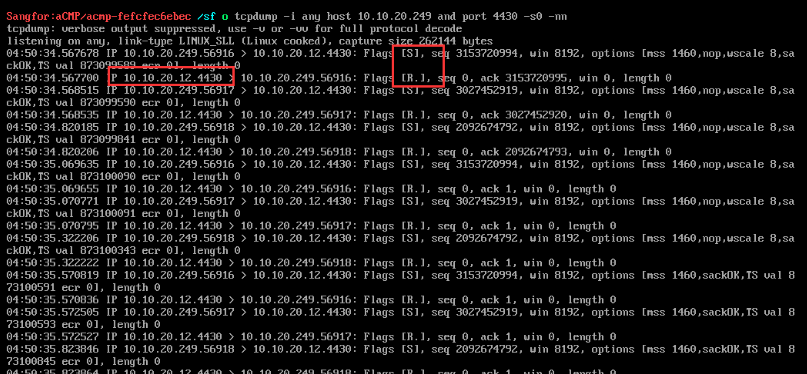
- After capturing the packet, it is found that the cloud management system has returned the RST packet.
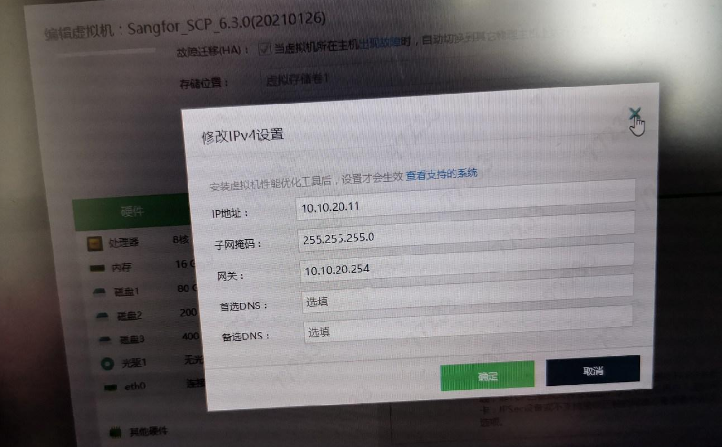
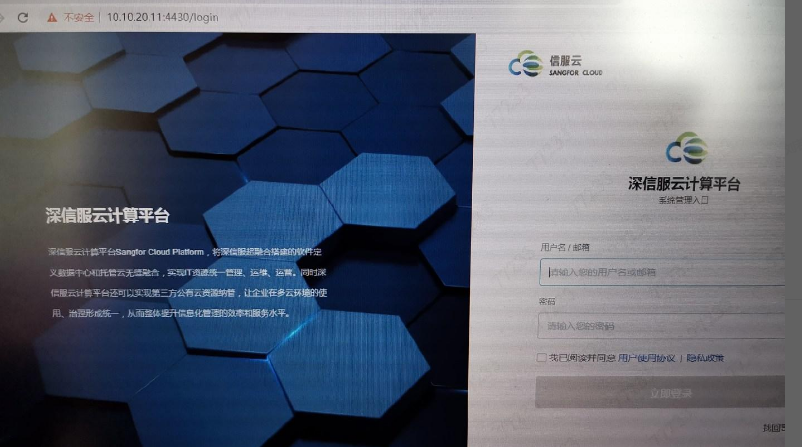
- Check the HCI interface. The IP configured on the cloud management virtual machine interface is different from the IP configured on the scp console, which causes an exception. Delete the HCI interface IP and log in to the cloud management console normally.
- Comparing the monitoring status of 4430, it can be found that the original monitoring address 10.250.0.7 has changed to the IP address of the console 10.10.20.11, and the console has returned to normal.
Root cause
The IP configured on the HCI interface cloud management virtual machine interface is different from the IP configured on the SCP console
solution
Delete the IP address configured on the HCI interface cloud management virtual machine interface
Original Link
https://support.sangfor.com.cn/cases/list?product_id=36&type=1&category_id=19505&isOpen=true