
[SCP] Enable Virtual Machine security protection, image column is empty, and an existing image cannot be selected
Problem Description
When you enable Virtual Machine security protection, image column is empty and you cannot select an existing image
Warning Information
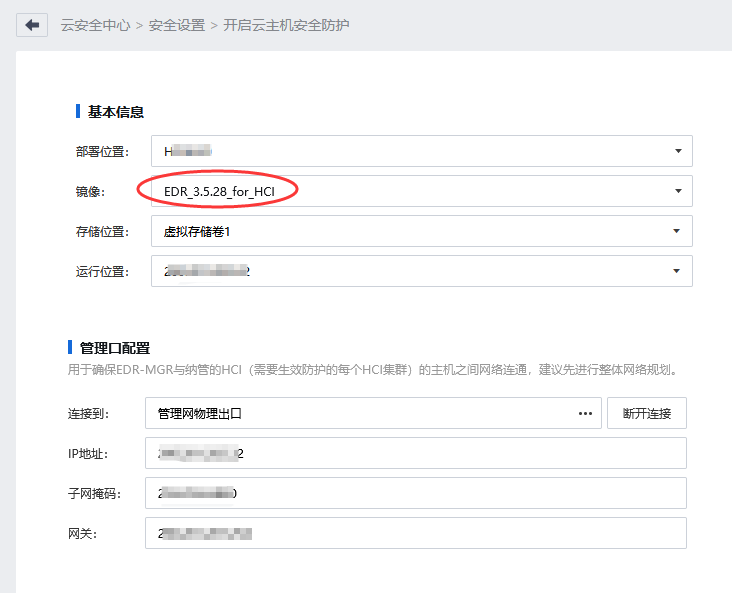
Root cause
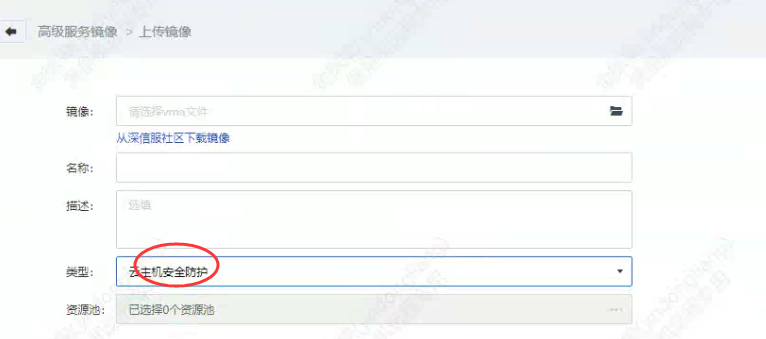
advanced service EDR in Advanced Service image, the wrong type was selected
solution
Select the type as Virtual Machine security protection and re-upload image problem
Original Link
https://support.sangfor.com.cn/cases/list?product_id=36&type=1&category_id=19646&isOpen=true