
[SCP] How To Prevent QR Code Genuine Windows Keep Prompt Out
Issue Description
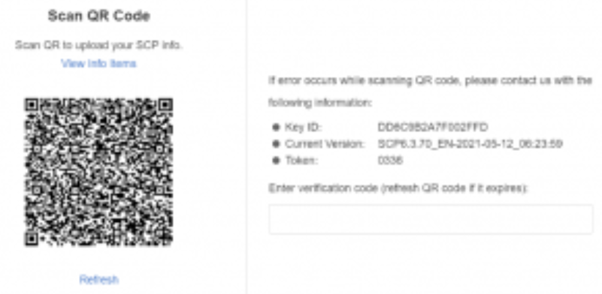
QR code genuine windows keep prompt for every login.
Error/Warning Information
Handling Process
-
Access to backend, use the command to read and execute the content.
source /sf/bin/keystonerc_admin -
Use below command to check for more information.
cloudmanager help
-
Use the command to check on variable, there is no genuine_verify_status.
cloudmanager sysconfig-list -
Use the command to create a new variable and set the value to 1.
cloudmanager sysconfig-create --variable genuine_verify_status --value 1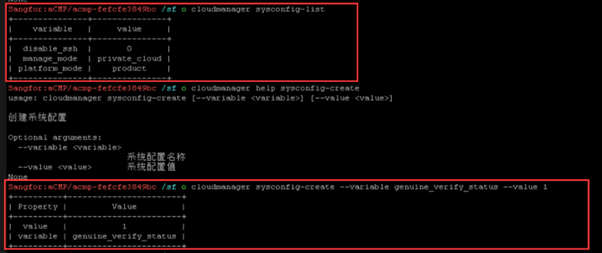
-
Use the command to check the status again, there is added genuine_verify_status.
cloudmanager sysconfig-list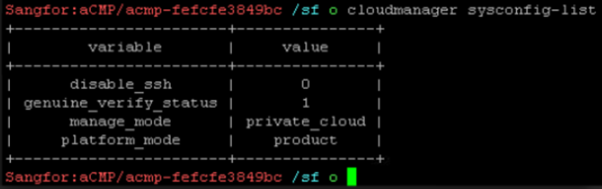
-
After added, the QRcode genuine windows no longer prompt out.
Root Cause
After scan QR code, thereis no verification code, so unable to make it disappear.
Solution
Backend add a variable incloudmanager sysconfig-list to solve the issue.