
[SCP] Unable to log in to the cloud management console and prompted connection failure
Problem Description
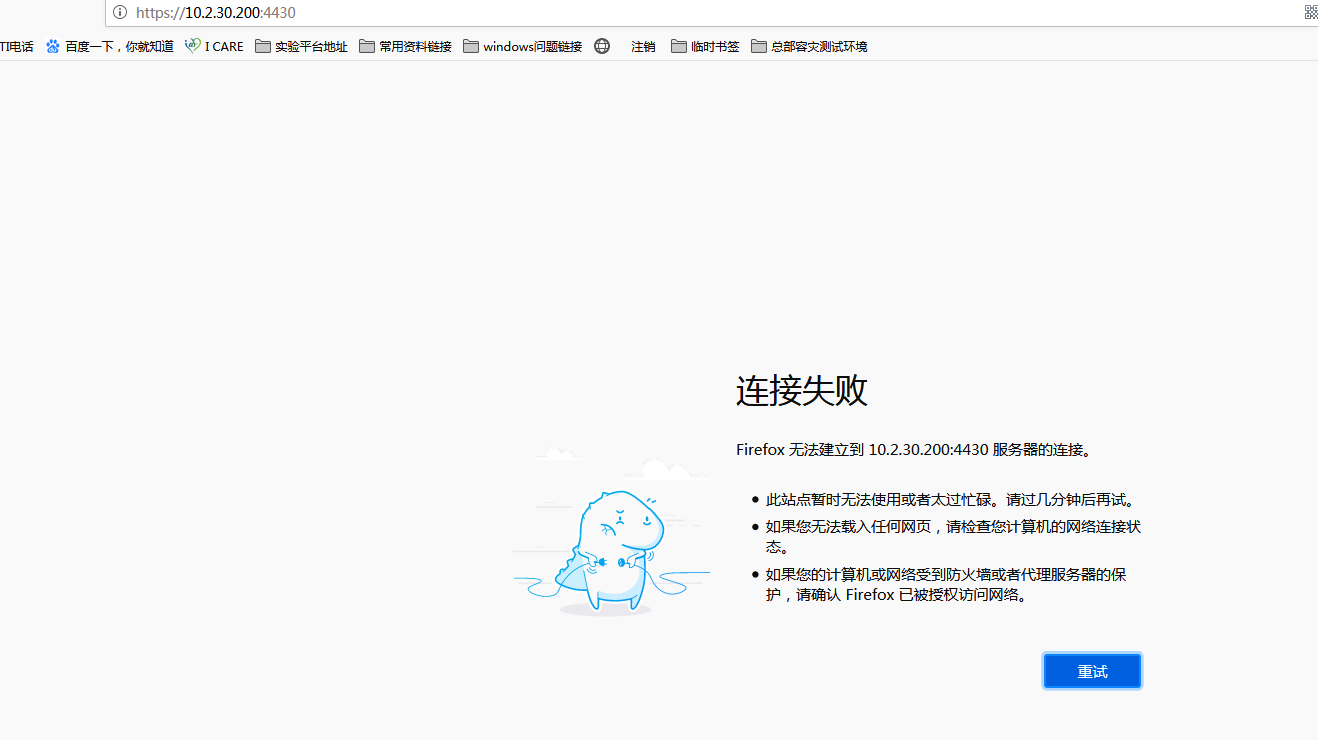
The cloud management console cannot be logged in and prompts that the connection failed
Warning Information
Effective troubleshooting steps
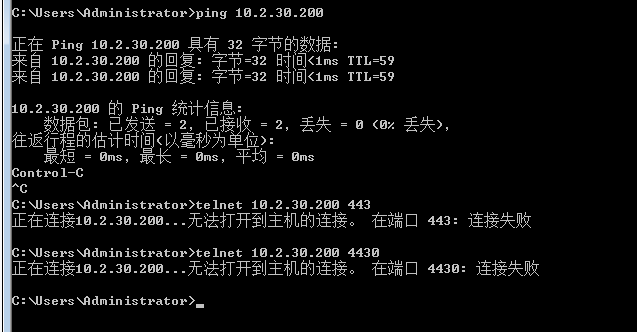
- Ping cloud management IP communication is normal, telnet port is unavailable
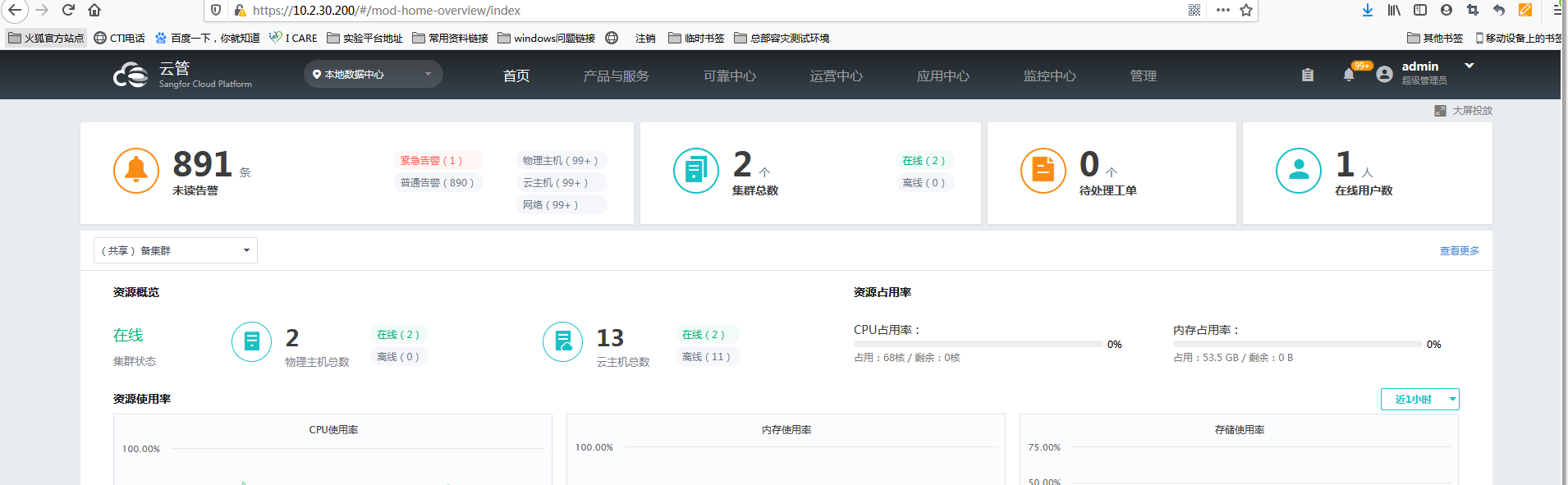
- Directly enter the cloud management IP to enter the console interface, enter the admin password to log in to the cloud management console normally
Root cause
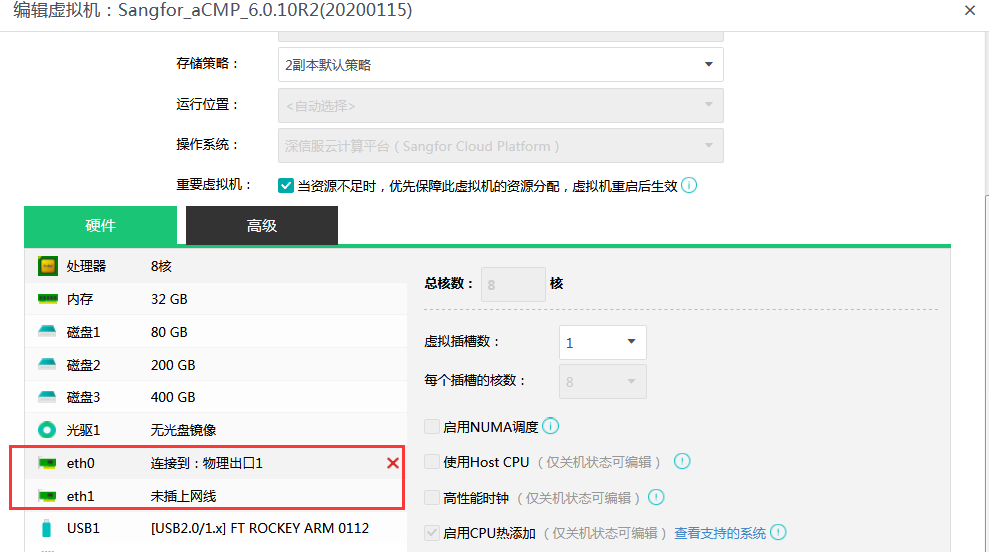
The cloud management system has two network cards:
- The IP of the first network card is the address for logging in to admin, so there is no need to add port 4430.
- The second network card IP is the Tenant address
solution
Log in directly using two network card IPs or delete one of the network cards (log in to the admin console using port 4430, and Tenant log in using IP)
Original Link
https://support.sangfor.com.cn/cases/list?product_id=36&type=1&category_id=19503&isOpen=true