
[SCP] VPC vAF Failed to Activate/Create
Issue Description
vAF in the tenant’s VPC failed to be activated.
Error/Warning Information
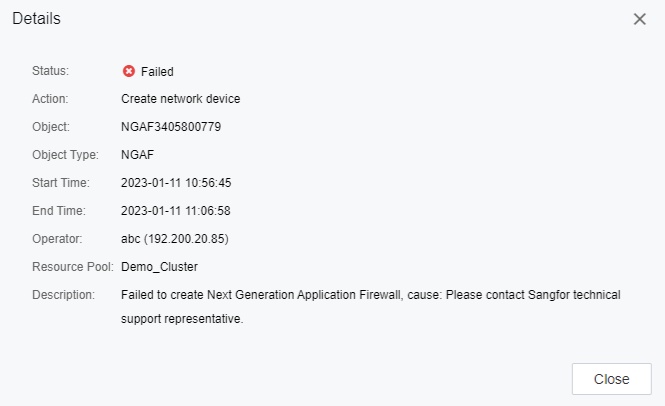
Error message:
Failed to create Next Generation Application Firewall, cause: Please contact Sangfor technical support representative.
Handling Process
- Login to the Tenant or Admin portal.
- Try to activate the vNGAF but failed.
- From HCI, the vAF is created but failed during the phase when importing the configuration sent from SCP.
Root Cause
HCI 6.8.0 have changed the parameter received which causes the issue.
Solution
Backend Modification (Temporary solution, may be reset after SCP reboot)
- SSH to the SCP backend.
- Navigate to the directory:
Command:cd /usr/lib/python2.7/site-packages/nebular/app/nfv/sso/af/ - Backup the base.py file:
Command:cp base.py base.py.bak - Clear the content of the base.py file:
Command:echo "" > base.py

- Copy the content of the attached base.py and paste into the backend base.py with vi or vim. (Note that the file base.py must be the original base.py, only the content in the file is changed, not the file itself)
Command:vim base.py - Verify the content of base.py and ensure it is in plain text format:
Command:cat base.py
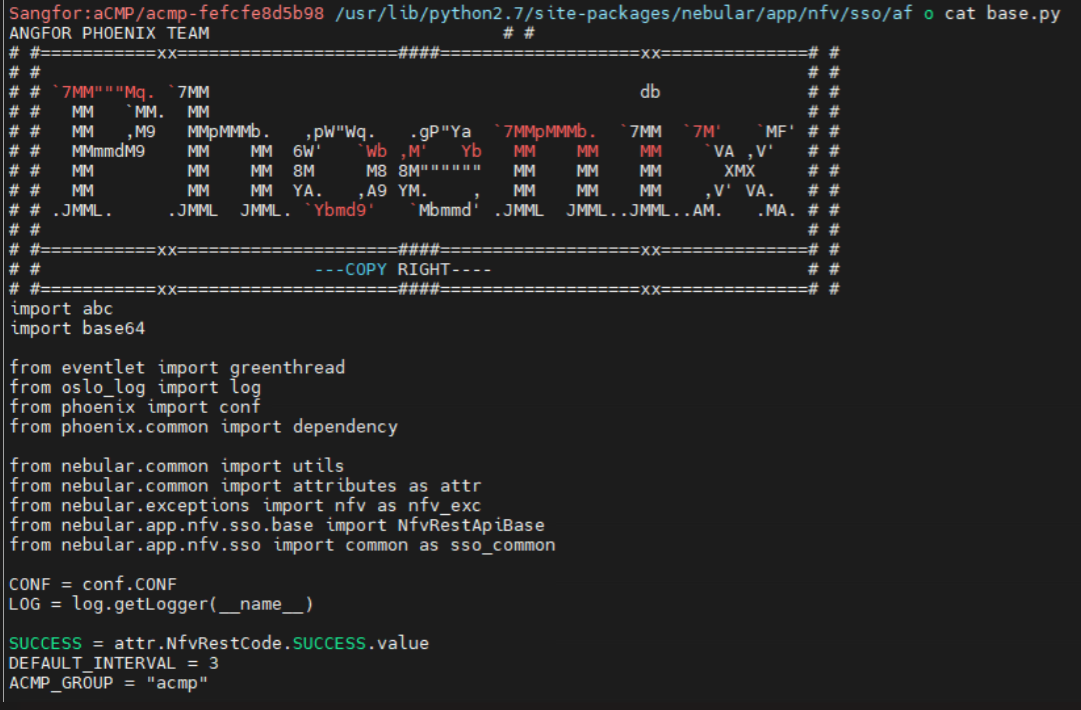
- Restart the network services of SCP. Please note that restarting this service will cause a distribution failure for network related task. Do not operate any task for 1-2 minutes.
Command:systemctl restart nebular.service
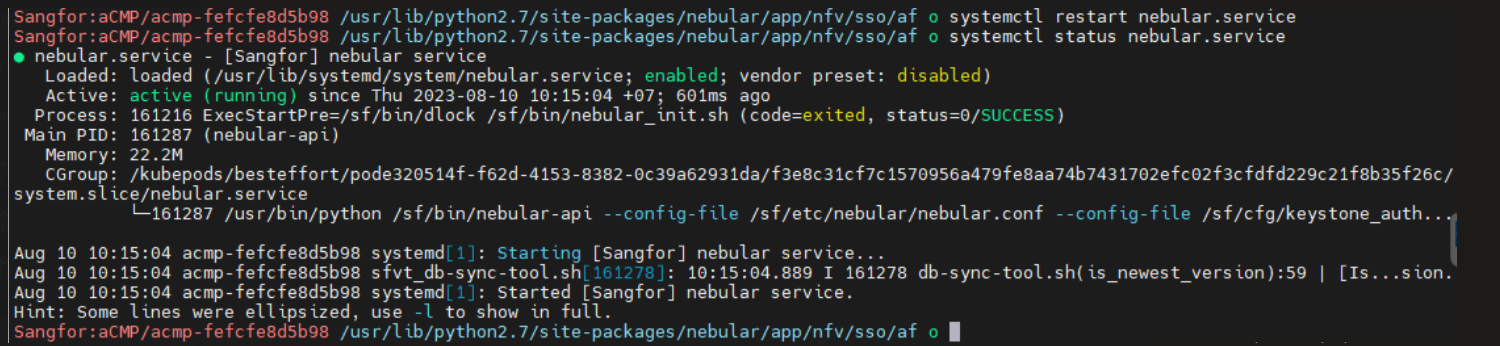
- If the nebular.service failed to start after replaced the file, revert the file and restart the service again.
Command:cd /usr/lib/python2.7/site-packages/nebular/app/nfv/sso/af/
mv base.py.bak base.py
systemctl restart nebular.service
Note: A patch for this issue is not yet released.