
【SIER】Failed to dial up
Issue Description
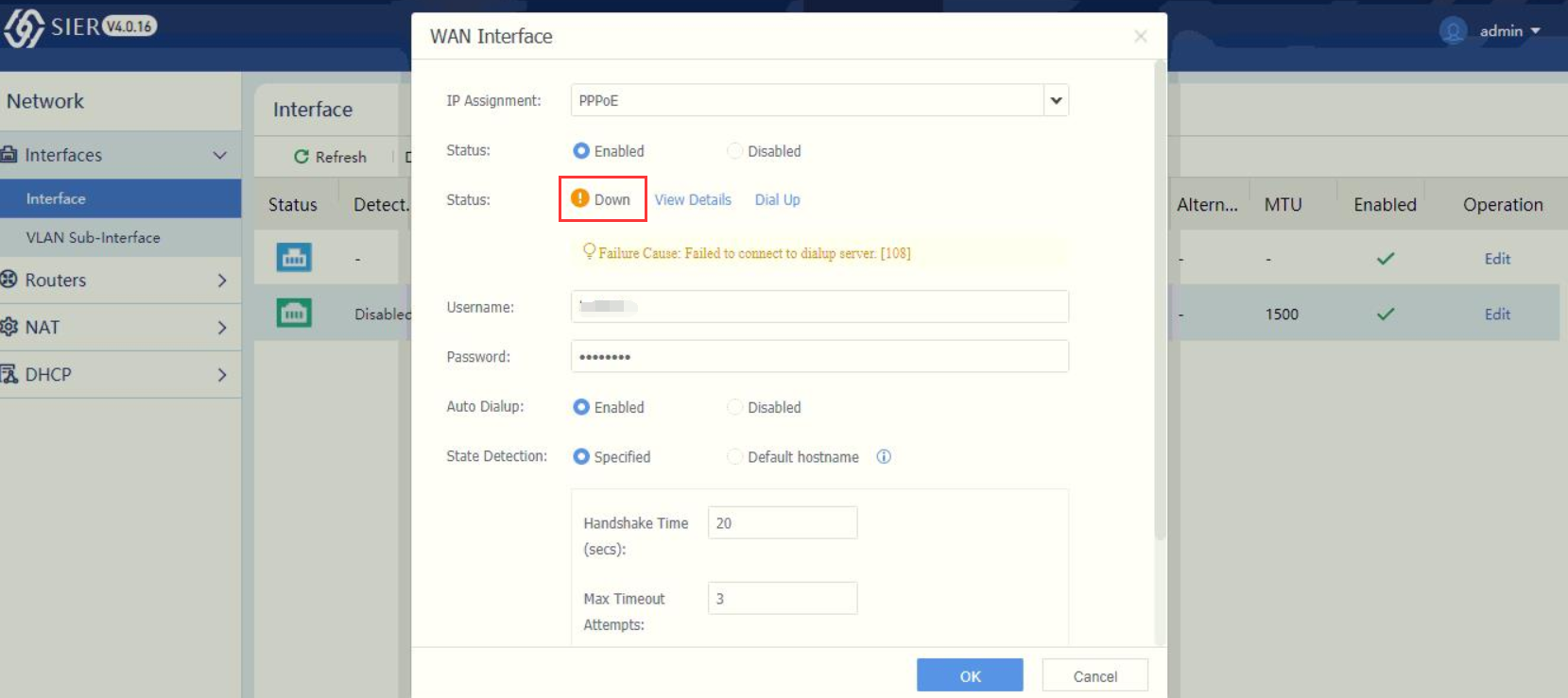
Customer feedback unable to use SIER to perform PPPoE dial up, tested on other device able to dial ip
Error/Warning Information
Handling Process
- Verify the username and password are correct.
- Verify that the ISP is not required vlan.
- Verified that ISP didn’t have MAC address binding, success to use PC dial up.
- After checking, found that the backend configuration have vlan configured.
- Try to change the vlan in UI, but found that backend will not change.
- Go to backend, vi /etc/sinfor/network/ppp.conf.
- remove vlan="xx", then try to perform dial up again.
Root Cause
There is a bug that caused the vlan configuration will not able to remove after configured/
Solution
Backend modification, can contact specialist to get patch as well.