
【SSLVPN】SSLVPN External Report Center only shows 2AM logs
Issue Description
When check today logs on SSLVPN external report center, it only displays 12AM to 2AM logs
Error/Warning Information
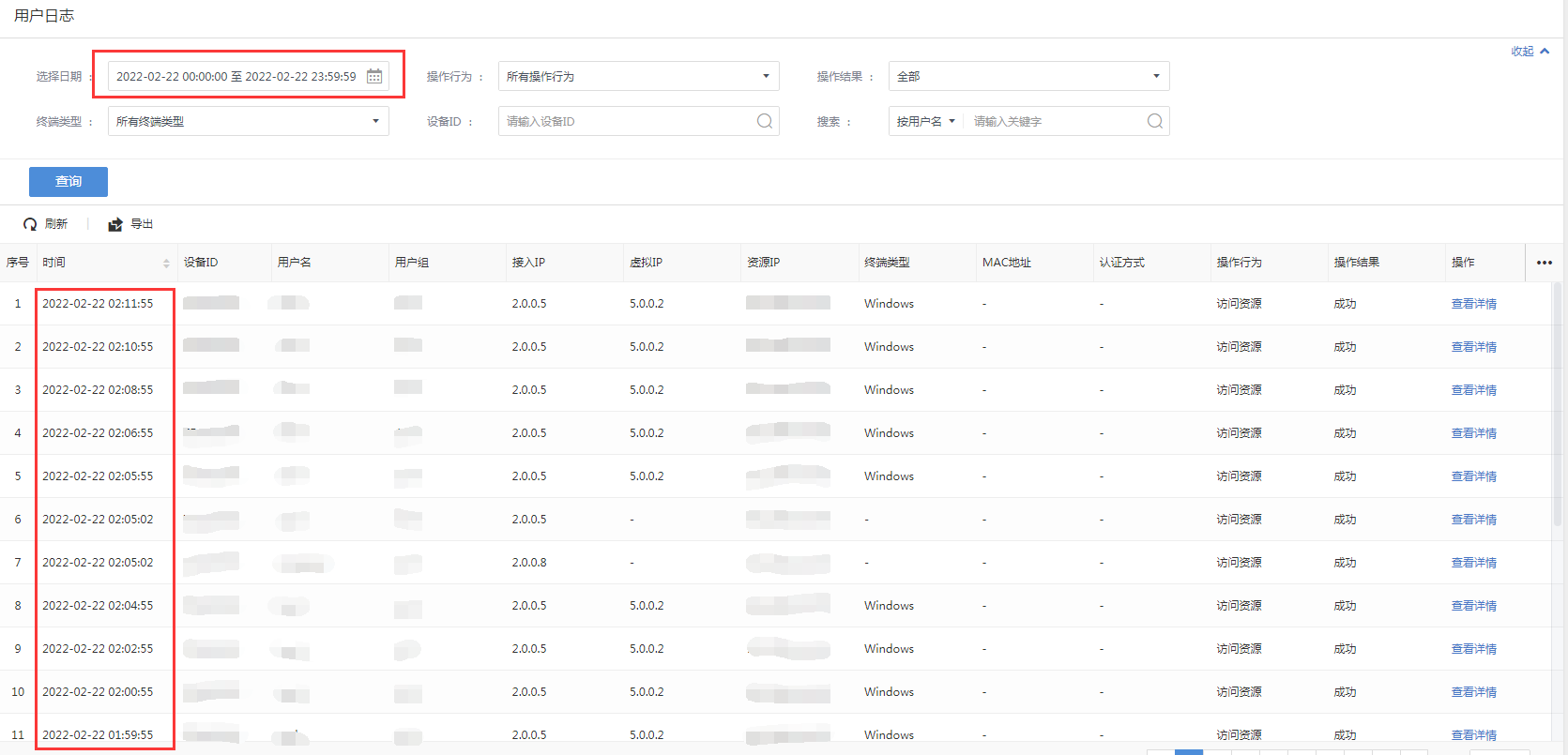
Handling Process
- Login External Report Center backend and perform packet capture with command tcpdump -i any -nnv -A -s "host device_IP and port 514" able to see traffic from SSLVPN device to report center.
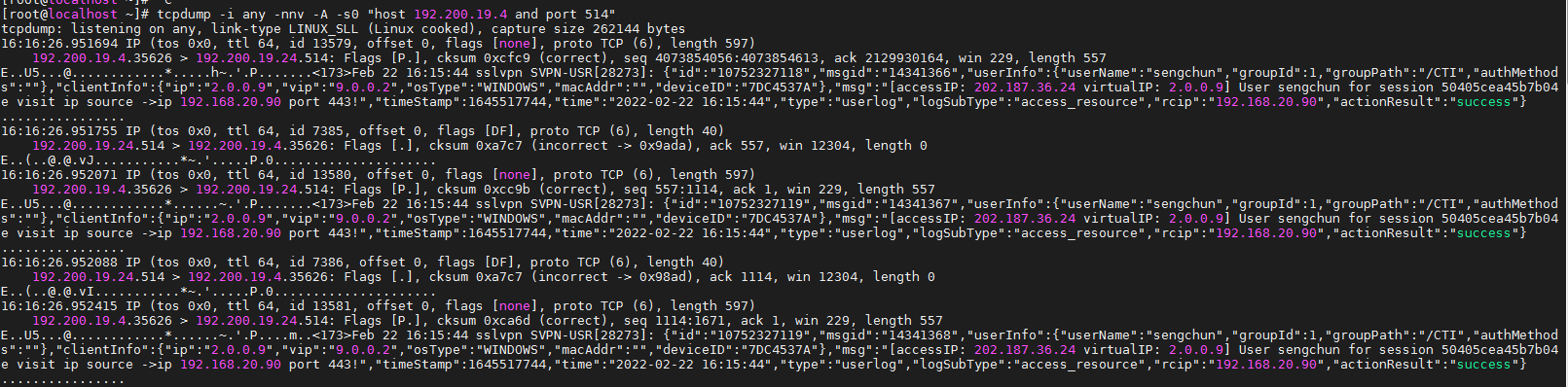
- Verified iptable allowed port 514 with command iptables -nvL |grep 514

- Checked database with command ls /data/log_data/store/sslvpn/dc/table/ and found latest log file is 20221231. Today is 20220222, latest log file should be 20220222, if 20221231 exists means that is abnormal log file.

- Check logs of 20221231 and found the actual logs stored in 20221231 is 20211231 logs.
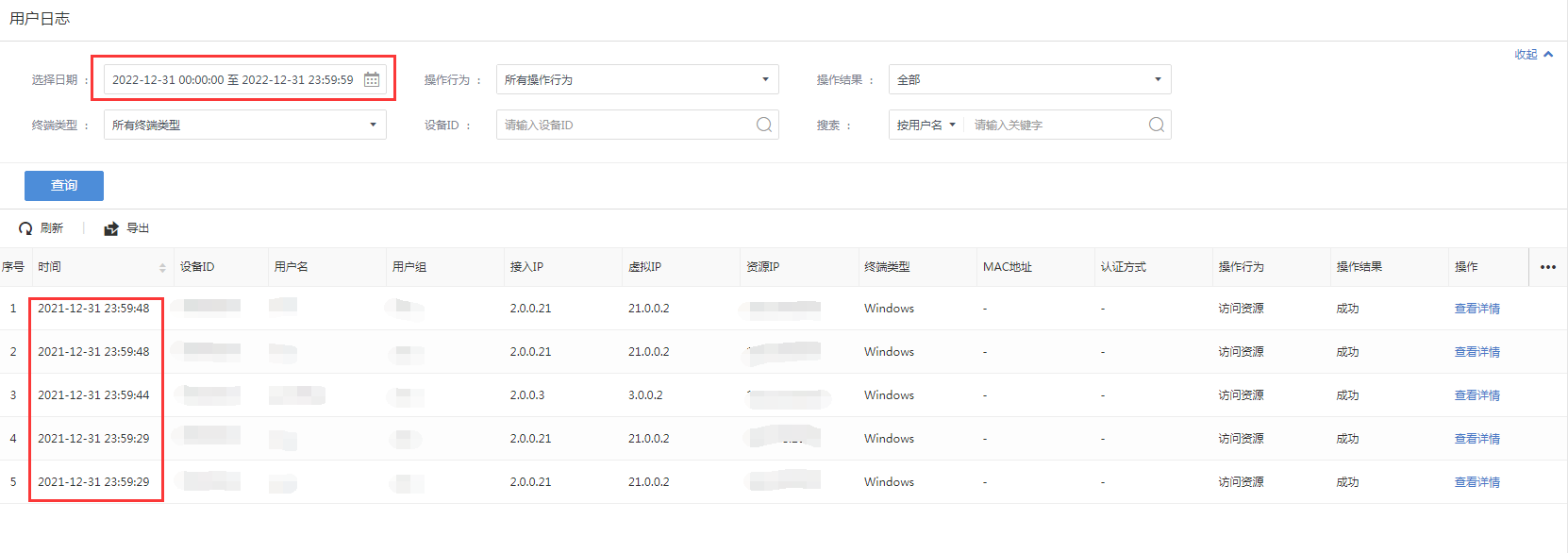
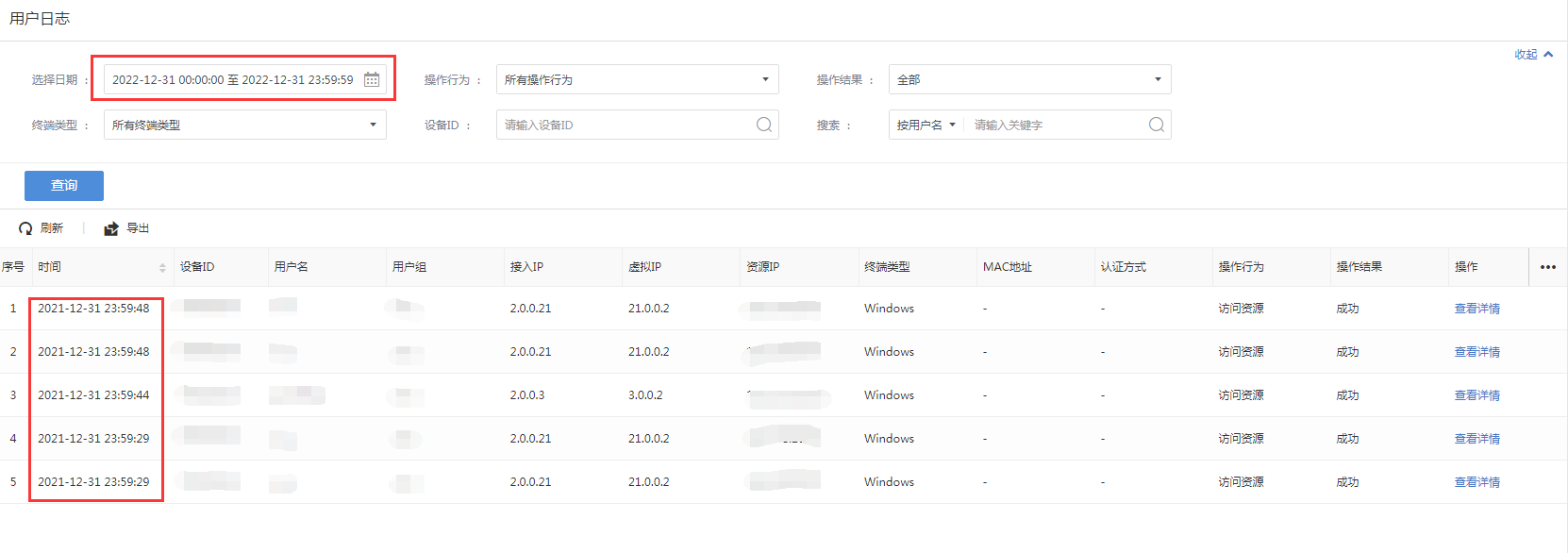
- Copy 20221231 data to 20211231 with command cp -r /data/log_data/store/sslvpn/dc/data/20221231/ /data/log_data/store/sslvpn/dc/data/20211231/

- Remove abnormal log file with command i. rm -rf /data/log_data/store/sslvpn/dc/data/20221231
ii. rm -rf /data/log_data/store/sslvpn/dc/table/20221231

- Restart service with command i. systemctl restart ldb_server ii. systemctl restart slog_server

Solution
Execute the following commands:
- cp -r /data/log_data/store/sslvpn/dc/data/20221231/ /data/log_data/store/sslvpn/dc/data/20211231/
2.rm -rf /data/log_data/store/sslvpn/dc/data/20221231
3.rm -rf /data/log_data/store/sslvpn/dc/table/20221231
4.systemctl restart ldb_server
5.systemctl restart slog_server